
Image: Adler-32 Hash Algorithm – Conceptual Overview
Published: January 9, 2026 at 10:13:39 PM UTC
Last updated: January 9, 2026 at 10:13:53 PM UTC
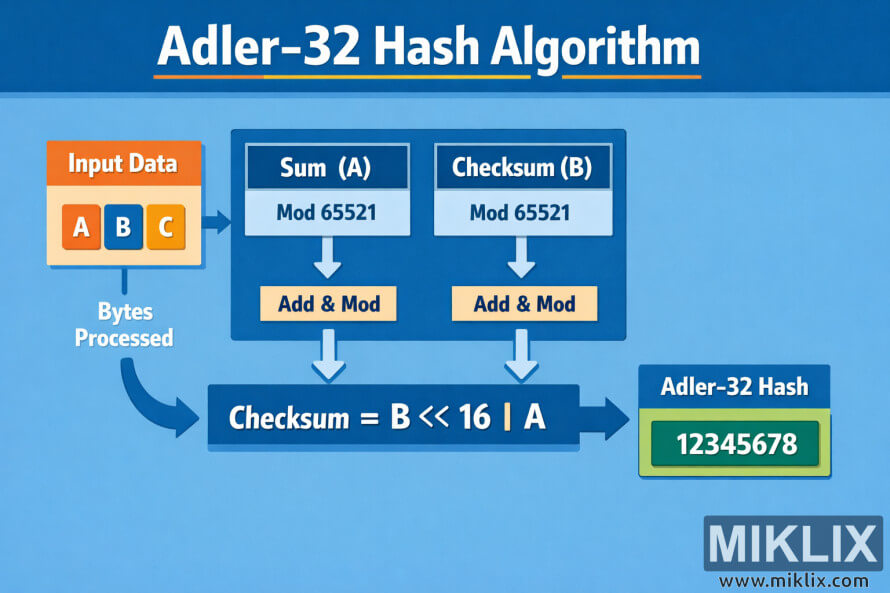
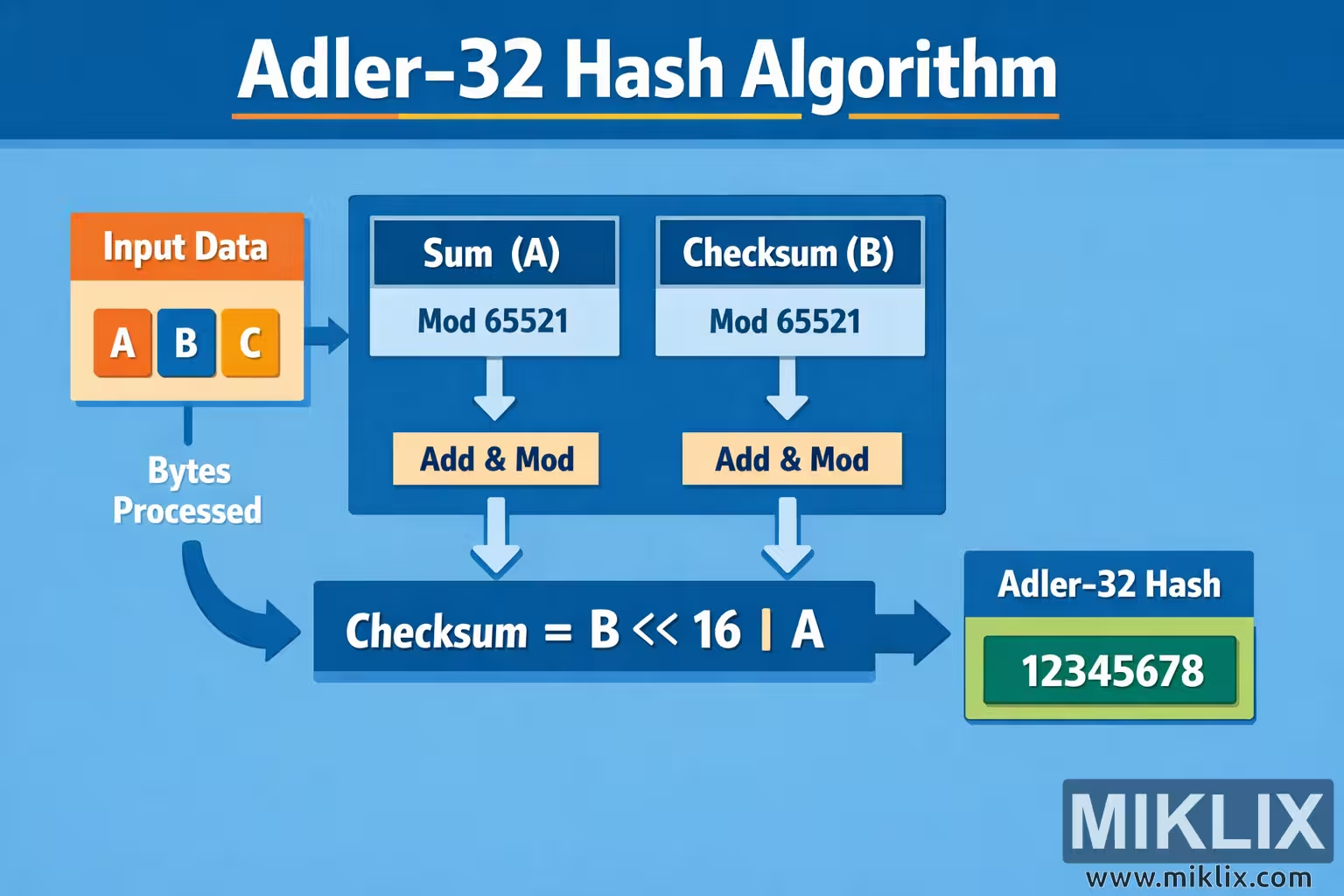
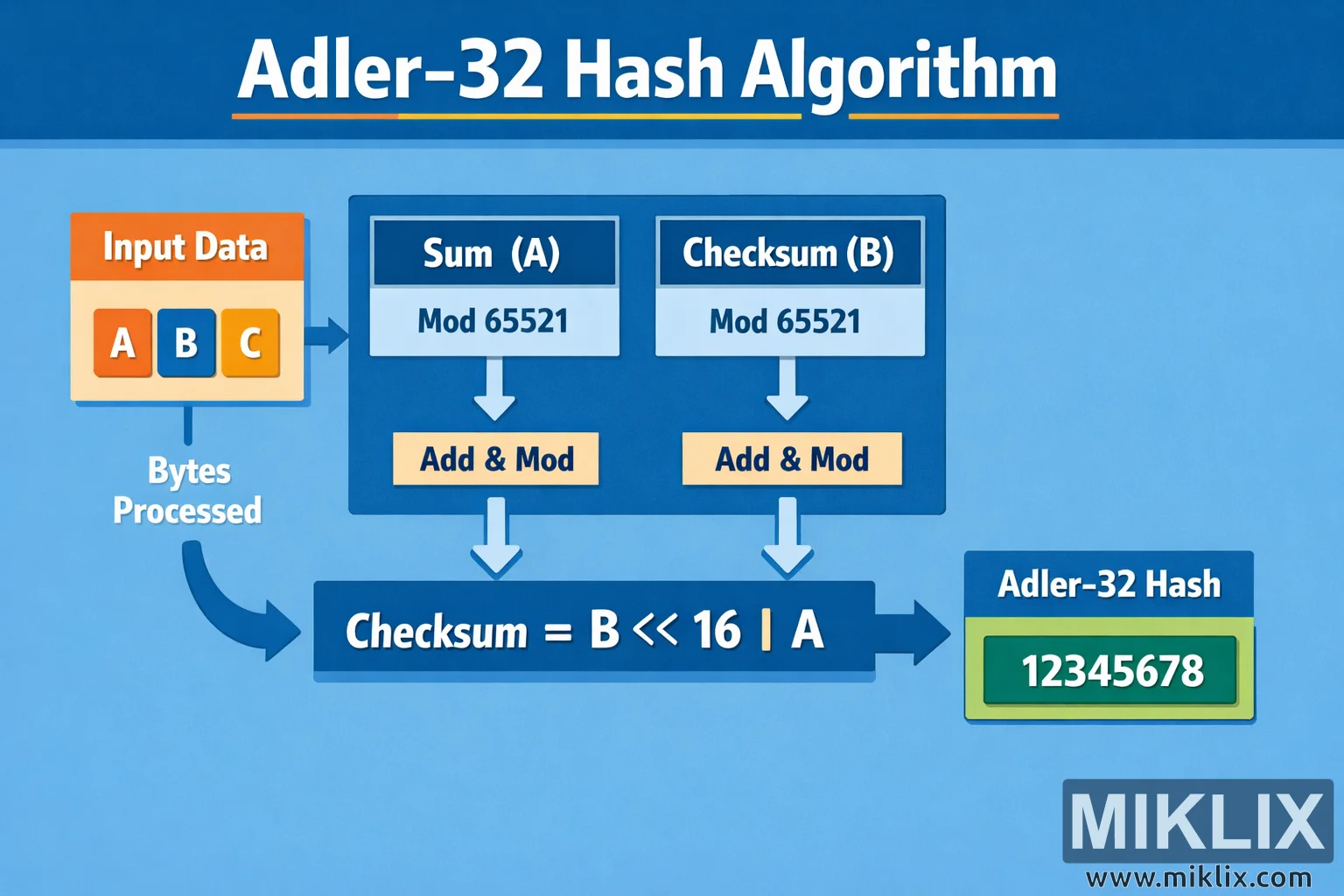
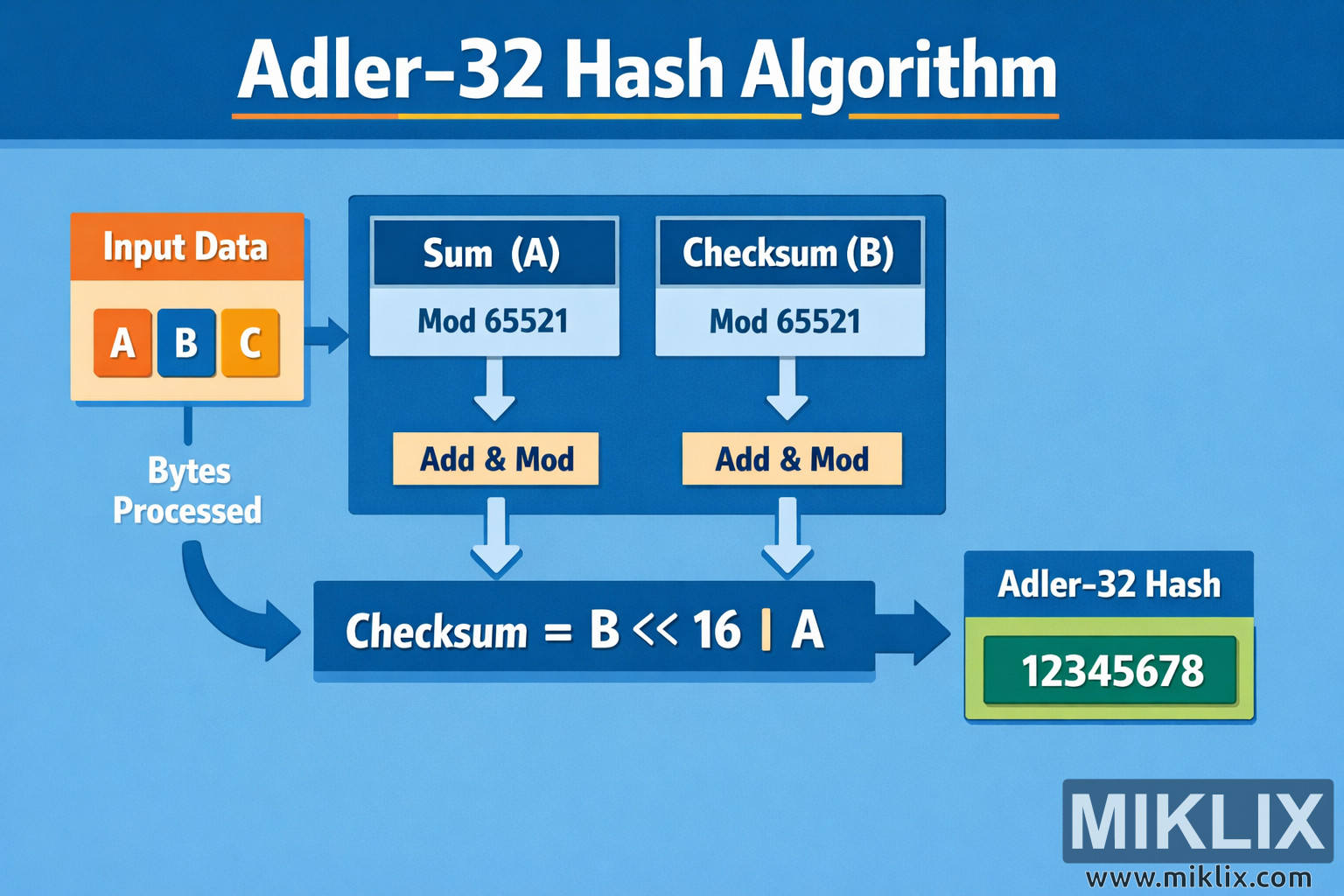
A clean, easy-to-understand visualization of the Adler-32 hash algorithm, illustrating how input bytes update two running values that are combined into a final checksum.
Available versions of this image
The image files available for download below are less compressed and higher resolution - and as a result of that, higher quality - than the images embedded in articles and pages on this website, which are more optimized for file size in order to reduce bandwidth consumption.
Regular size (1,536 x 1,024)
Large size (3,072 x 2,048)
Very large size (4,608 x 3,072)
Extra large size (6,144 x 4,096)
Comically large size (1,048,576 x 699,051)
- Still uploading... ;-)
Image description
The image is a wide, landscape-oriented infographic titled "Adler-32 Hash Algorithm" set on a blue gradient background. At the top center, the title appears in large white letters with thin orange divider lines on each side, creating a clean technical-diagram style. The composition flows from left to right, guiding the viewer through a simplified conceptual pipeline for how data is transformed into a checksum.
On the far left is a rounded orange panel labeled "Input Data." Inside this panel are three square blocks marked with the letters A, B, and C, symbolizing individual bytes or characters of incoming data without tying them to any specific numeric example. Beneath this panel, the words "Bytes Processed" are written in white, with a curved arrow sweeping downward and then toward the center of the image, indicating that the bytes are handled sequentially.
In the middle is a large dark-blue container representing the core of the algorithm. Inside it are two parallel columns. The left column is labeled "Sum (A)" and the right column is labeled "Checksum (B)." Each column contains a light-blue box that reads "Mod 65521," visually communicating that both running values are periodically reduced by a modulus, but without showing any concrete calculations. From each of these boxes, a white downward arrow points to a yellow button-style rectangle labeled "Add & Mod," suggesting that the algorithm repeatedly adds incoming data to each accumulator and applies a modulus operation in a loop.
Below the two columns, arrows converge toward a long horizontal bar that spans most of the width of the center area. This bar contains the text "Checksum = B << 16
A," showing in an abstract way that the two intermediate values are combined into a single 32-bit result. The diagram avoids any numerical examples beyond the generic labels, keeping the visualization conceptual rather than implementation-specific.
On the right side of the image is the final output panel. It is a rounded blue box with the heading "Adler-32 Hash" and, inside a green display-style rectangle, a placeholder value "12345678." This value is clearly illustrative rather than intended to be a real checksum. An arrow from the combination bar points to this output panel, completing the left-to-right flow.
Overall, the color palette is dominated by blues for structure, with orange and yellow accents for emphasis on inputs and operations. The layout is uncluttered, using arrows, rounded boxes, and consistent typography to make the high-level idea of the Adler-32 process easy to understand without relying on low-level or potentially error-prone details.
The image is related to: Adler-32 Hash Code Calculator