
Image: JOAAT Hash Algorithm – Visual Overview
Published: January 9, 2026 at 9:21:12 PM UTC
Last updated: January 9, 2026 at 9:21:33 PM UTC
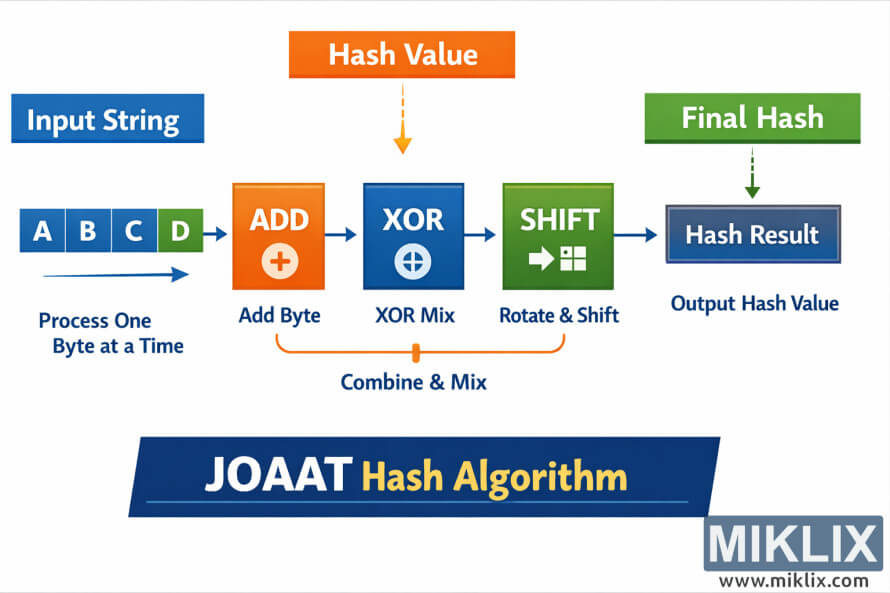
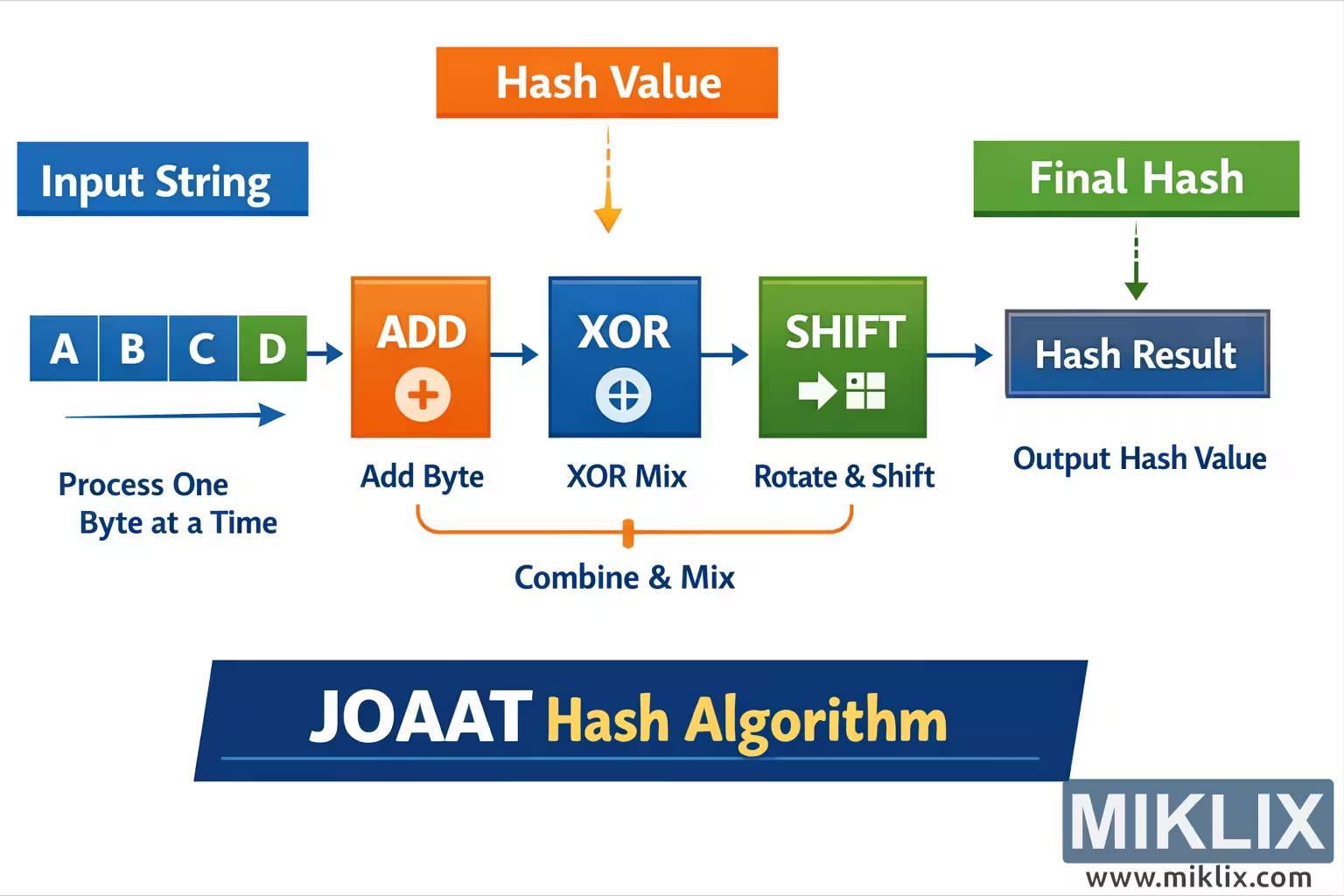
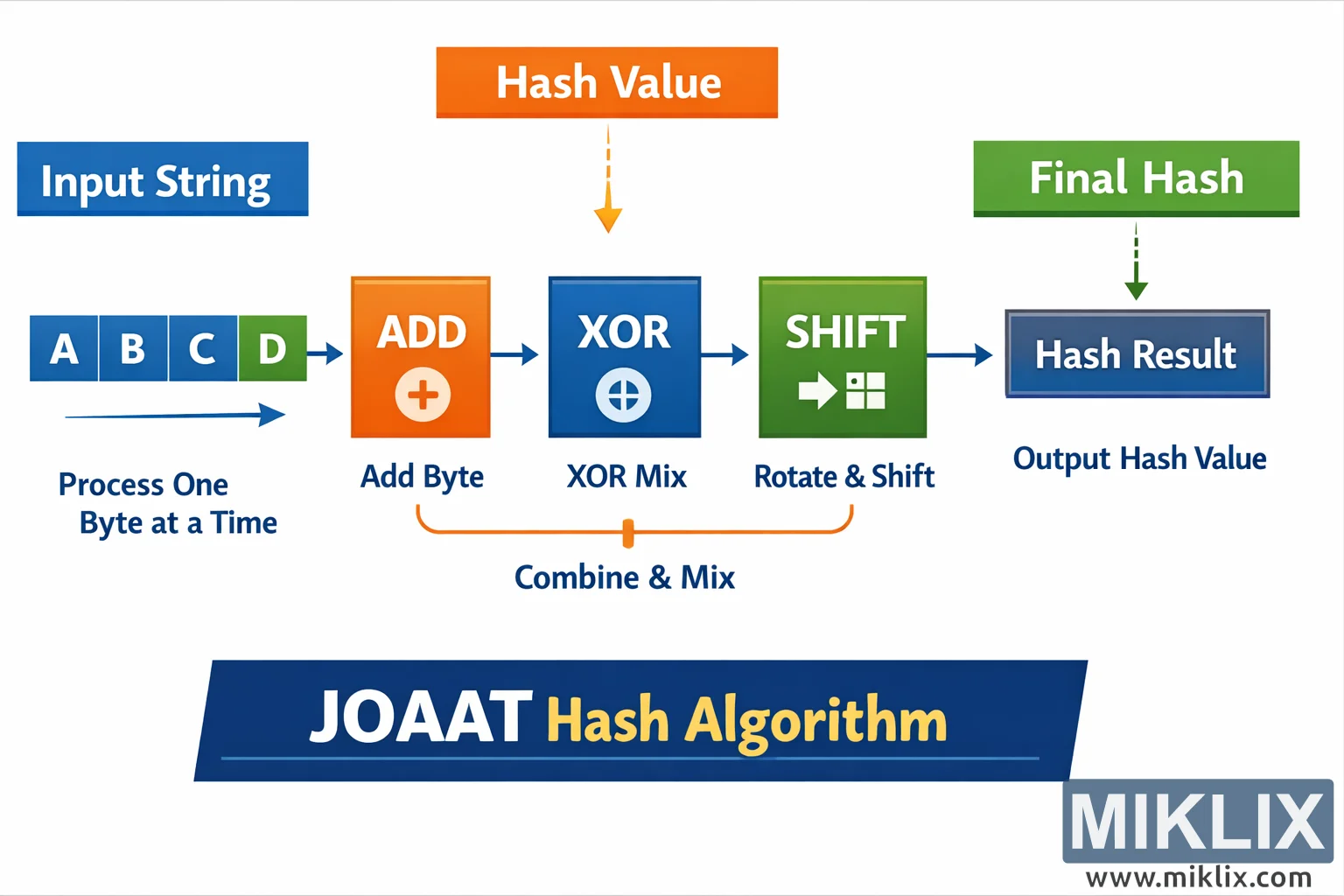
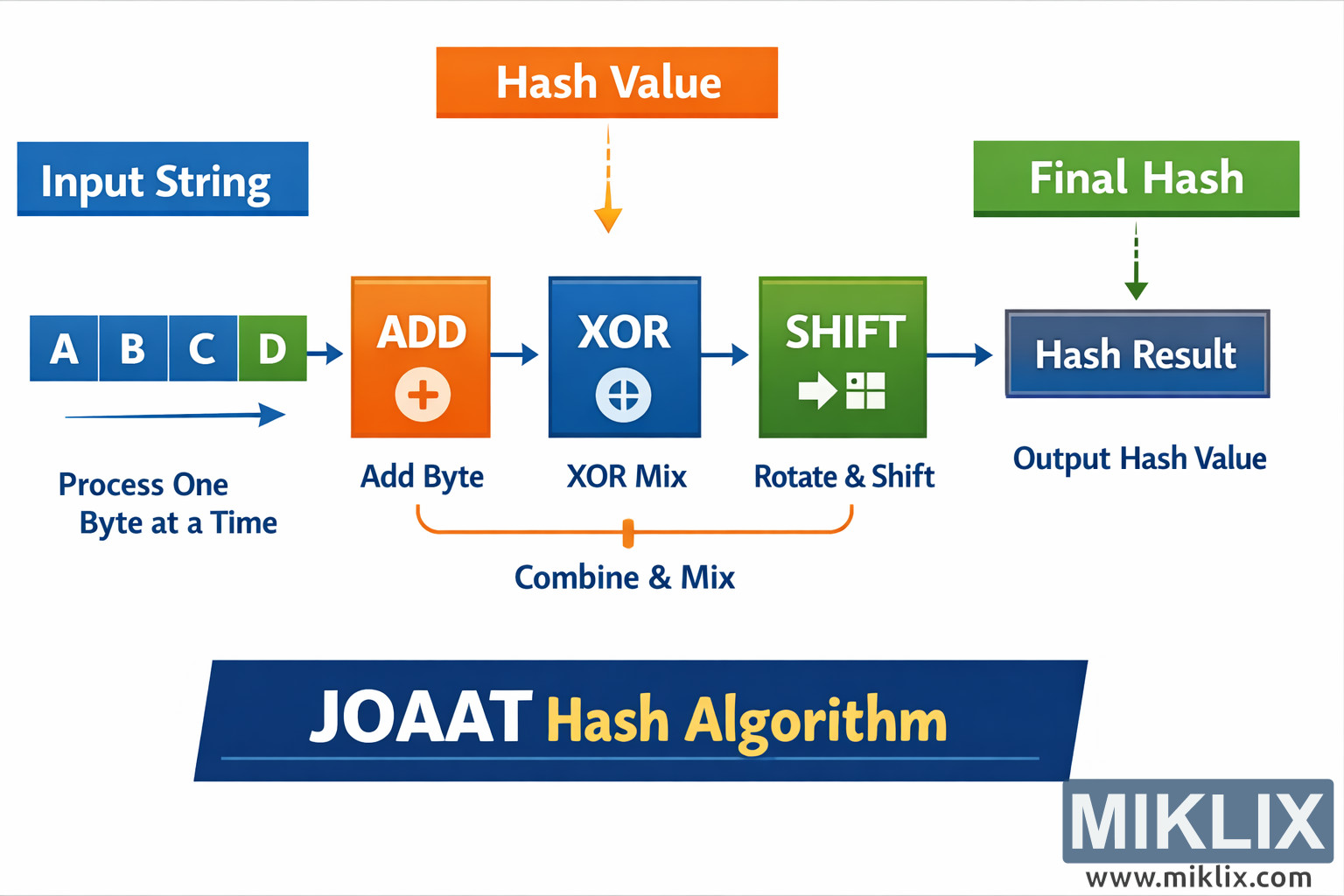
Landscape infographic explaining the JOAAT hash algorithm with a simple step-by-step flow from input string to final hash value.
Available versions of this image
The image files available for download below are less compressed and higher resolution - and as a result of that, higher quality - than the images embedded in articles and pages on this website, which are more optimized for file size in order to reduce bandwidth consumption.
Regular size (1,536 x 1,024)
Large size (3,072 x 2,048)
Very large size (4,608 x 3,072)
Extra large size (6,144 x 4,096)
Comically large size (1,048,576 x 699,051)
- Still uploading... ;-)
Image description
The image is a wide, landscape-oriented infographic that presents a high-level visualization of the JOAAT hash algorithm in a clean and friendly style. The layout flows from left to right, guiding the viewer through the core idea of how an input string is gradually transformed into a hash value.
On the far left, a blue header box labeled "Input String" introduces the starting point. Beneath it, a row of square tiles labeled with example characters such as A, B, C, and D represents the individual bytes or characters of the input. An arrow underneath these tiles and a short caption indicate that the algorithm processes the data one byte at a time, emphasizing that each character is handled sequentially rather than all at once.
The next stage is a large orange square labeled "ADD" with a plus symbol in the center. A right-pointing arrow leads from the input tiles into this box, visually communicating that the current byte is added into the running hash value. The orange color and bold iconography make this step stand out as the first part of the mixing process.
From the ADD block, another arrow points to a blue square labeled "XOR" with a circled XOR symbol. This block illustrates the mixing step where the accumulated value is combined with the input using an exclusive-or operation. The blue color distinguishes this operation from the previous one while keeping the palette consistent across the diagram.
The flow then continues into a green square labeled "SHIFT" or "Rotate & Shift" with a simple arrow-and-window style icon. This represents the bit shifting or rotating phase that further scrambles the bits of the hash value. Together, the ADD, XOR, and SHIFT boxes are grouped by a bracket or connector underneath them with a caption such as "Combine & Mix," clarifying that these steps work together to mix the input data into the evolving hash.
On the right side of the diagram, the process culminates in a dark blue rectangular box labeled "Hash Result" or "Output Hash Value." A green header above it reads "Final Hash," with a downward arrow pointing into the result box, reinforcing that this is the end product of the pipeline.
At the bottom of the image, a large, dark blue banner spans the width of the infographic and contains the title "JOAAT Hash Algorithm," with the word "Hash" highlighted in a contrasting yellow or gold color. The overall design uses simple arrows, high-contrast colors (blue, orange, and green), and minimal text to make the concept easy to grasp without diving into implementation-specific details. The visual tone is instructional and approachable, suitable for developers or students who want a conceptual overview of how JOAAT transforms an input string into a hash value.
The image is related to: JOAAT Hash Code Calculator