
Image: MD2 Hash Algorithm — Visual Overview
Published: January 10, 2026 at 7:58:28 PM UTC
Last updated: January 10, 2026 at 7:59:23 PM UTC
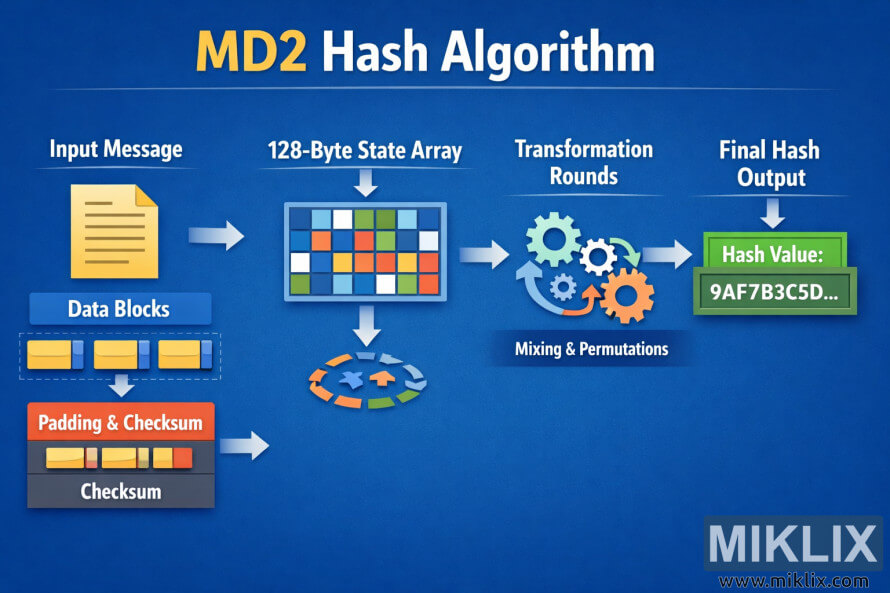
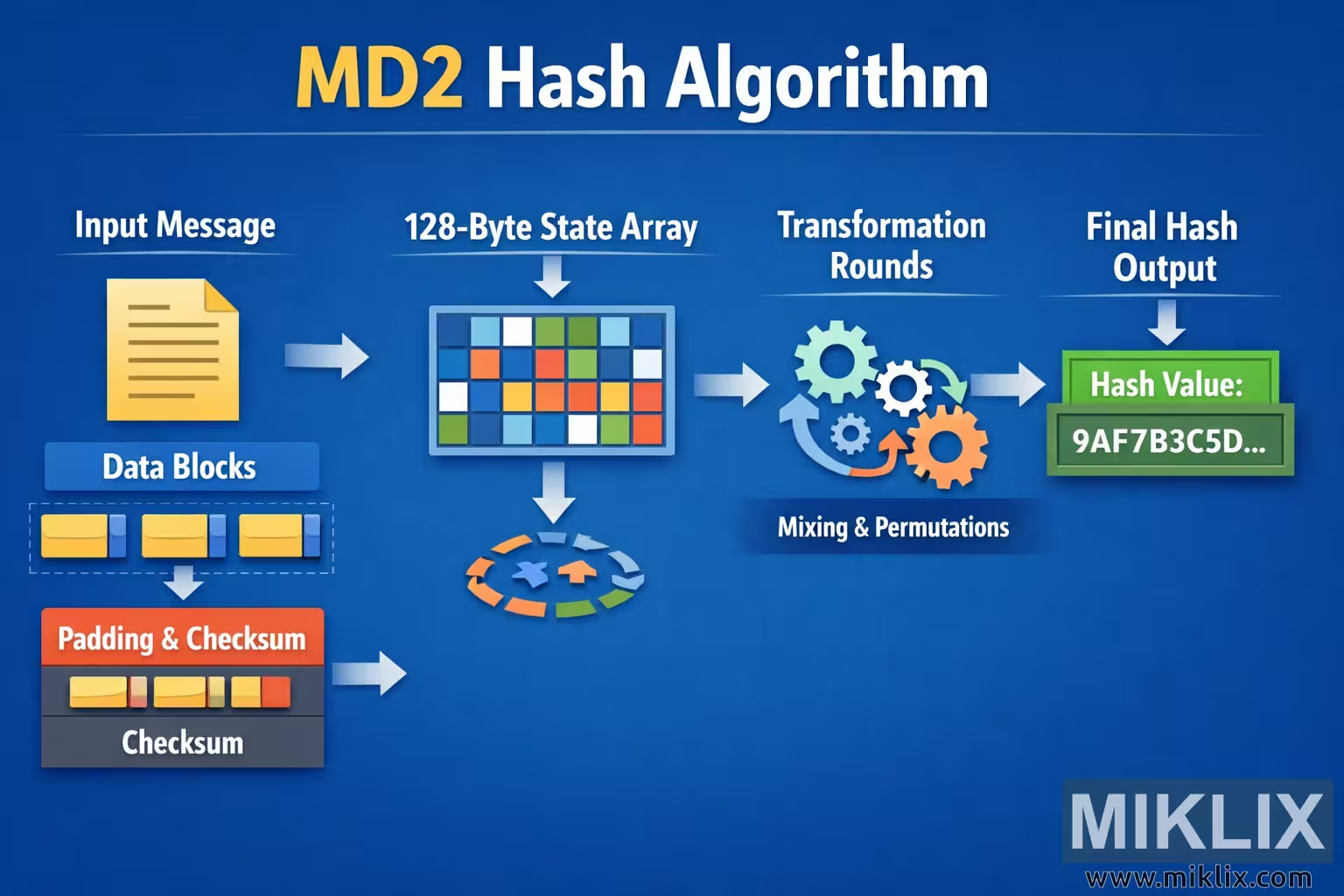
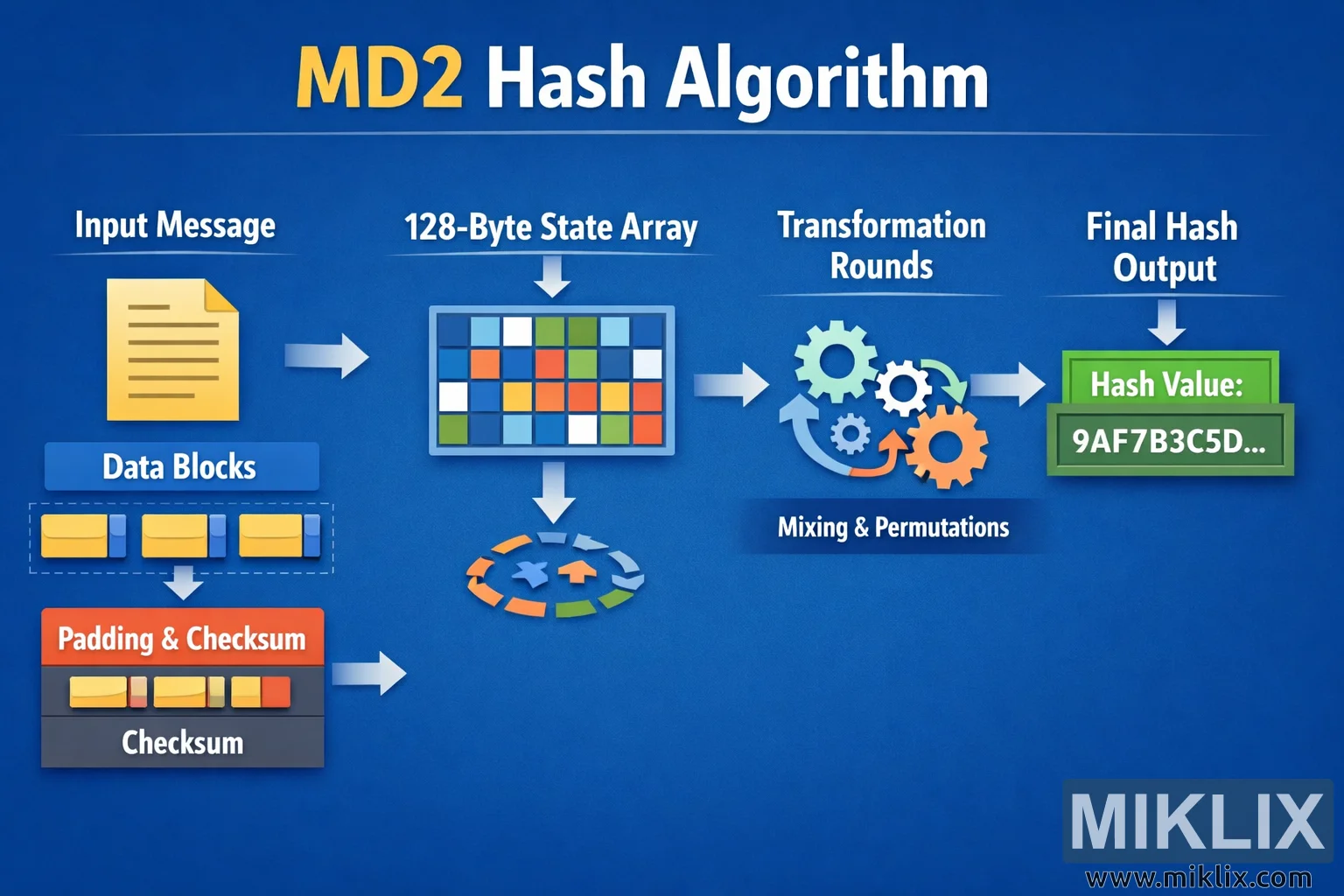
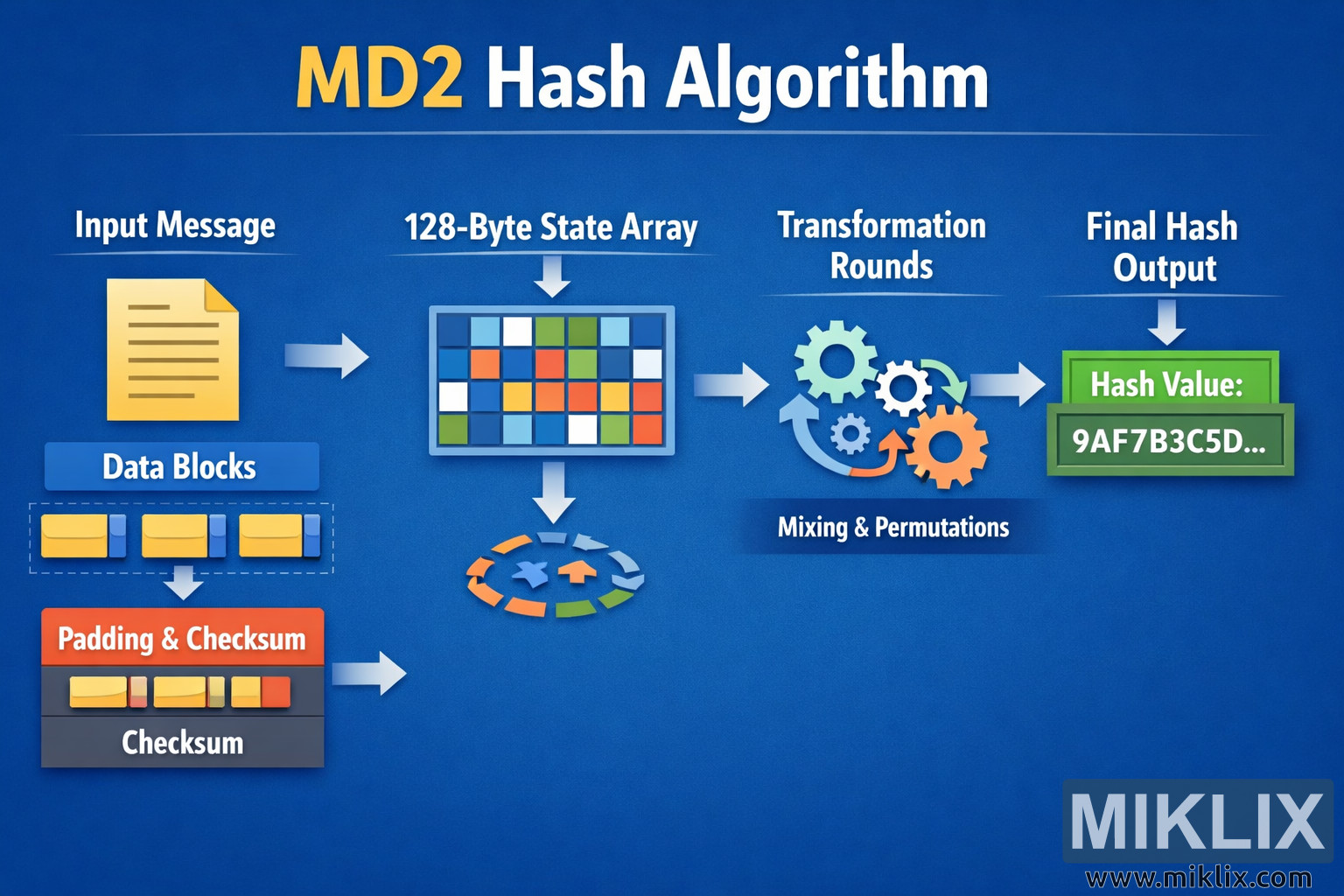
High-resolution landscape infographic explaining the MD2 hash algorithm with clear, simplified stages from input message to final hash value.
Available versions of this image
The image files available for download below are less compressed and higher resolution - and as a result of that, higher quality - than the images embedded in articles and pages on this website, which are more optimized for file size in order to reduce bandwidth consumption.
Regular size (1,536 x 1,024)
Large size (3,072 x 2,048)
Very large size (4,608 x 3,072)
Extra large size (6,144 x 4,096)
Comically large size (1,048,576 x 699,051)
- Still uploading... ;-)
Image description
This landscape infographic presents a clean, easy-to-follow visualization of the MD2 hash algorithm. A bold headline at the top center reads \"MD2 Hash Algorithm\" in large white and yellow lettering against a smooth blue gradient background, immediately identifying the topic. The entire diagram flows from left to right using thick white arrows to show how data moves through the algorithm.
On the far left, a stylized yellow document icon labeled \"Input Message\" represents the original data provided by the user. Beneath it is a blue panel titled \"Data Blocks\" that contains several small rectangular block icons, illustrating how the message is conceptually divided into fixed-size pieces before processing. A downward arrow leads from these blocks to a darker panel labeled \"Padding & Checksum.\" This panel contains short colored bar segments and the word \"Checksum,\" conveying that extra information is added to the message in preparation for hashing without diving into fragile implementation specifics.
From the left side of the image, a large white arrow points toward the center where a prominent box labeled \"128-Byte State Array\" is displayed. Inside this box is a grid of small, brightly colored squares in blue, green, orange, white, and yellow. The grid is intentionally abstract, symbolizing internal state memory rather than showing any precise values. A circular arrow graphic beneath the grid hints at repeated internal updates and internal cycling of data.
Moving further right, another arrow leads to a section titled \"Transformation Rounds.\" Here, several interlocking gear icons in light blue and orange are arranged in a semi-circular pattern. Curved arrows around the gears and the caption \"Mixing & Permutations\" indicate that the state is repeatedly transformed through internal operations. This part of the design communicates the idea of complexity and diffusion without exposing sensitive or error-prone technical parameters.
Finally, on the far right, the process ends at a green box labeled \"Final Hash Output.\" Inside this box, a sample hash placeholder such as \"Hash Value: 9AF7B3C5D…\" is shown in bold, emphasizing that the algorithm produces a fixed-length digest. The trailing ellipsis makes it clear that the value is only illustrative.
Overall, the infographic uses consistent color coding, large readable fonts, and minimal text to convey the conceptual flow of the MD2 hash algorithm: starting from the input message, breaking it into blocks, preparing it with padding and a checksum, updating an internal state through multiple transformation rounds, and finally producing a hash output. The design avoids fragile or overly specific details, focusing instead on an intuitive high-level explanation suitable for learners and presentations.
The image is related to: MD2 Hash Code Calculator