
Image: Whirlpool Hash Algorithm — Conceptual Flow Visualization
Published: January 9, 2026 at 11:15:00 PM UTC
Last updated: January 9, 2026 at 11:15:40 PM UTC
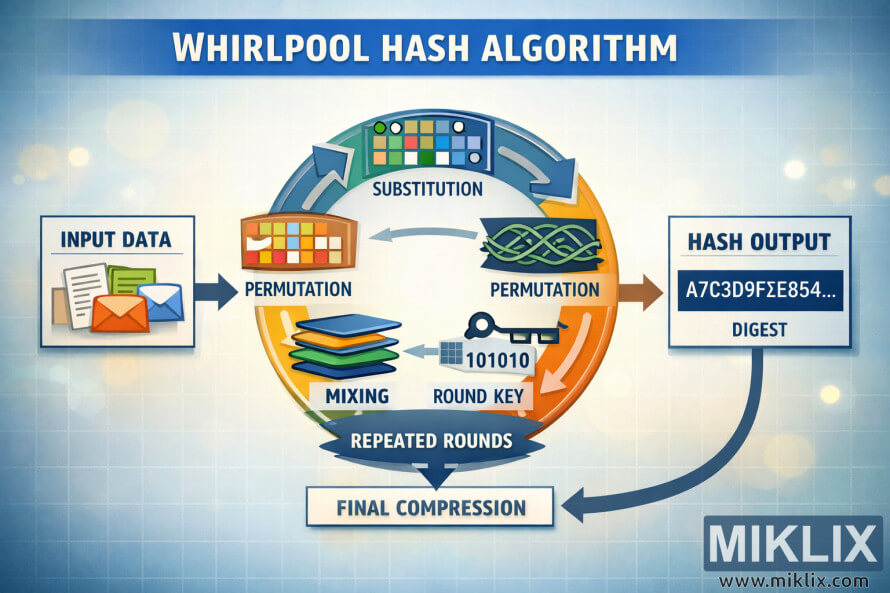
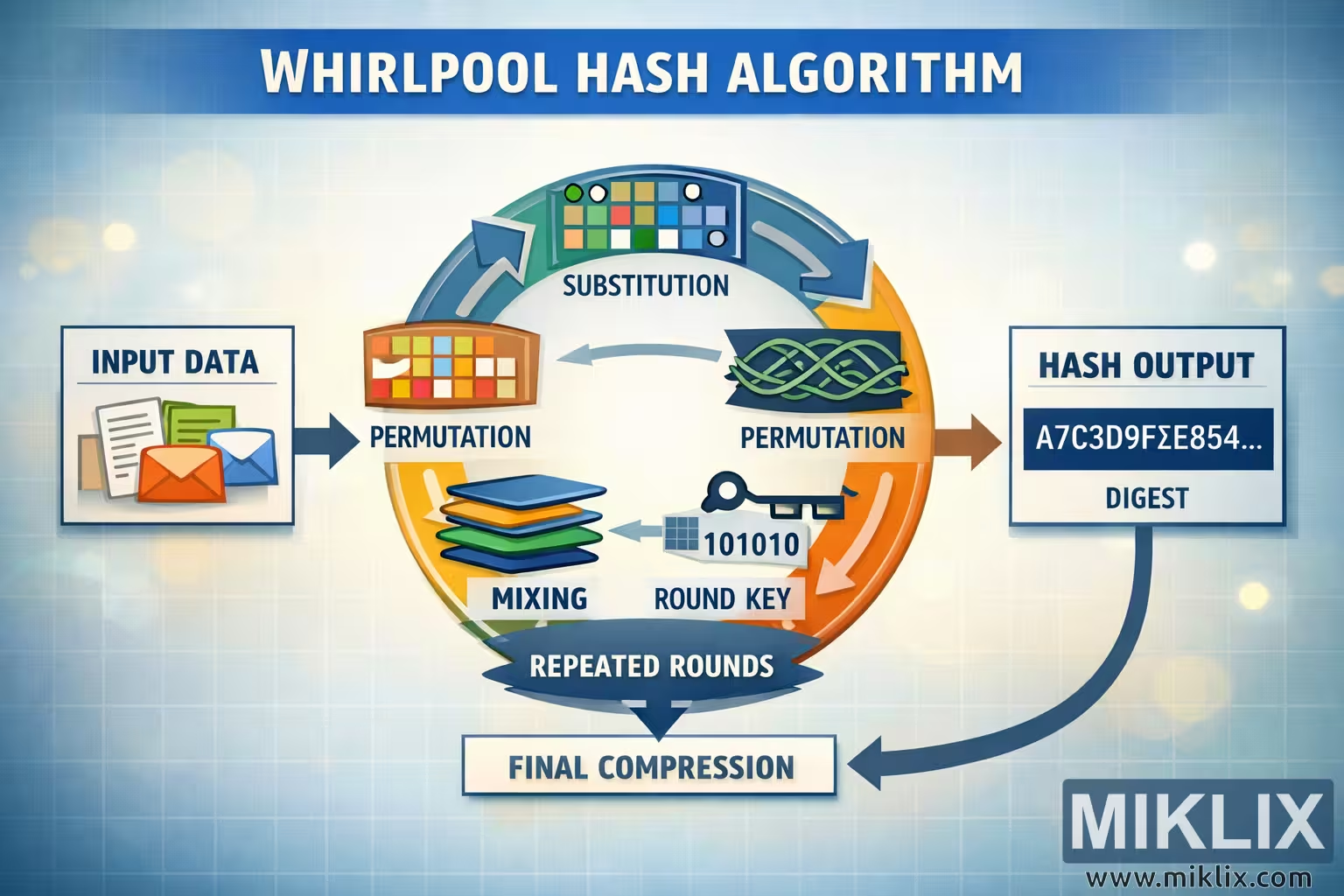
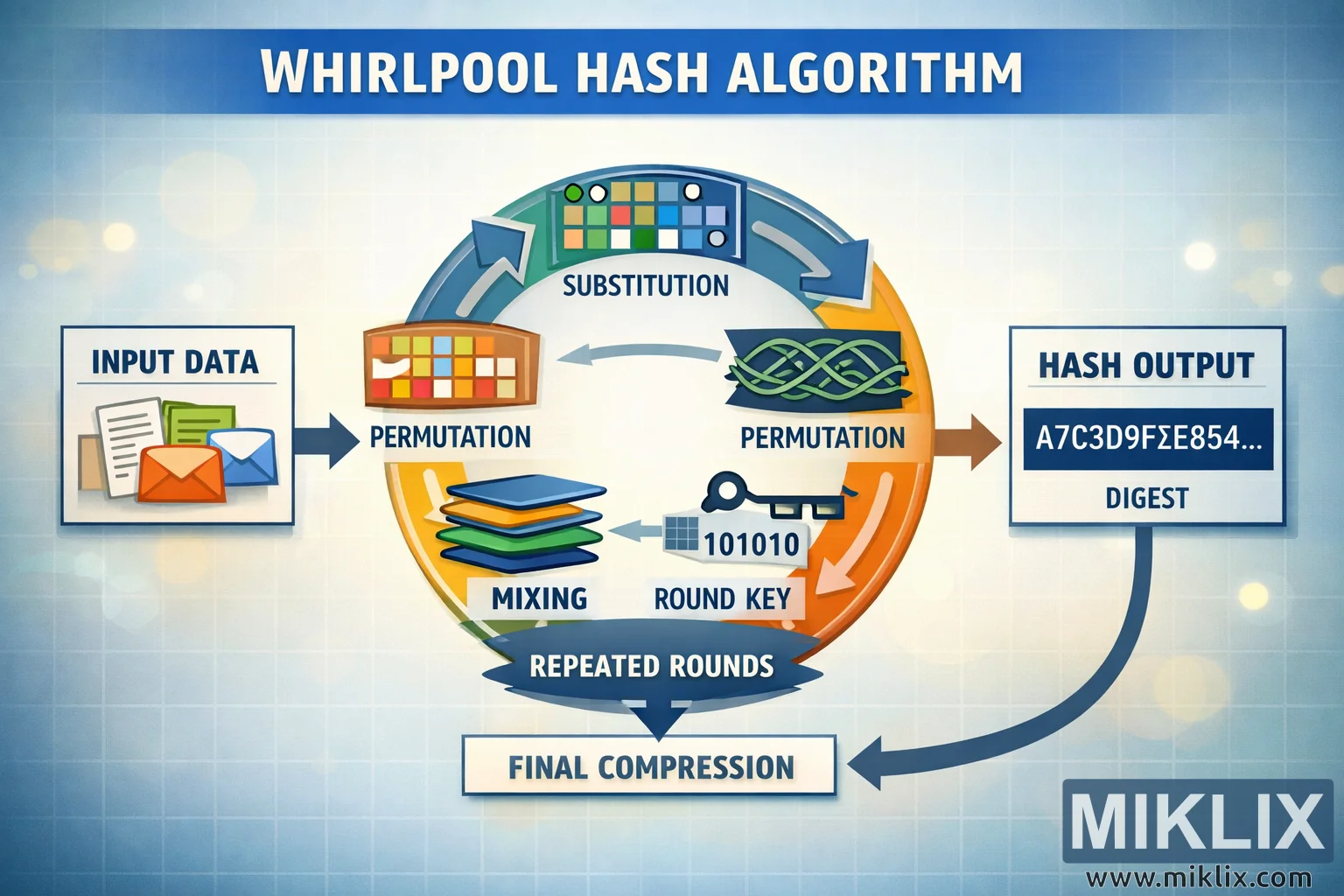
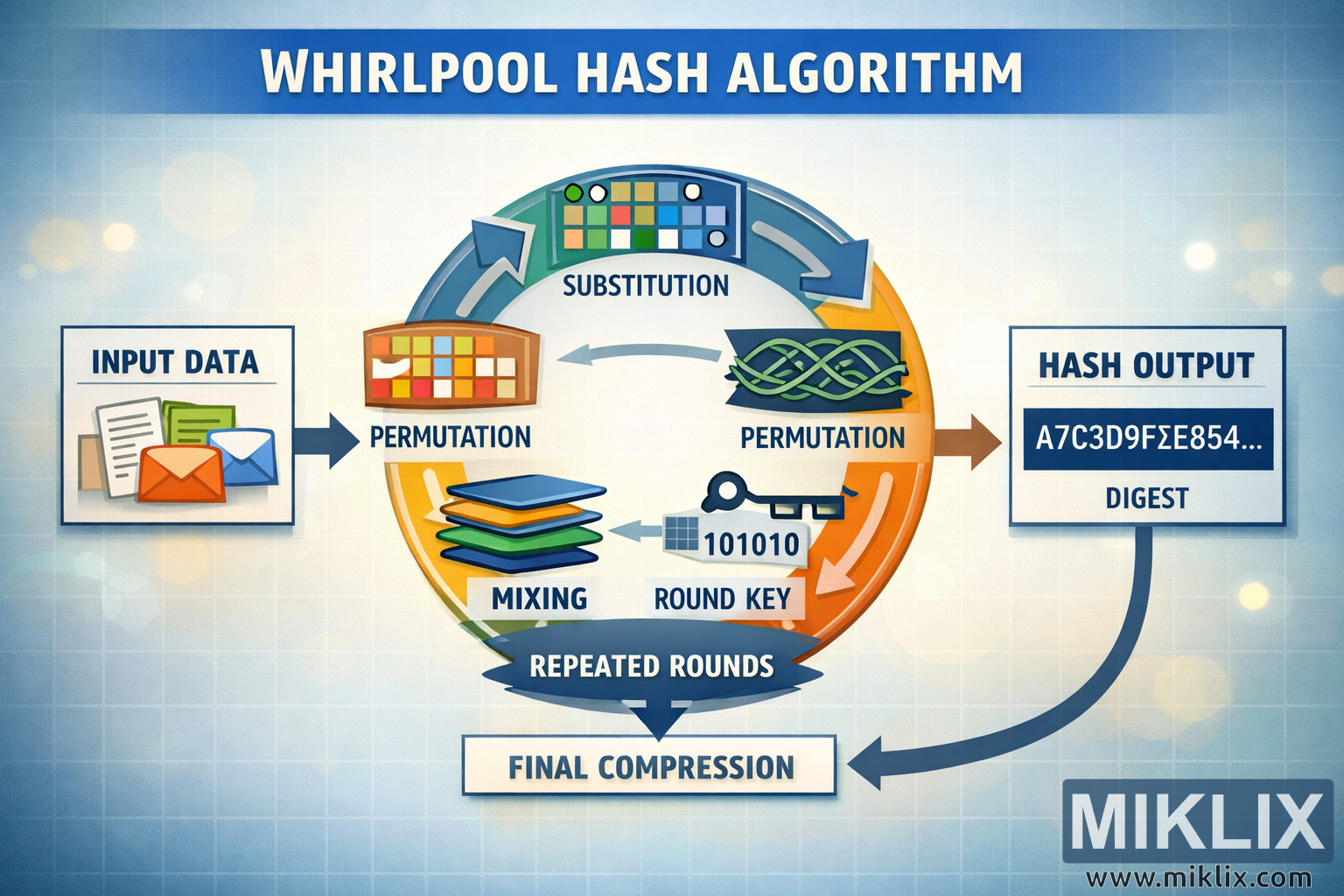
High-resolution landscape infographic explaining the Whirlpool hash algorithm with clearly labeled stages such as substitution, permutation, mixing, round keys, repeated rounds, and final compression.
Available versions of this image
The image files available for download below are less compressed and higher resolution - and as a result of that, higher quality - than the images embedded in articles and pages on this website, which are more optimized for file size in order to reduce bandwidth consumption.
Regular size (1,536 x 1,024)
Large size (3,072 x 2,048)
Very large size (4,608 x 3,072)
Extra large size (6,144 x 4,096)
Comically large size (1,048,576 x 699,051)
- Still uploading... ;-)
Image description
The image is a wide, landscape-oriented infographic that visually explains the Whirlpool hash algorithm at a high, conceptual level without committing to any low-level technical specifics. A clean blue grid background gives the impression of a technical blueprint, while soft light effects add visual depth without distracting from the main flow. At the very top, a bold banner reads "WHIRLPOOL HASH ALGORITHM" in large, white capital letters, establishing the subject clearly.
On the left side of the graphic, a rectangular panel labeled "INPUT DATA" contains simple icons representing generic digital information: stacked documents, a small file card, and an envelope. These icons suggest that any form of data — text, files, or messages — can serve as the input to the hash function. A thick arrow points from this input panel toward the center of the image, guiding the viewer into the main processing area.
The center is dominated by a large circular workflow ring, visually communicating the idea of repeated internal transformations. The ring is divided into several color-coded segments, each with its own label and simple illustrative icon. At the top of the circle, a segment labeled "SUBSTITUTION" shows a small grid of multicolored squares, implying that pieces of data are replaced or transformed. Moving clockwise, the next segment is labeled "PERMUTATION" and features an intertwined ribbon-like graphic, indicating that data elements are rearranged. Another "PERMUTATION" label appears on the left side of the circle, paired with a block-grid icon, reinforcing that rearranging steps happen in multiple places. Below that, a segment labeled "MIXING" is illustrated by a stack of layered, differently colored plates, conveying the idea of combining or blending internal state values.
On the lower right portion of the circle is a segment labeled "ROUND KEY". Its icon shows a small key next to a short binary-style number string, symbolizing that each round introduces additional transformation material. Beneath the circular ring, a ribbon banner reads "REPEATED ROUNDS", emphasizing that the operations in the circle are not executed once, but many times in succession. Directly below this banner, a rectangular box labeled "FINAL COMPRESSION" suggests a concluding stage where the internally transformed state is condensed into the final result.
From the right side of the circle, a bold arrow leads to a panel labeled "HASH OUTPUT". Inside this panel is a stylized hexadecimal-looking string ending with ellipses, visually representing a fixed-length digest without specifying any real parameters. A curved arrow loops back from the output area toward the bottom of the diagram, visually tying the final compression and output together and reinforcing the idea of a well-defined, closed process.
Overall, the image uses clear arrows, simple icons, and high-contrast colors to make the high-level structure of the Whirlpool hashing process easy to grasp, while deliberately avoiding any exact implementation details that could become outdated or misleading.
The image is related to: Whirlpool Hash Code Calculator