
Image: Hunt and Kill Maze Generation Algorithm Explained
Published: January 10, 2026 at 8:06:49 PM UTC
Last updated: January 10, 2026 at 8:07:00 PM UTC
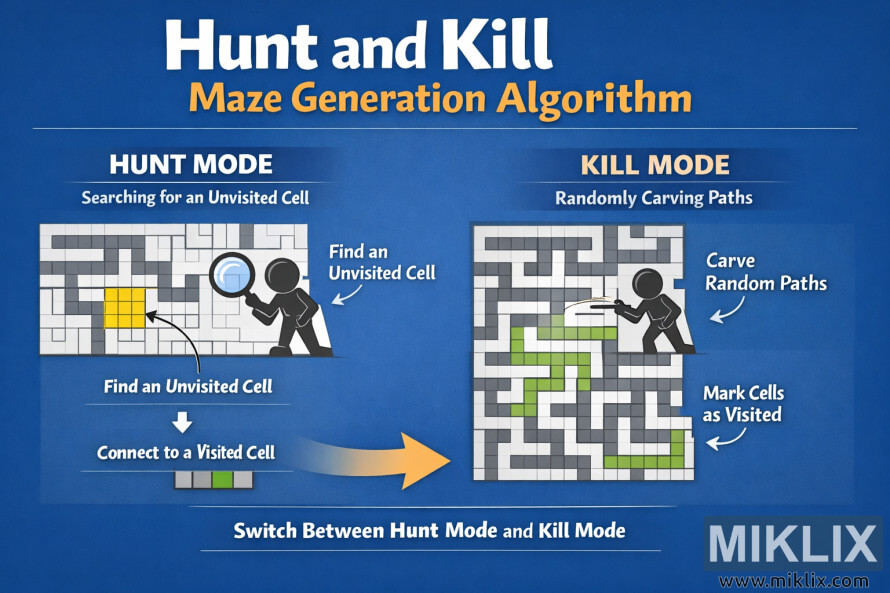
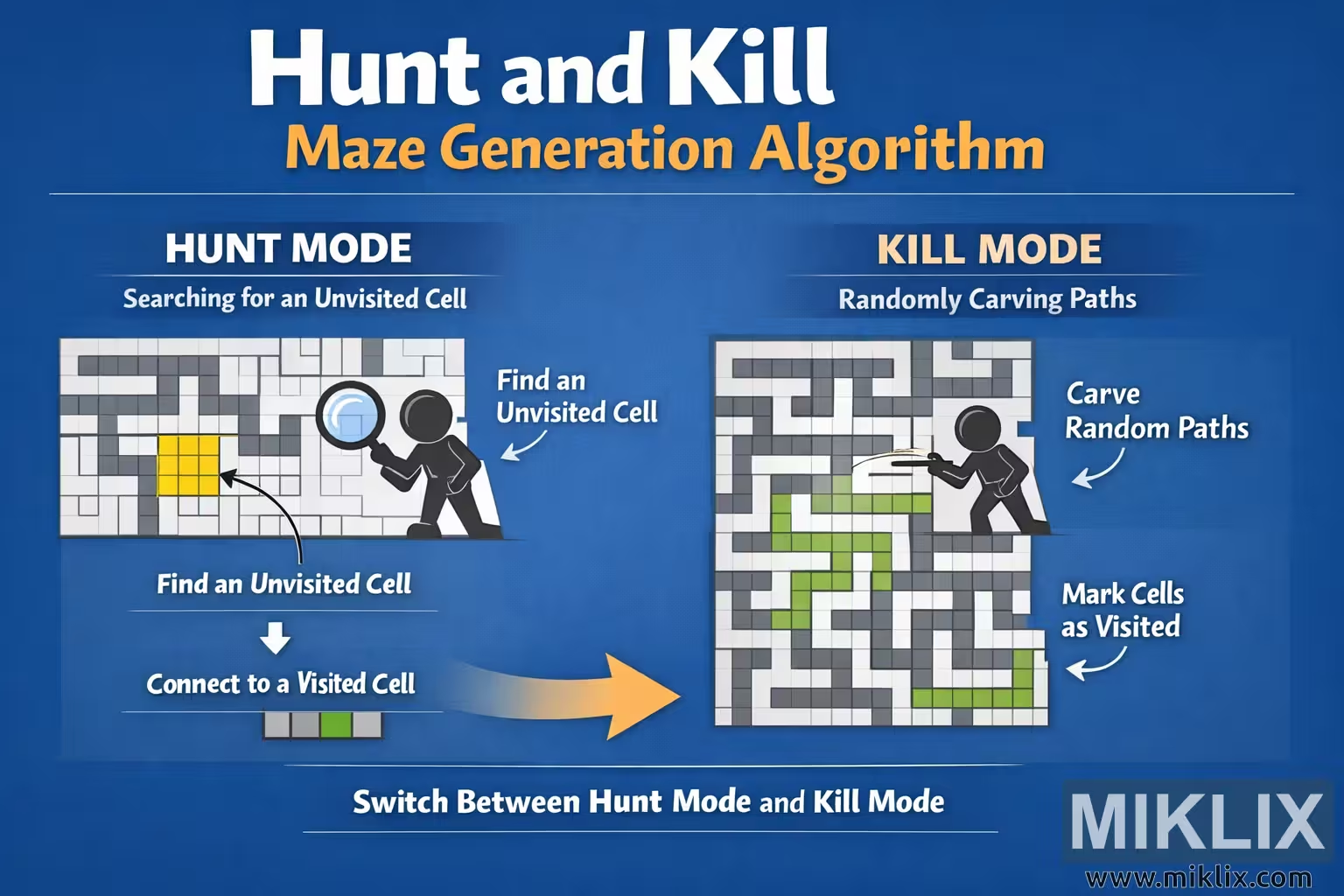
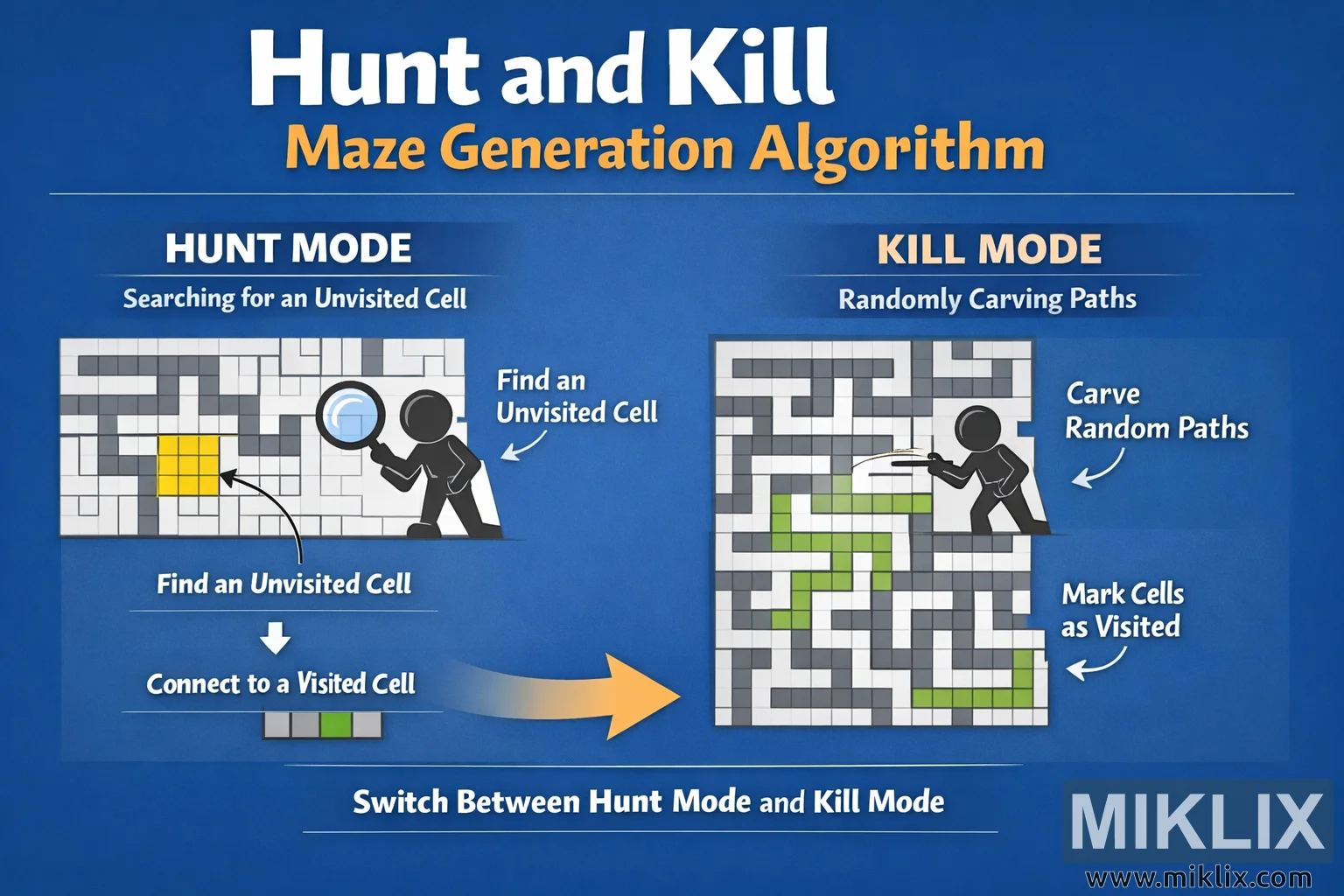
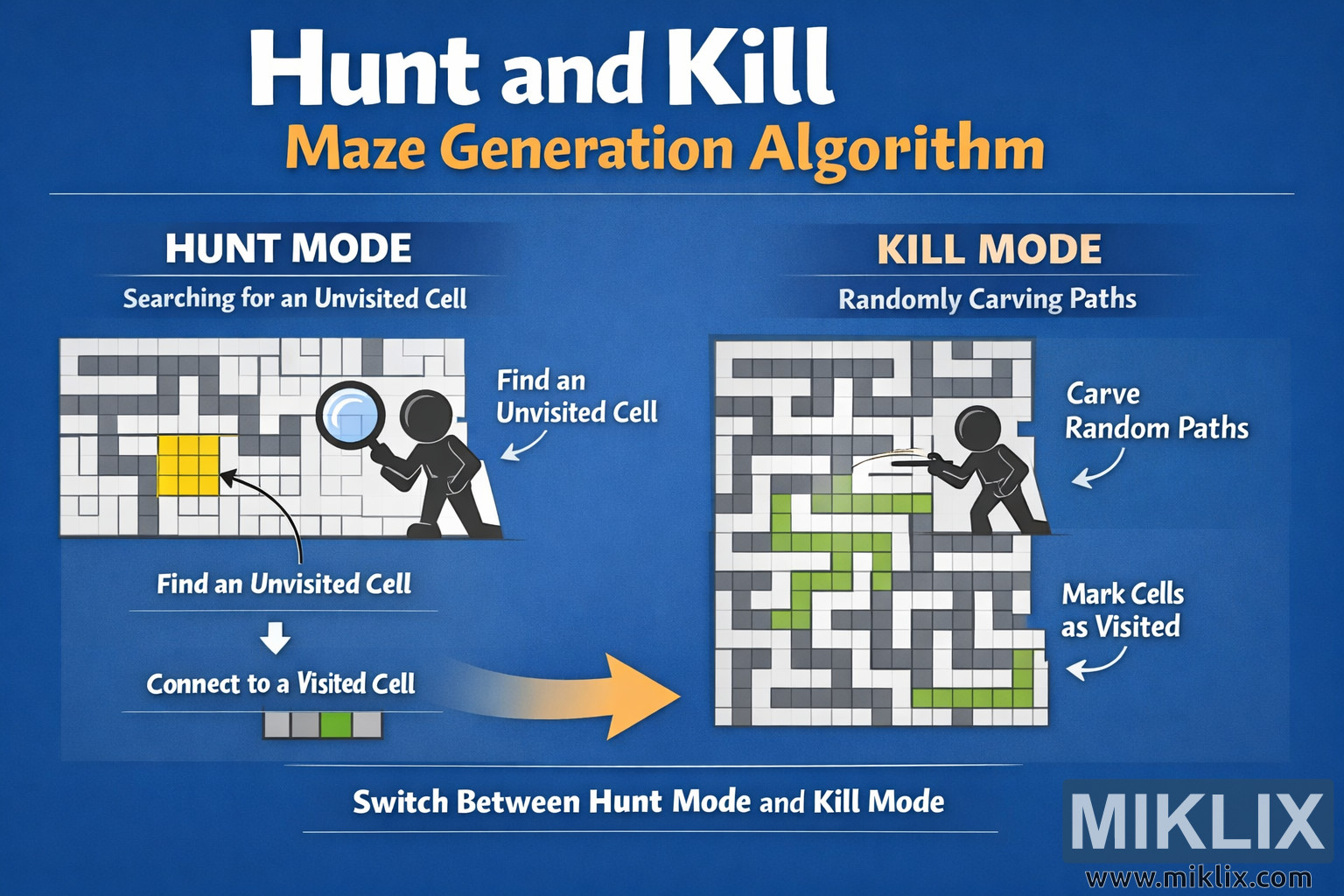
Educational infographic explaining the Hunt and Kill maze generation algorithm with a clear headline, Hunt Mode and Kill Mode panels, and simple visual cues for how the algorithm alternates between searching for unvisited cells and carving random paths.
Available versions of this image
The image files available for download below are less compressed and higher resolution - and as a result of that, higher quality - than the images embedded in articles and pages on this website, which are more optimized for file size in order to reduce bandwidth consumption.
Regular size (1,536 x 1,024)
Large size (3,072 x 2,048)
Very large size (4,608 x 3,072)
Extra large size (6,144 x 4,096)
Comically large size (1,048,576 x 699,051)
- Still uploading... ;-)
Image description
The image is a wide, landscape-oriented educational infographic that explains the Hunt and Kill maze generation algorithm in a friendly, high-contrast style. A deep blue gradient background fills the entire canvas. At the very top, a large, bold headline reads "Hunt and Kill Maze Generation Algorithm", with "Hunt and Kill" in white and "Maze Generation Algorithm" in warm yellow, clearly establishing the topic.
The layout is split horizontally into two main panels. On the left is the section titled "HUNT MODE – Searching for an Unvisited Cell". Below this heading is a rectangular maze grid rendered in light gray with dark gray walls. One small block of cells in the grid is highlighted in bright yellow to represent an unvisited area. In front of the maze stands a simple black stick-figure character holding an oversized magnifying glass, visually communicating the idea of searching. A curved arrow and the label "Find an Unvisited Cell" point toward the yellow cells. Beneath the maze, a short caption shows a tiny strip of cells with one green cell and the text "Connect to a Visited Cell", suggesting that once a new unvisited cell is found it is attached to the existing maze. The overall presentation avoids technical parameters and instead uses icons, arrows, and color to convey meaning.
On the right side of the image is the second panel titled "KILL MODE – Randomly Carving Paths". This section also shows a rectangular maze grid in gray tones, but here a winding path of bright green cells snakes through the maze to illustrate active carving. Another stick-figure character appears here, this time holding a small tool and leaning into the maze as if cutting passages. Two callouts explain the process: one arrow labeled "Carve Random Paths" points to the leading end of the green trail, and another arrow labeled "Mark Cells as Visited" points to the already carved portion of the path.
Between the two panels, a large curved arrow in yellow fades from left to right, visually indicating the transition between Hunt Mode and Kill Mode. At the bottom of the infographic, centered under both panels, a clear line of text reads "Switch Between Hunt Mode and Kill Mode", reinforcing the cyclic nature of the algorithm.
The overall style is clean and approachable, with flat colors, rounded shapes, and simple typography. No exact data structures or low-level rules are depicted, making the visualization broadly accurate while easy to understand for beginners learning about maze generation concepts.
The image is related to: Hunt and Kill Maze Generator