
Image: Iterating Over Enum Values in X++ – Dynamics AX 2012
Published: January 10, 2026 at 8:51:50 PM UTC
Last updated: January 10, 2026 at 8:52:07 PM UTC
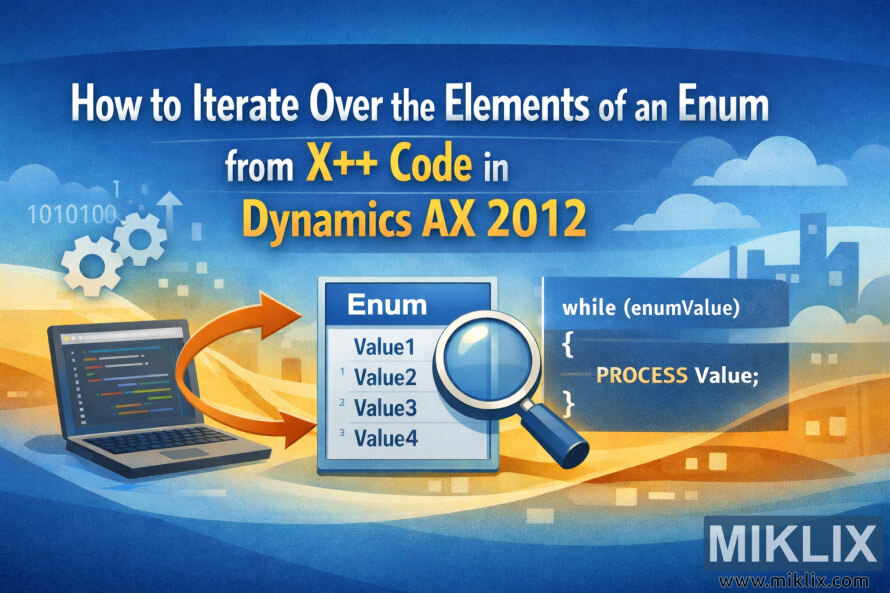
Visual banner for a blog post explaining how to iterate over enum elements from X++ code in Microsoft Dynamics AX 2012, using clear icons and abstract code elements.
Available versions of this image
The image files available for download below are less compressed and higher resolution - and as a result of that, higher quality - than the images embedded in articles and pages on this website, which are more optimized for file size in order to reduce bandwidth consumption.
Regular size (1,536 x 1,024)
Large size (3,072 x 2,048)
Very large size (4,608 x 3,072)
Extra large size (6,144 x 4,096)
Comically large size (1,048,576 x 699,051)
- Still uploading... ;-)
Image description
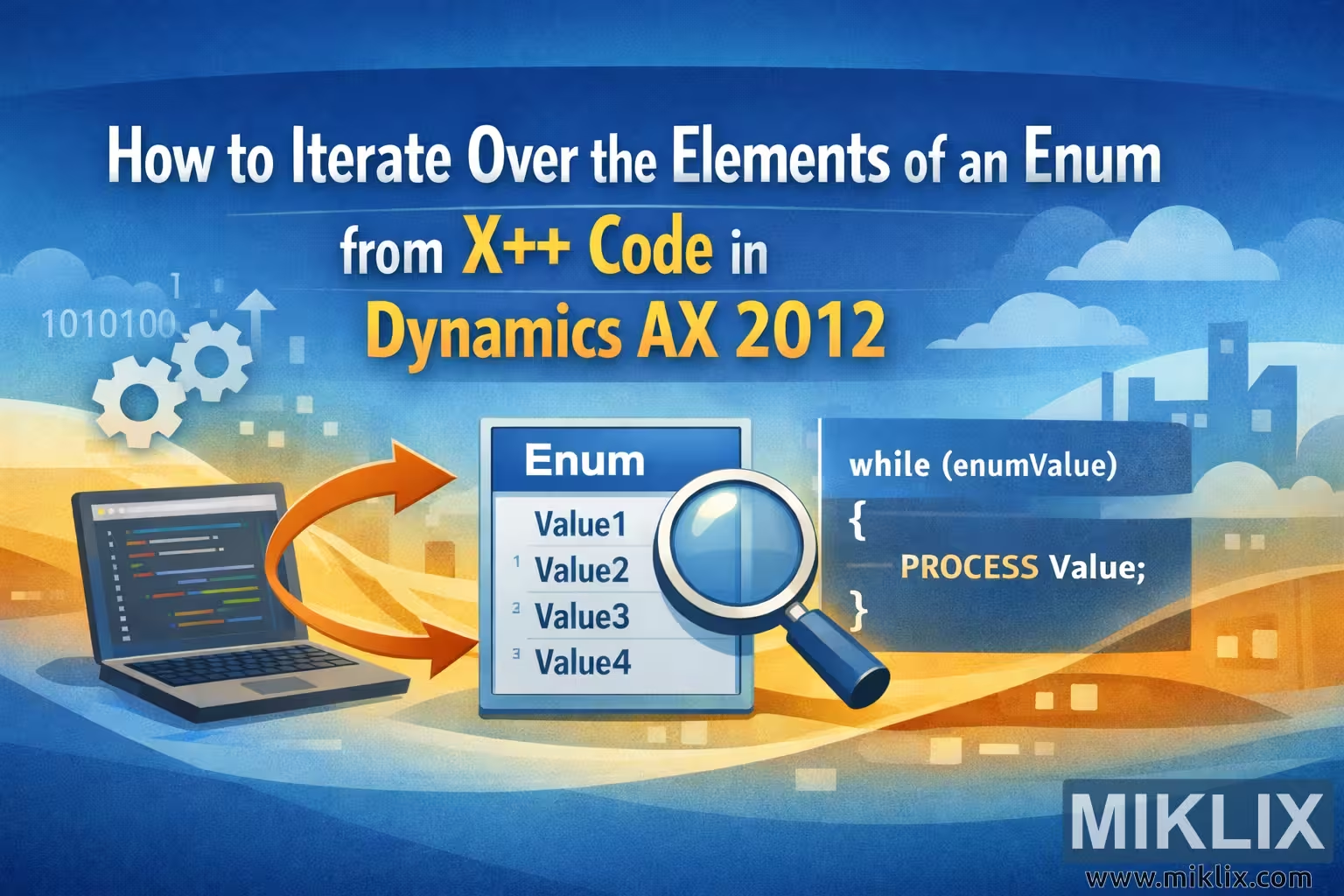
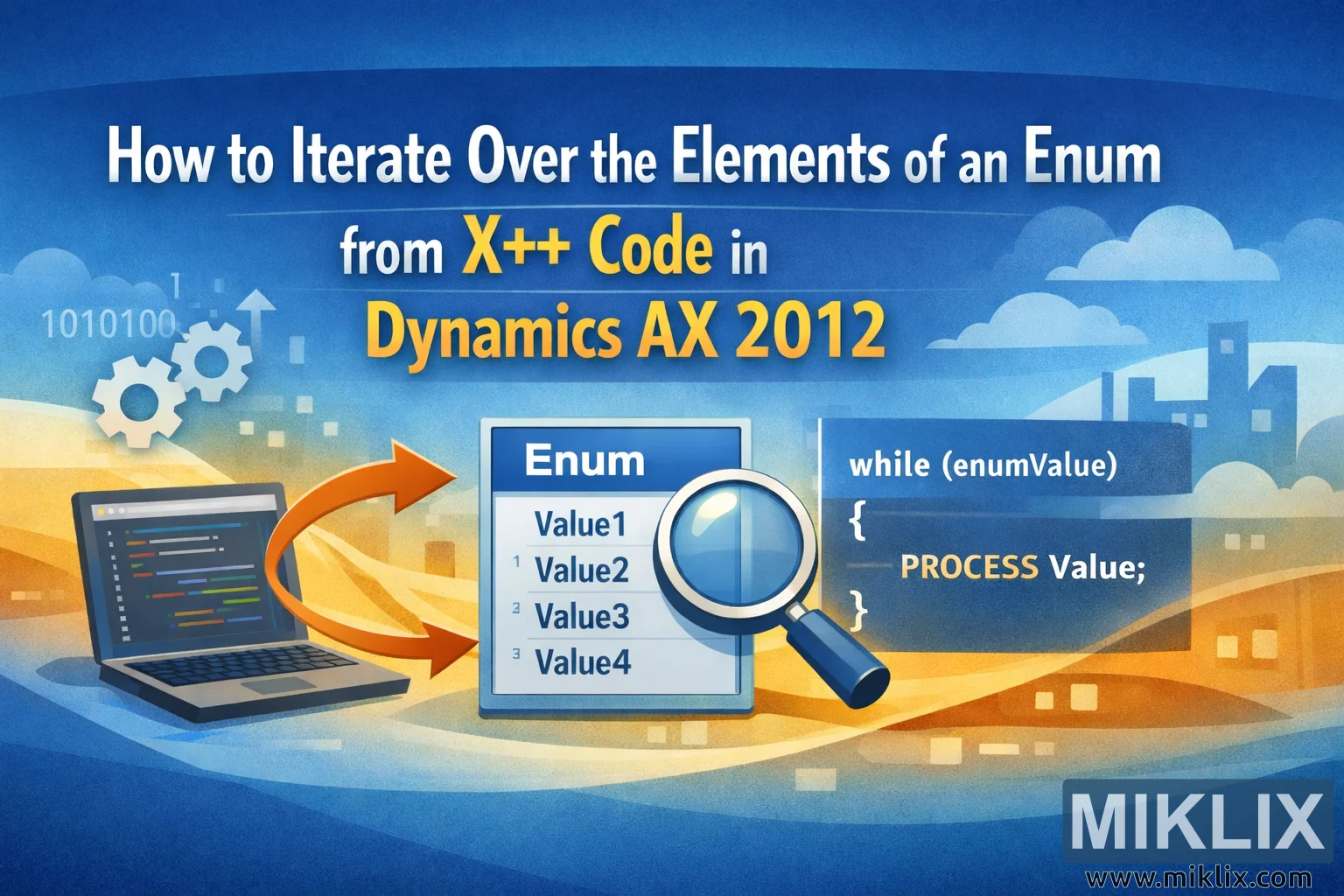
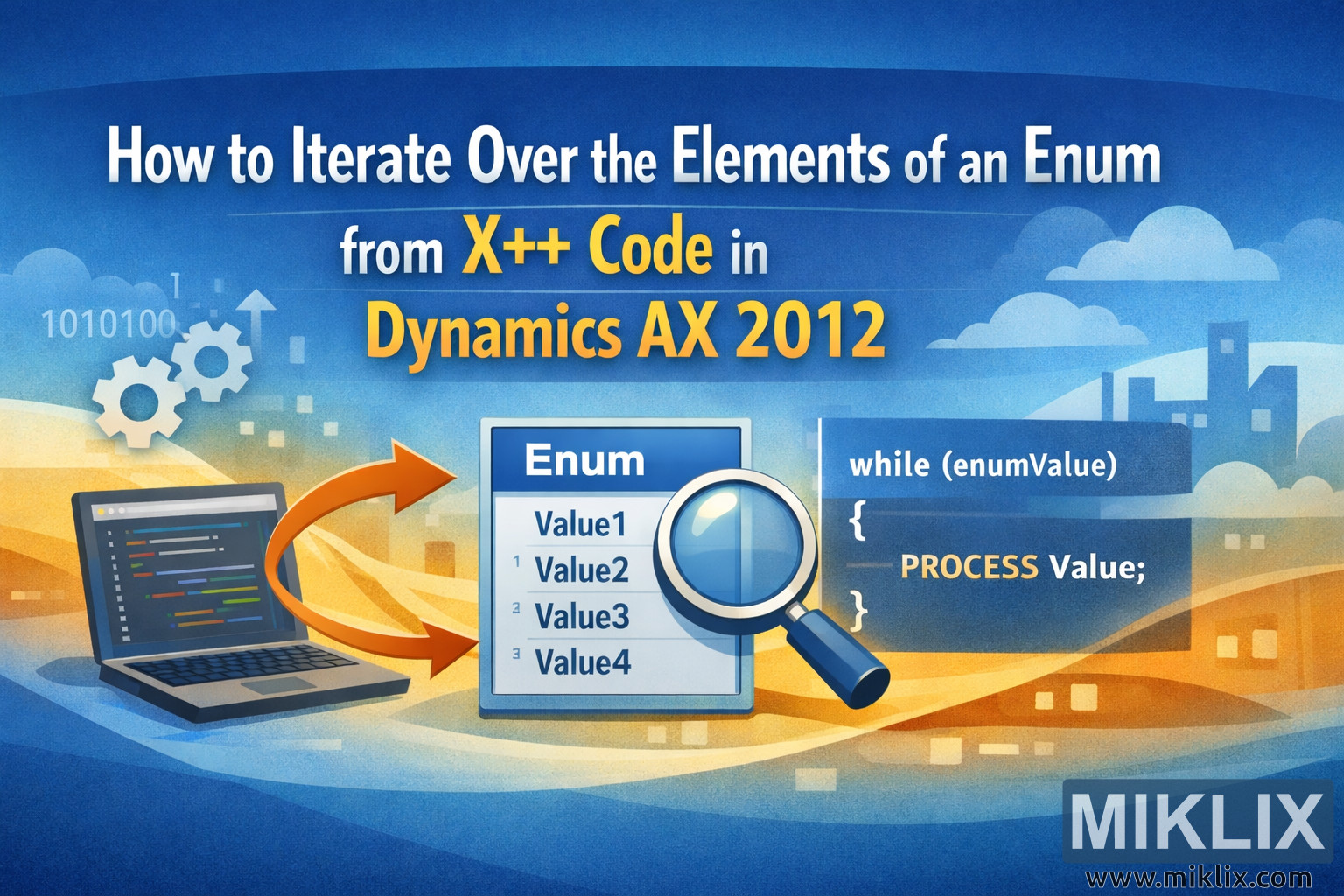
The image is a wide, landscape-oriented banner designed for a technical blog article titled "How to Iterate Over the Elements of an Enum from X++ Code in Dynamics AX 2012". The overall color scheme blends shades of blue and orange, creating a modern but approachable look. At the top center, the title is displayed in large, bold lettering: the main sentence appears in white, while the phrases "X++ Code" and "Dynamics AX 2012" are highlighted in warm yellow to draw immediate attention.
On the left side of the banner there is a stylized illustration of a laptop, tilted slightly toward the viewer. Its screen shows abstract, multicolored code lines, intentionally generic so that no specific syntax details are implied. Behind and above the laptop float small graphic elements such as gears, upward arrows, and binary digits, symbolizing software logic, processing, and data.
In the middle of the composition sits a prominent panel labeled "Enum". This panel looks like a simple list or table with placeholder entries such as "Value1", "Value2", "Value3", and "Value4". A large magnifying glass is placed over part of this list, suggesting inspection, enumeration, or iteration over the individual values. An orange curved arrow connects the laptop on the left to the enum panel in the center, visually reinforcing the idea that the code running on the laptop is operating on the enum values.
On the right side, there is a dark blue code block area that contains abstract loop-style text. It avoids real-world X++ specifics and instead uses high-level placeholders such as a condition name and a line reading "PROCESS Value;" to communicate the concept of repeatedly handling each enum element. The syntax is deliberately simplified so the graphic remains conceptually accurate without relying on fragile, version-specific details.
The background spans the entire width of the banner and features layered, softly curved shapes in gradients of blue and orange, evoking a sense of flow and iteration. In the distance, faint silhouettes of buildings and clouds add depth without distracting from the technical theme. Small square particles float across the scene, reinforcing the idea of data and discrete values being processed.
Overall, the illustration conveys the story of a developer using X++ code in Dynamics AX 2012 to iterate through the elements of an enum: code on a laptop, a clearly identified enum list, and visual cues such as arrows, gears, and a magnifying glass that together communicate inspection and looping in a simple, friendly, and non-misleading way.
The image is related to: How to Iterate Over the Elements of an Enum from X++ Code in Dynamics AX 2012