
Image: String Formatting with Macro and strFmt – Visual Guide
Published: January 10, 2026 at 9:08:15 PM UTC
Last updated: January 10, 2026 at 9:08:44 PM UTC
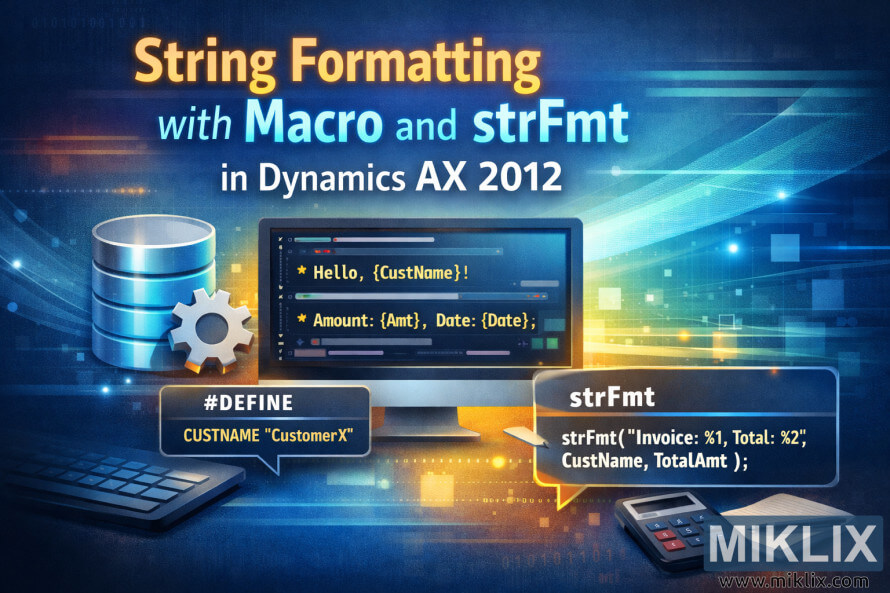
Hero image for a blog post about string formatting using macros and strFmt in Dynamics AX 2012, featuring a developer workspace, code placeholders, and visual callouts.
Available versions of this image
The image files available for download below are less compressed and higher resolution - and as a result of that, higher quality - than the images embedded in articles and pages on this website, which are more optimized for file size in order to reduce bandwidth consumption.
Regular size (1,536 x 1,024)
Large size (3,072 x 2,048)
Very large size (4,608 x 3,072)
Extra large size (6,144 x 4,096)
Comically large size (1,048,576 x 699,051)
- Still uploading... ;-)
Image description
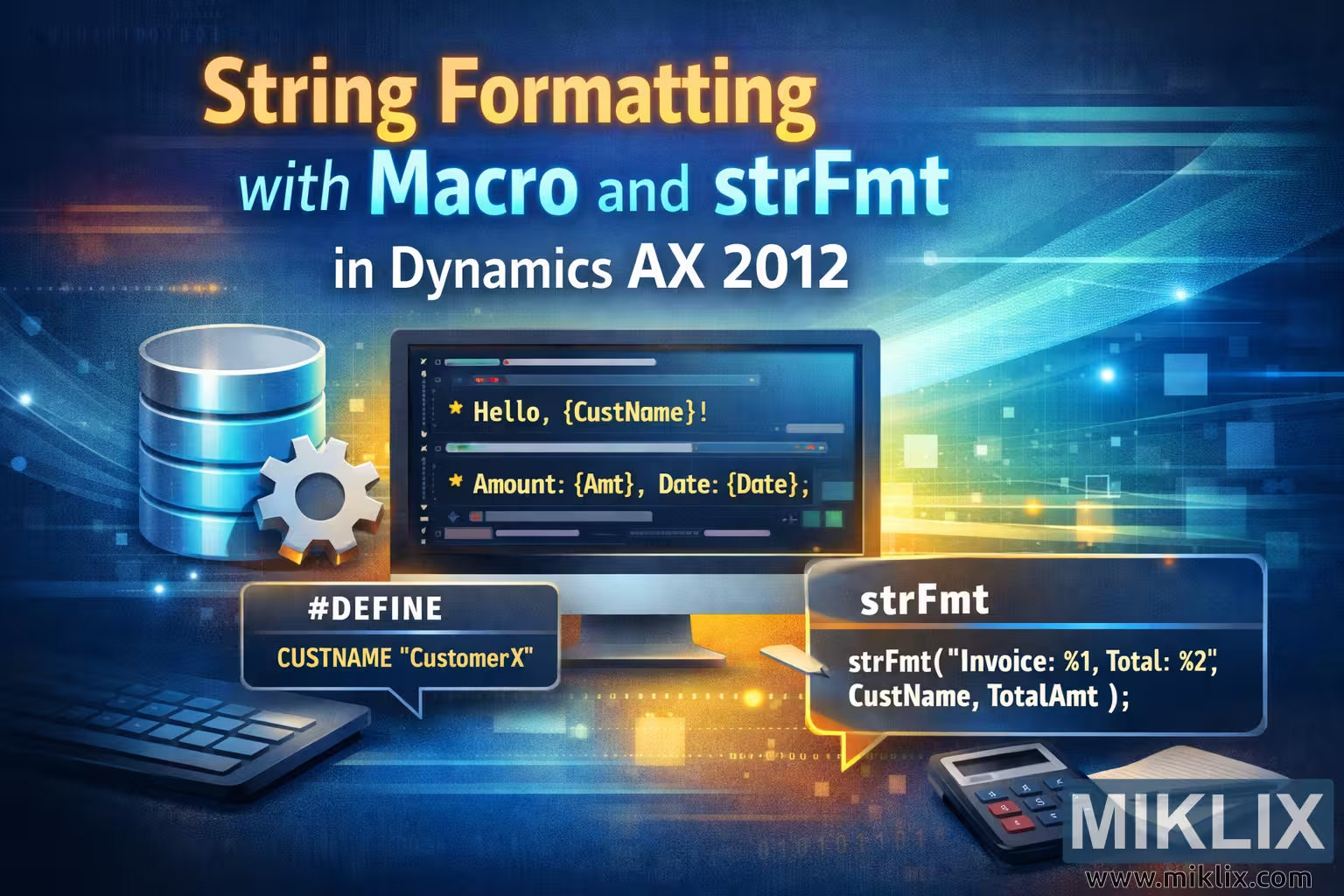
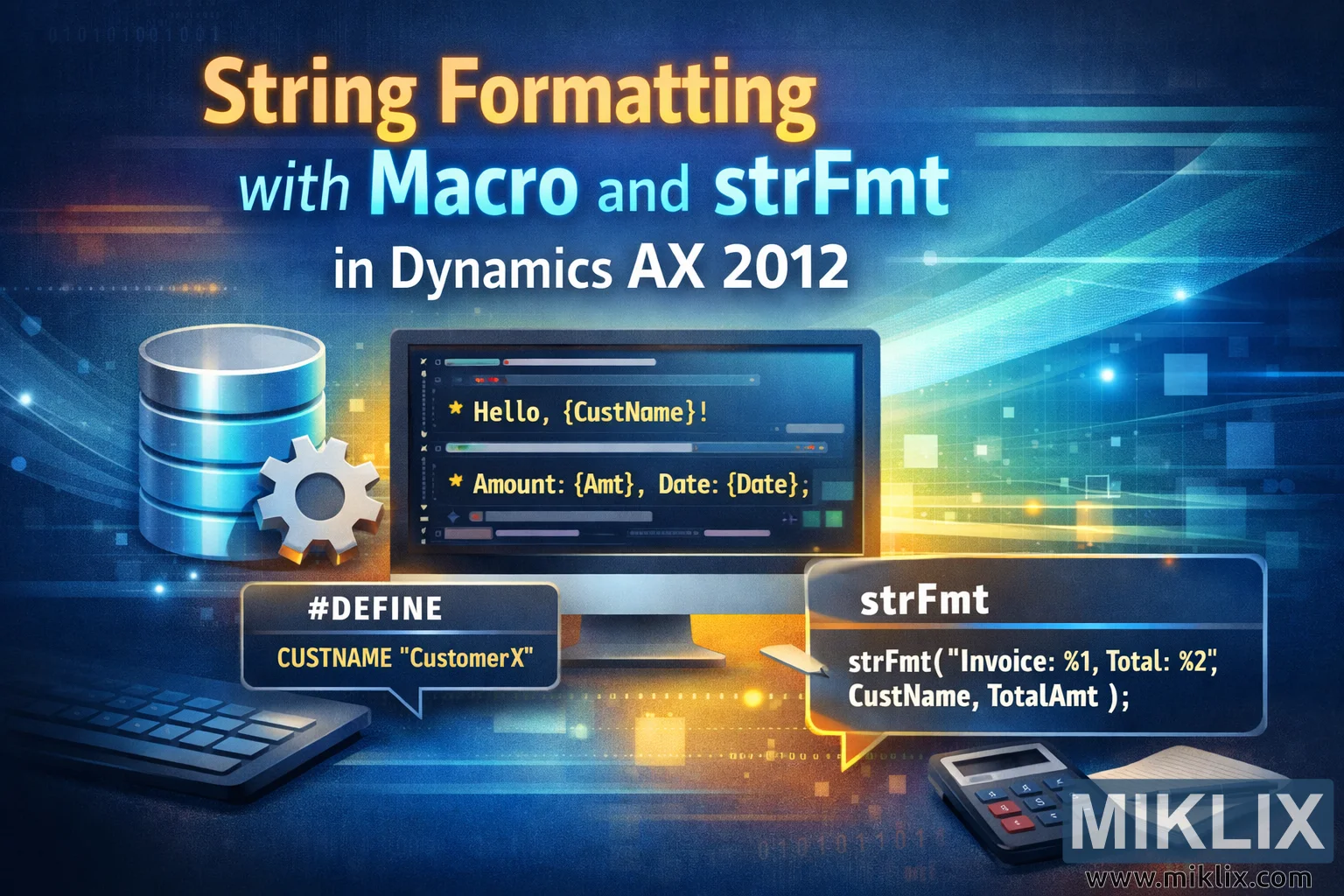
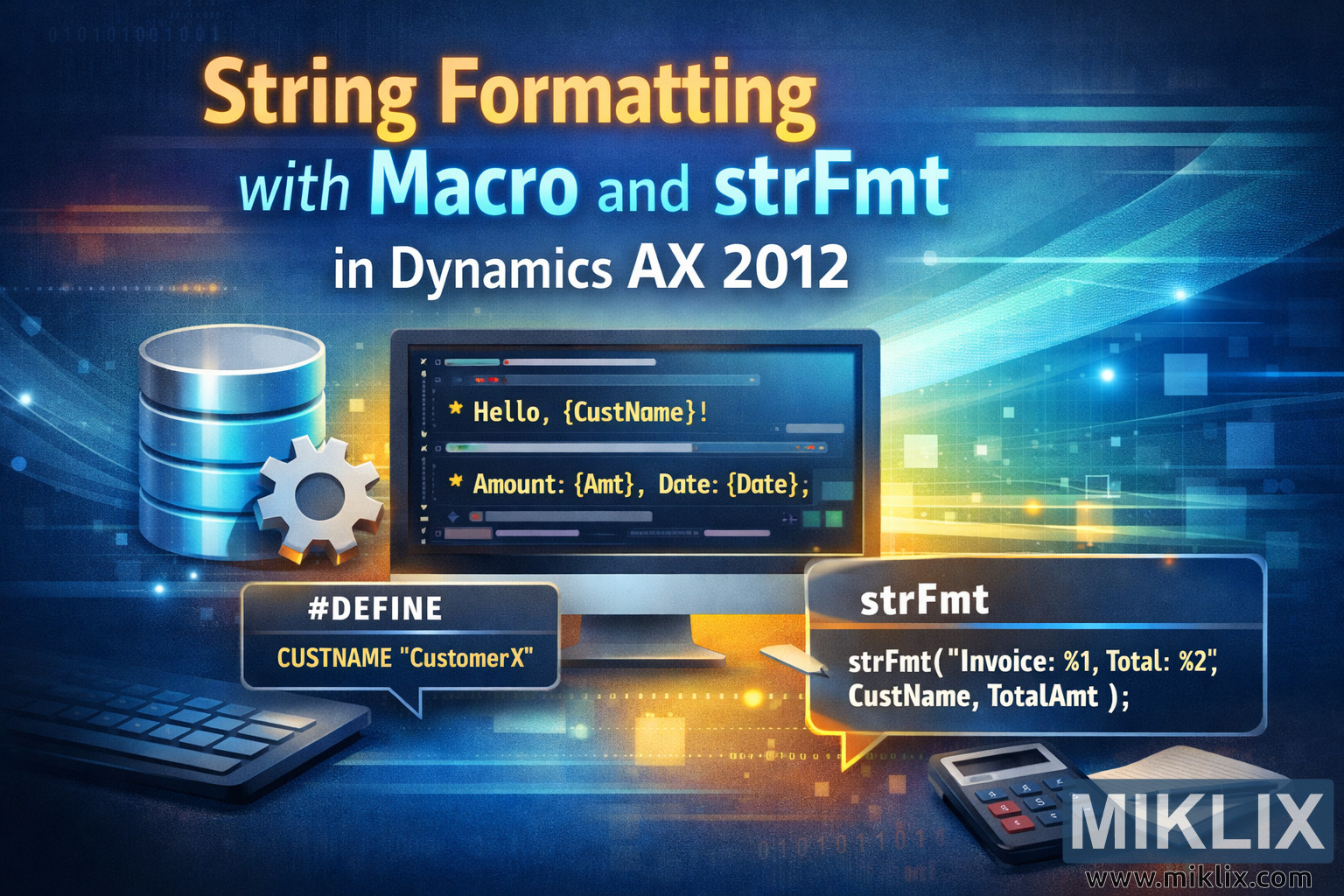
The image is a wide, landscape-oriented illustration designed as a hero visual for a technical blog post titled "String Formatting with Macro and strFmt in Dynamics AX 2012". The overall color scheme blends deep blues with glowing yellow and teal accents, giving the scene a modern, high-tech atmosphere. The background fades from dark navy on the left to a lighter blue on the right, with soft digital wave patterns, subtle grids, and floating squares that suggest data flow and software logic without tying the design to any specific version details.
Centered in the composition is a large desktop monitor on a clean desk surface. On the monitor, stylized code is displayed in a dark editor window. The code does not represent a full real program but shows friendly placeholder-style examples such as greeting text and formatted values, helping the viewer immediately understand that the topic is about constructing formatted strings. The syntax is simplified and generic so it communicates the idea of placeholders and variables rather than exact production code.
To the left of the monitor sits a glossy blue database cylinder icon paired with a small metallic gear. Together, these elements visually symbolize stored data and system logic. Beneath them, a keyboard rests partially in view, grounding the scene in a developer workspace setting.
On the lower left, a dark speech-bubble style panel contains a short macro-like example with a "#DEFINE" label and a sample constant name. The bubble shape makes it feel like an annotation, highlighting the macro concept as a key part of the article. On the lower right, another speech bubble labeled "strFmt" shows a short function-style example that formats a string using numbered placeholders and example variables. The two bubbles balance each other visually, clearly communicating that the article compares or explains the relationship between macros and string-formatting functions.
To the right side of the desk, a calculator and a small notepad with a pen add a business-oriented touch, hinting that the formatted strings might be used for invoices, totals, or reports. These props subtly connect the technical topic to real business scenarios without adding fragile or version-specific detail.
Across the top portion of the image, the title text is layered in three lines: "String Formatting" in large warm yellow letters, "with Macro and strFmt" in bright cyan, and "in Dynamics AX 2012" in white. The typography is bold and clean, ensuring readability even when the image is used as a blog header or social preview.
Overall, the illustration communicates the core idea of transforming raw data into well-formatted output within a development environment. It avoids overly precise or risky technical specifics while still clearly signaling software development, string formatting, macros, and enterprise application context.
The image is related to: String Formatting with Macro and strFmt in Dynamics AX 2012