
Image: Using Queries in SysOperation Data Contracts
Published: January 10, 2026 at 9:18:21 PM UTC
Last updated: January 10, 2026 at 9:18:35 PM UTC
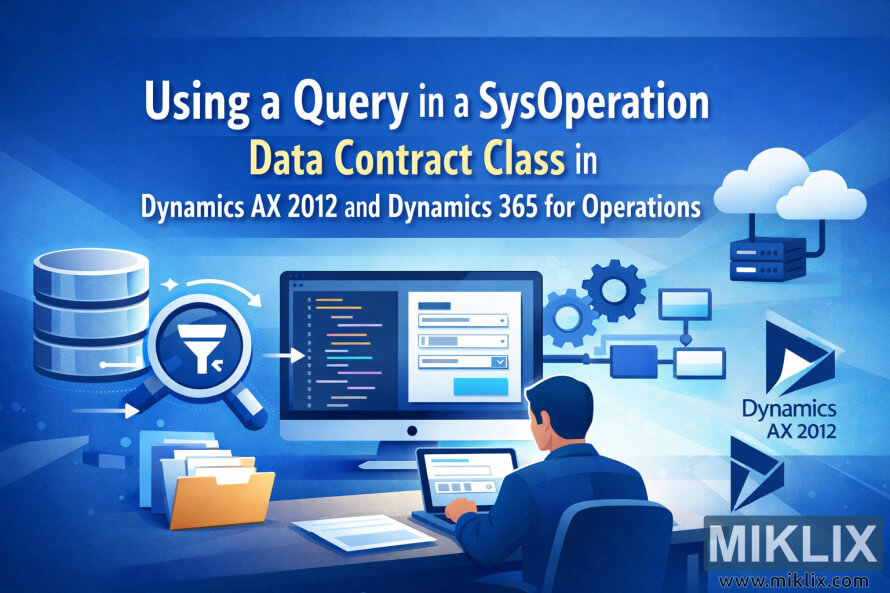
Landscape blog hero image illustrating how queries flow from a database into SysOperation data contract classes in Dynamics AX 2012 and Dynamics 365 for Operations, with generic code, forms, and cloud service icons.
Available versions of this image
The image files available for download below are less compressed and higher resolution - and as a result of that, higher quality - than the images embedded in articles and pages on this website, which are more optimized for file size in order to reduce bandwidth consumption.
Regular size (1,536 x 1,024)
Large size (3,072 x 2,048)
Very large size (4,608 x 3,072)
Extra large size (6,144 x 4,096)
Comically large size (1,048,576 x 699,051)
- Still uploading... ;-)
Image description
The image is a wide, landscape-oriented illustration designed as a hero visual for a technical blog article. The background is a smooth blue gradient that shifts from deep navy at the top to lighter cyan tones toward the bottom, giving the scene a modern, cloud-inspired atmosphere. Centered in the upper half of the image is the long article headline, set in large, clean sans-serif lettering. The main line reads “Using a Query in a SysOperation Data Contract Class in” in white text, followed by a highlighted yellow phrase “Data Contract Class,” and then a secondary line in white that continues with “Dynamics AX 2012 and Dynamics 365 for Operations.” The typography is bold and easy to read, clearly communicating that the topic is about using queries in a SysOperation data contract context without relying on fine technical detail.
Below the headline, the illustration shows a stylized developer workspace. At the center is a large desktop monitor displaying abstract code lines on the left side of the screen and a simple form layout with input fields and dropdown-style boxes on the right. The code is rendered in multicolored lines to suggest programming logic without showing any specific or potentially inaccurate syntax. The form layout implies configuration or parameter entry, reinforcing the idea of data contracts and queries.
In the foreground, a person is seated at a desk, viewed from behind and slightly to the side. The person is working on a laptop that mirrors the theme of forms and data entry. The character is generic, with no identifiable facial features, keeping the focus on the concept rather than an individual. On the desk are a few sheets of paper and a stack of folders, symbolizing business data and system documentation.
To the left of the main monitor is a cylindrical database icon, representing a data source. In front of it is a large magnifying glass with a funnel symbol inside, a visual metaphor for querying and filtering data. Arrows connect the database, the magnifying glass, and the central monitor, illustrating the flow from stored data, through a query or filter, into the application interface.
On the right side of the image, a set of interconnected gears and rectangular nodes forms a simple process diagram, suggesting background operations or service processing. Above this area, a cloud and server icon float, hinting at cloud-based services and modern enterprise platforms. Along the right edge, there are abstract triangular logos labeled for Dynamics AX 2012 and Dynamics 365 for Operations, visually anchoring the image to the two product generations without implying any specific UI or proprietary details.
Overall, the image combines friendly, flat-style graphics with enterprise technology symbols to convey the high-level concept of querying data within SysOperation data contract classes across different versions of Dynamics, while remaining neutral, accurate, and easy to understand for a broad technical audience.
The image is related to: Using a Query in a SysOperation Data Contract Class in Dynamics AX 2012