
Image: Finding the Right Subclass with SysExtension
Published: January 10, 2026 at 9:05:26 PM UTC
Last updated: January 10, 2026 at 9:05:48 PM UTC
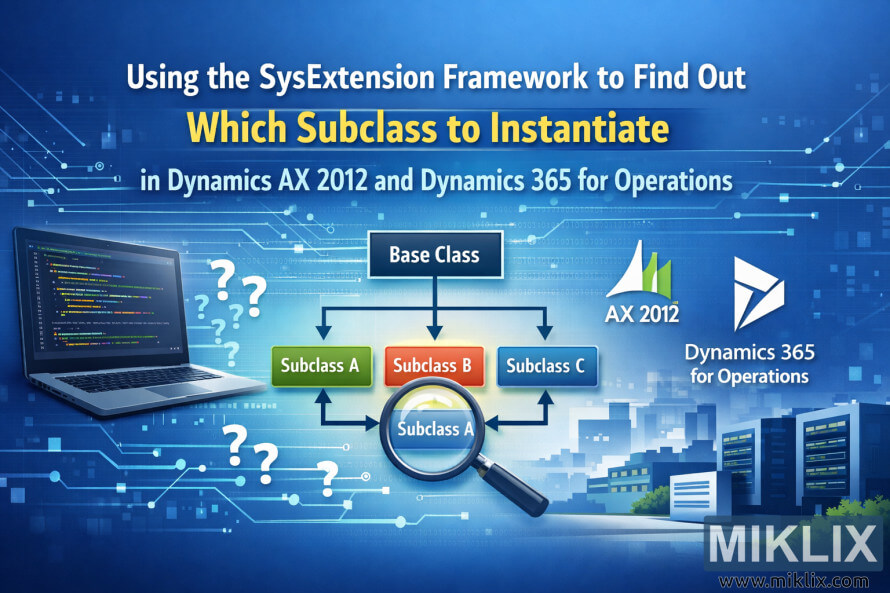
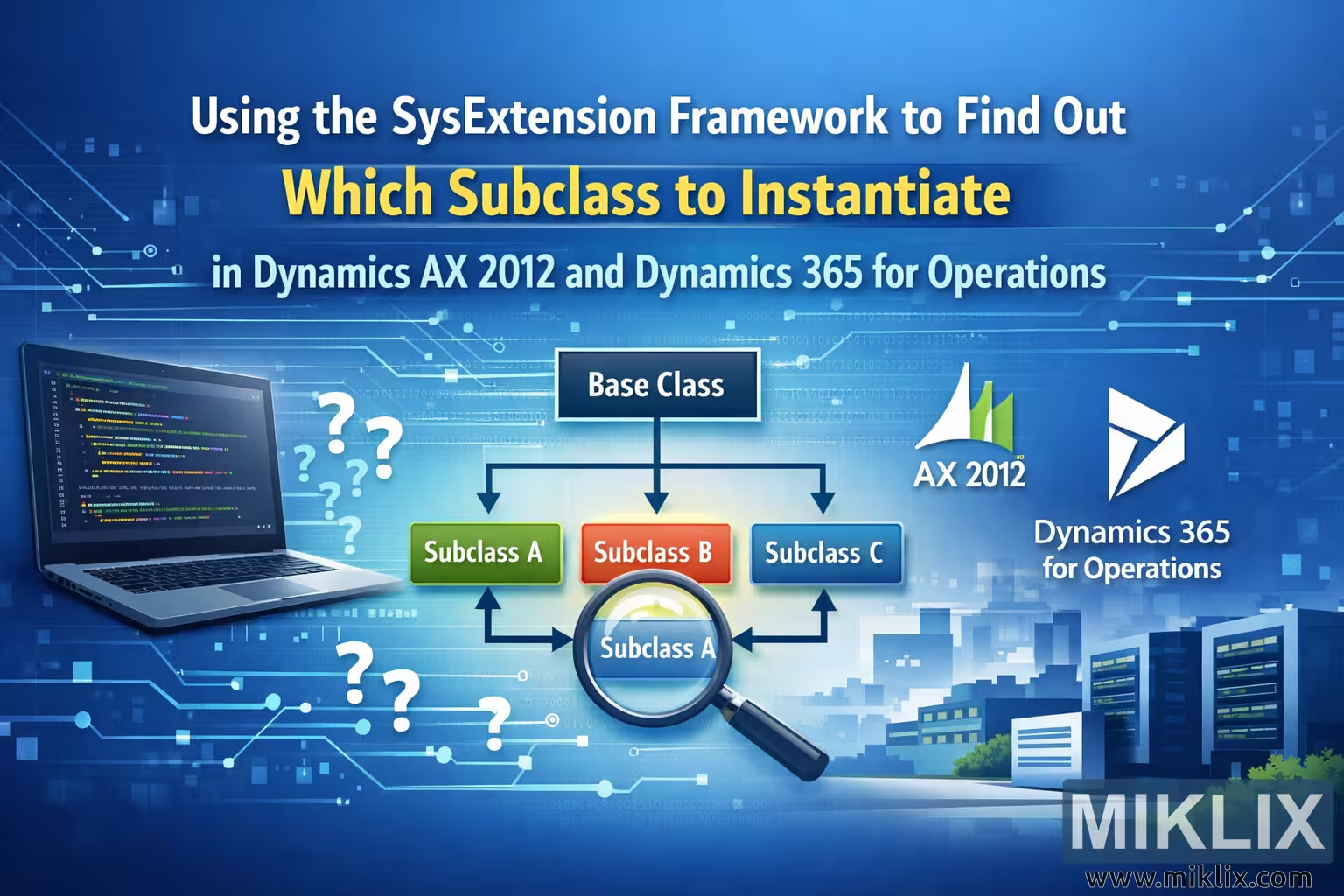
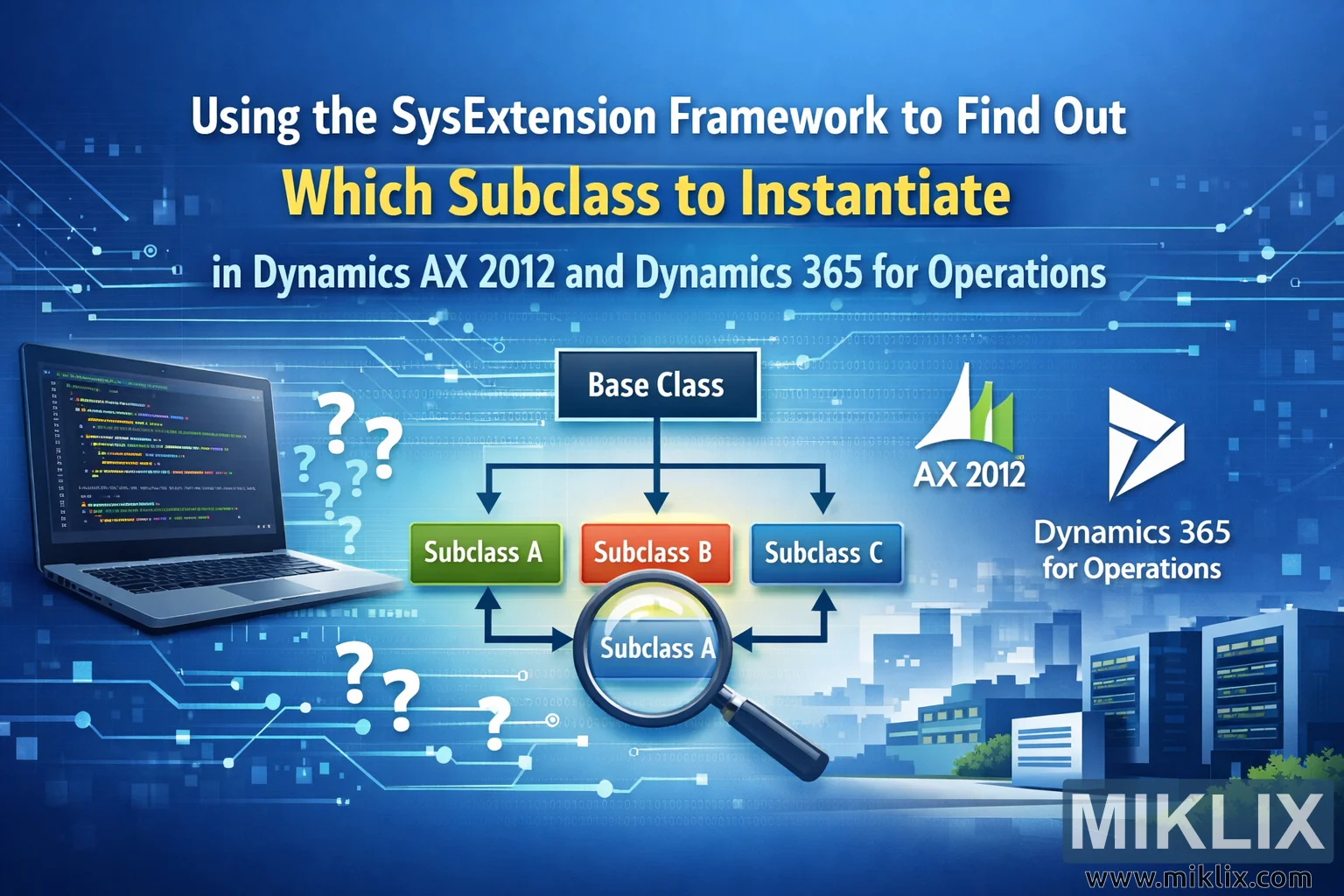
Blog header image visualizing how the SysExtension framework selects the correct subclass in Dynamics AX 2012 and Dynamics 365 for Operations using a simple class diagram.
Available versions of this image
The image files available for download below are less compressed and higher resolution - and as a result of that, higher quality - than the images embedded in articles and pages on this website, which are more optimized for file size in order to reduce bandwidth consumption.
Regular size (1,536 x 1,024)

Large size (3,072 x 2,048)
Very large size (4,608 x 3,072)
Extra large size (6,144 x 4,096)
Comically large size (1,048,576 x 699,051)
- Still uploading... ;-)
Image description
The image is a wide, landscape-oriented header illustration for a technical blog post about determining which subclass to instantiate when working with the SysExtension framework in Microsoft Dynamics AX 2012 and Dynamics 365 for Operations. The background uses a smooth blue gradient with subtle light rays, circuit patterns, and binary-style decorative elements that suggest enterprise software and modern application architecture. At the top center, the long blog post title is displayed in large, clean typography, with the phrase "Which Subclass to Instantiate" highlighted in a bright contrasting color so that the key topic immediately stands out.
On the left side of the composition, a laptop is shown at a slight angle, its screen filled with generic, non-specific code lines in multiple colors. The code is intentionally abstract so that it conveys programming without implying any concrete implementation details that might become outdated. Around the laptop float several large question marks, symbolizing uncertainty and the developer’s challenge of deciding which class implementation should be created at runtime.
In the center of the image is a simplified class hierarchy diagram. A dark rectangular box labeled "Base Class" sits at the top. From it, three arrows branch downward to three colored boxes labeled "Subclass A", "Subclass B", and "Subclass C". The boxes are arranged horizontally, each in a distinct color to make the relationships easy to follow. Beneath the diagram, a large magnifying glass overlaps part of the chart, focusing on one of the subclasses. This visual metaphor reinforces the idea of discovery or resolution, showing that the framework helps identify the correct subclass automatically.
To the right of the diagram, the logos or logo-style marks for Dynamics AX 2012 and Dynamics 365 for Operations are displayed in a clean, neutral manner. They are not presented with intricate product-specific UI elements, but rather as recognizable brand identifiers that indicate the platforms the article discusses. Below them, a stylized cityscape of modern office buildings and servers fades into the background, representing enterprise environments and large-scale business systems.
Throughout the entire image, thin connecting lines and softly glowing nodes run across the canvas, visually tying together the laptop, the class diagram, and the platform logos. These elements create a sense of data flow and extensibility without referencing any particular API or implementation. Overall, the composition is designed to be friendly and approachable for readers, making a potentially abstract technical topic easy to grasp at a glance while remaining generic enough to stay accurate over time.
The image is related to: Using the SysExtension Framework to Find Out Which Subclass to Instantiate in Dynamics AX 2012