
Image: GNU/Linux Technical Guides and System Administration
Published: January 19, 2026 at 3:51:54 PM UTC
Last updated: January 19, 2026 at 3:52:54 PM UTC
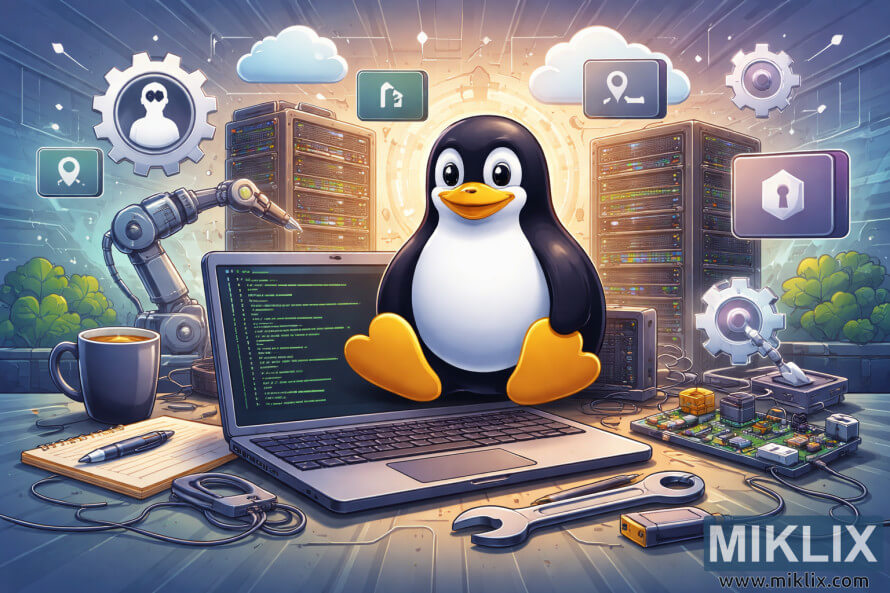
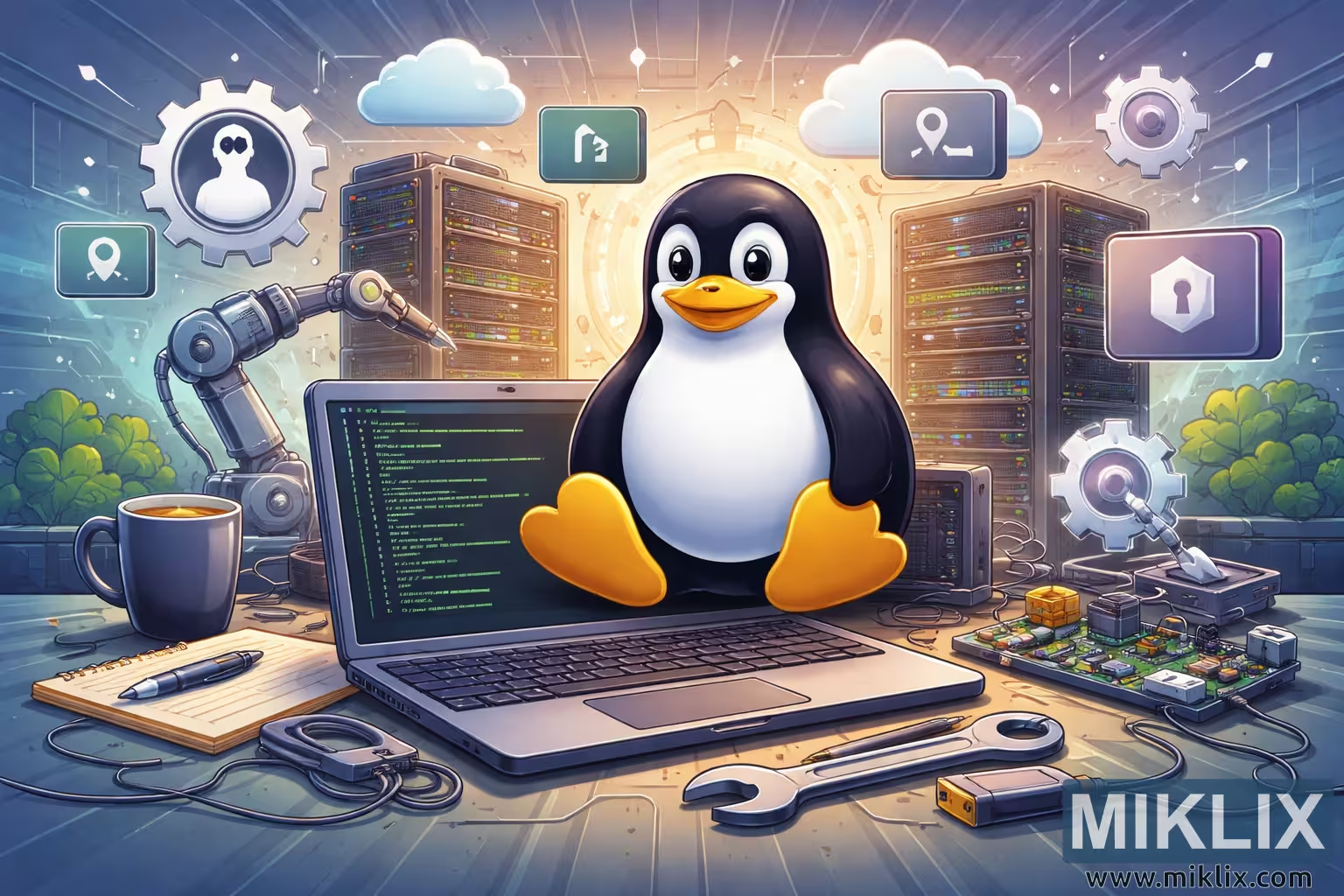
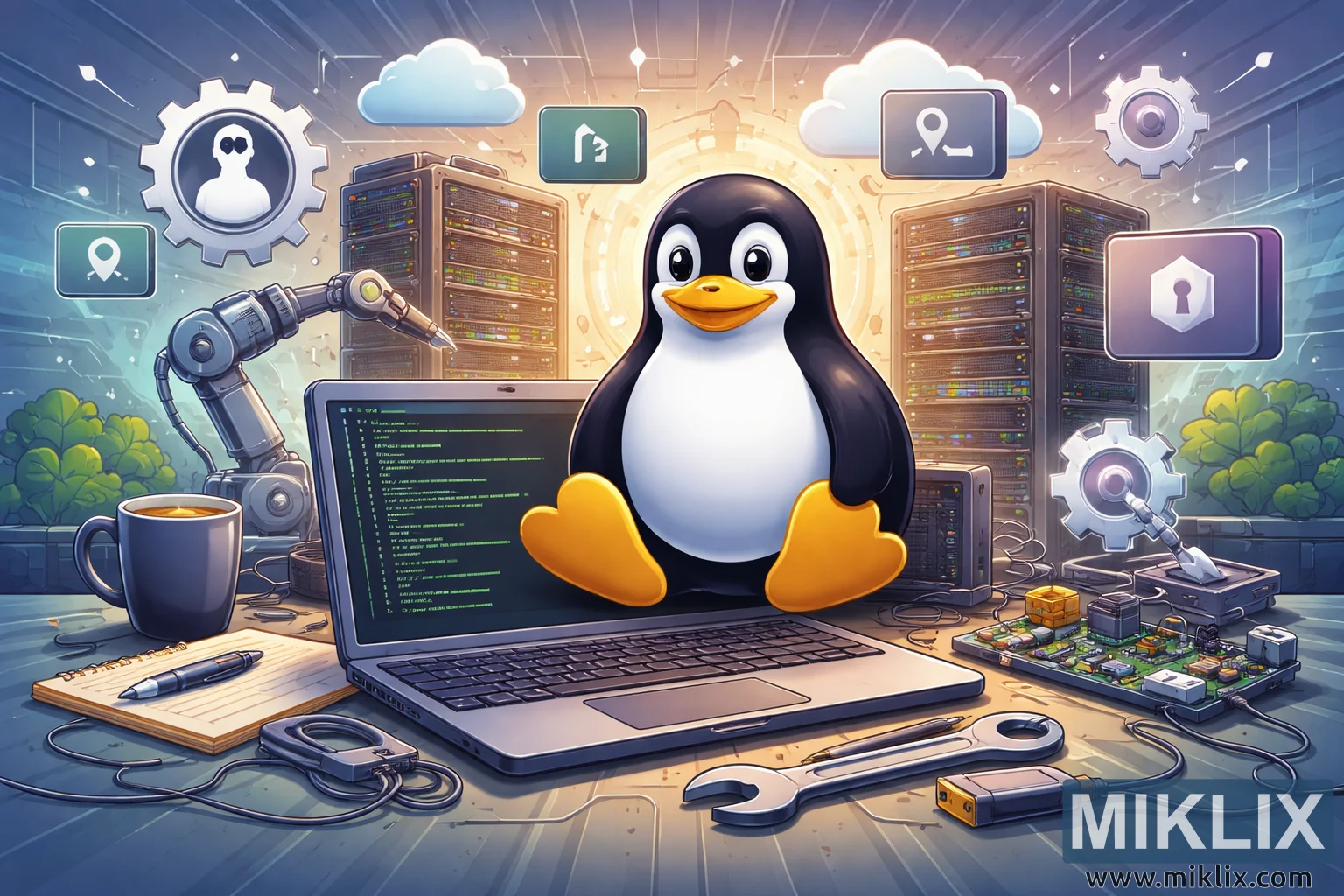
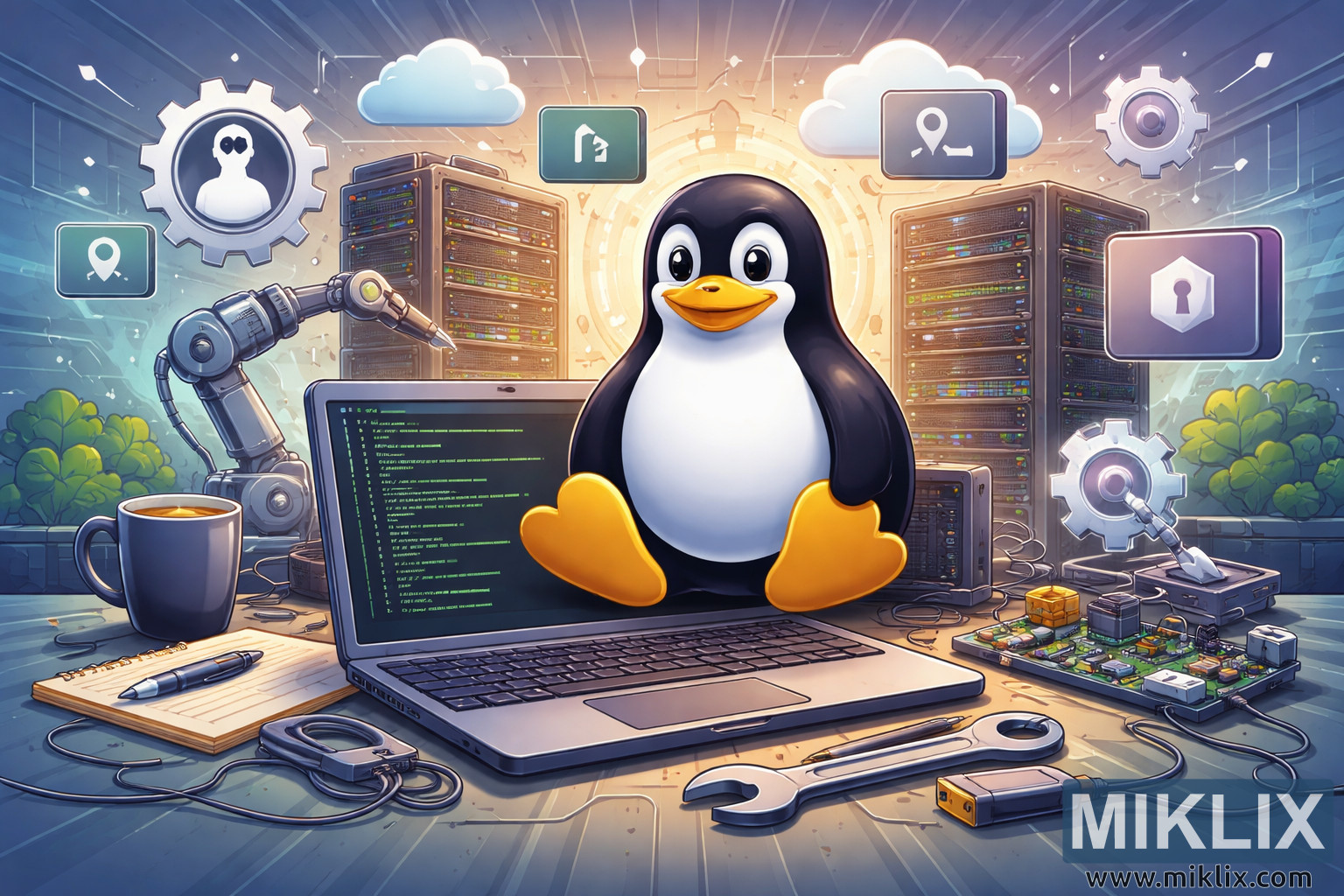
High-resolution landscape illustration representing GNU/Linux technical guides, featuring a Linux penguin, terminal code, servers, and system administration tools.
Available versions of this image
The image files available for download below are less compressed and higher resolution - and as a result of that, higher quality - than the images embedded in articles and pages on this website, which are more optimized for file size in order to reduce bandwidth consumption.
Regular size (1,536 x 1,024)
Large size (3,072 x 2,048)
Very large size (4,608 x 3,072)
Extra large size (6,144 x 4,096)
Comically large size (1,048,576 x 699,051)
- Still uploading... ;-)
Image description
The image presents a detailed, high-resolution digital illustration designed as a landscape-oriented header suitable for a blog category focused on GNU/Linux technical guides. At the center of the composition is a friendly, stylized penguin mascot clearly inspired by Tux, the well-known symbol of Linux. The penguin is seated confidently atop an open laptop placed on a workbench, conveying approachability while also representing mastery of technology. The laptop screen displays lines of green terminal text on a dark background, immediately evoking command-line usage, scripting, and system administration tasks typical of GNU/Linux environments.
Surrounding the central laptop are numerous visual elements that reinforce the technical and instructional theme. Behind the penguin, tall server racks filled with blinking indicator lights suggest data centers, backend infrastructure, and enterprise-grade Linux deployments. Floating around the scene are softly glowing, semi-transparent icons representing concepts such as system settings, cloud computing, user accounts, security, networking, and location services. These icons appear suspended in the air, giving the illustration a modern, slightly futuristic feel while symbolizing the modular and interconnected nature of Linux systems.
On the work surface in the foreground, several tools and objects add depth and realism. A ceramic coffee mug, a notepad with a pen, a wrench, cables, and a small single-board computer resembling a Raspberry Pi hint at long debugging sessions, hands-on experimentation, and hardware-software integration. A robotic arm positioned near the laptop suggests automation, scripting, and DevOps practices, reinforcing the idea of efficiency and control. The lighting is bright and balanced, with warm highlights around the penguin and cooler tones in the background, creating visual contrast and guiding the viewer’s focus.
The overall color palette blends blues, grays, and warm accent colors, striking a balance between professionalism and friendliness. The composition leaves ample negative space at the edges, making it suitable for use as a blog category image where text overlays or headers might be added. Altogether, the illustration communicates reliability, technical depth, and approachability, making it an ideal visual representation for GNU/Linux tutorials, system administration guides, and open-source technical documentation.
The image is related to: GNU/Linux