
Image: Visual Guide: Separate PHP-FPM Pools in NGINX
Published: January 10, 2026 at 8:40:52 PM UTC
Last updated: January 10, 2026 at 8:41:12 PM UTC
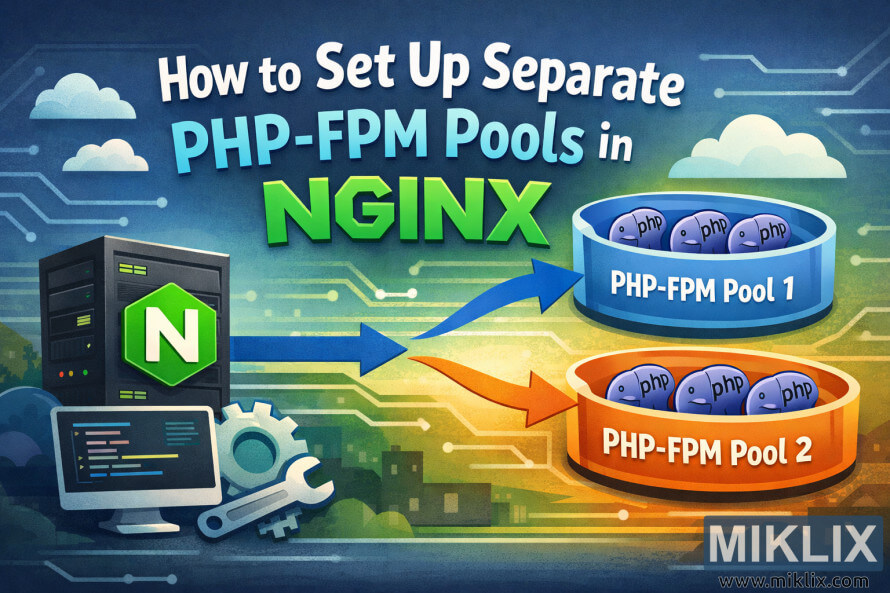
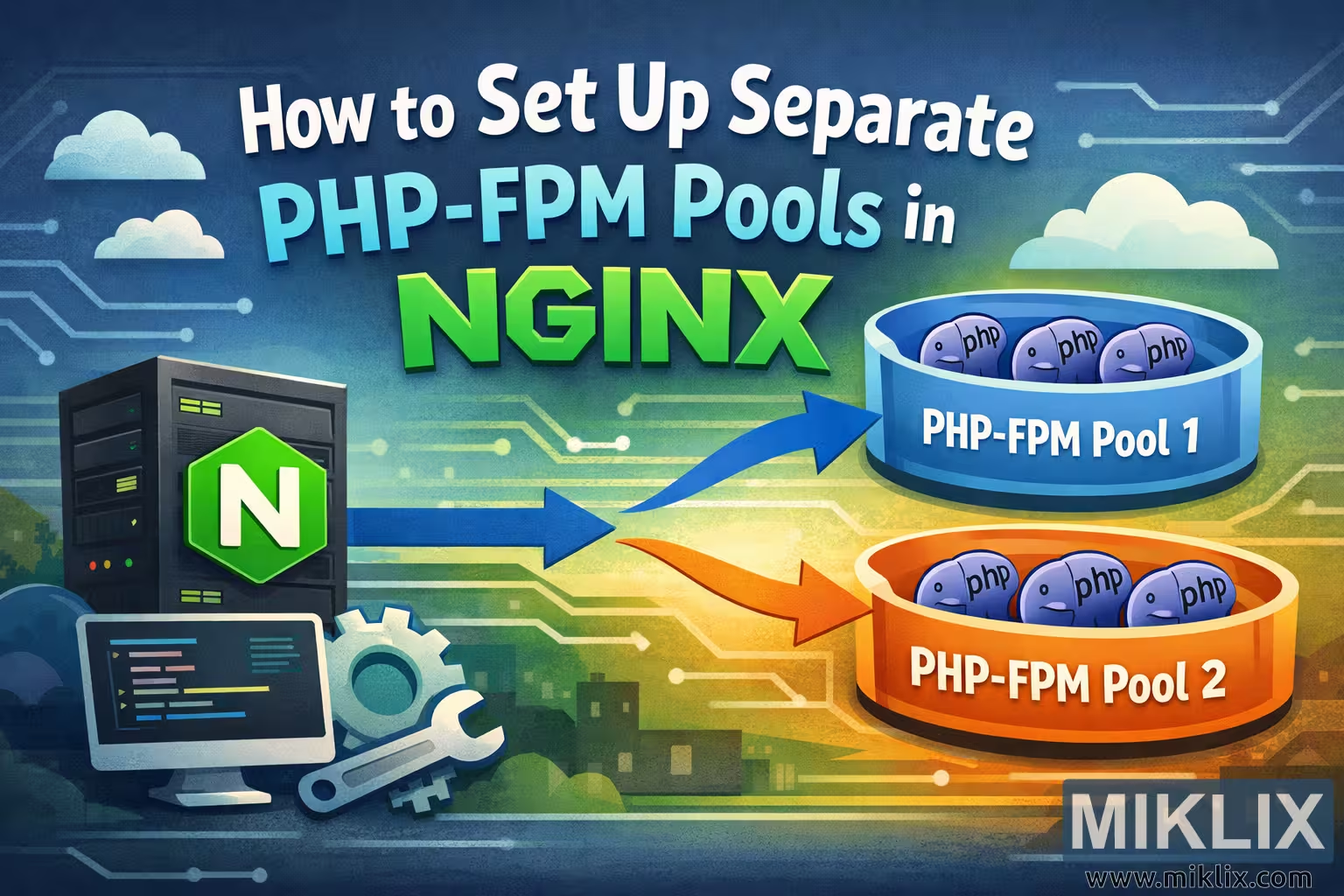
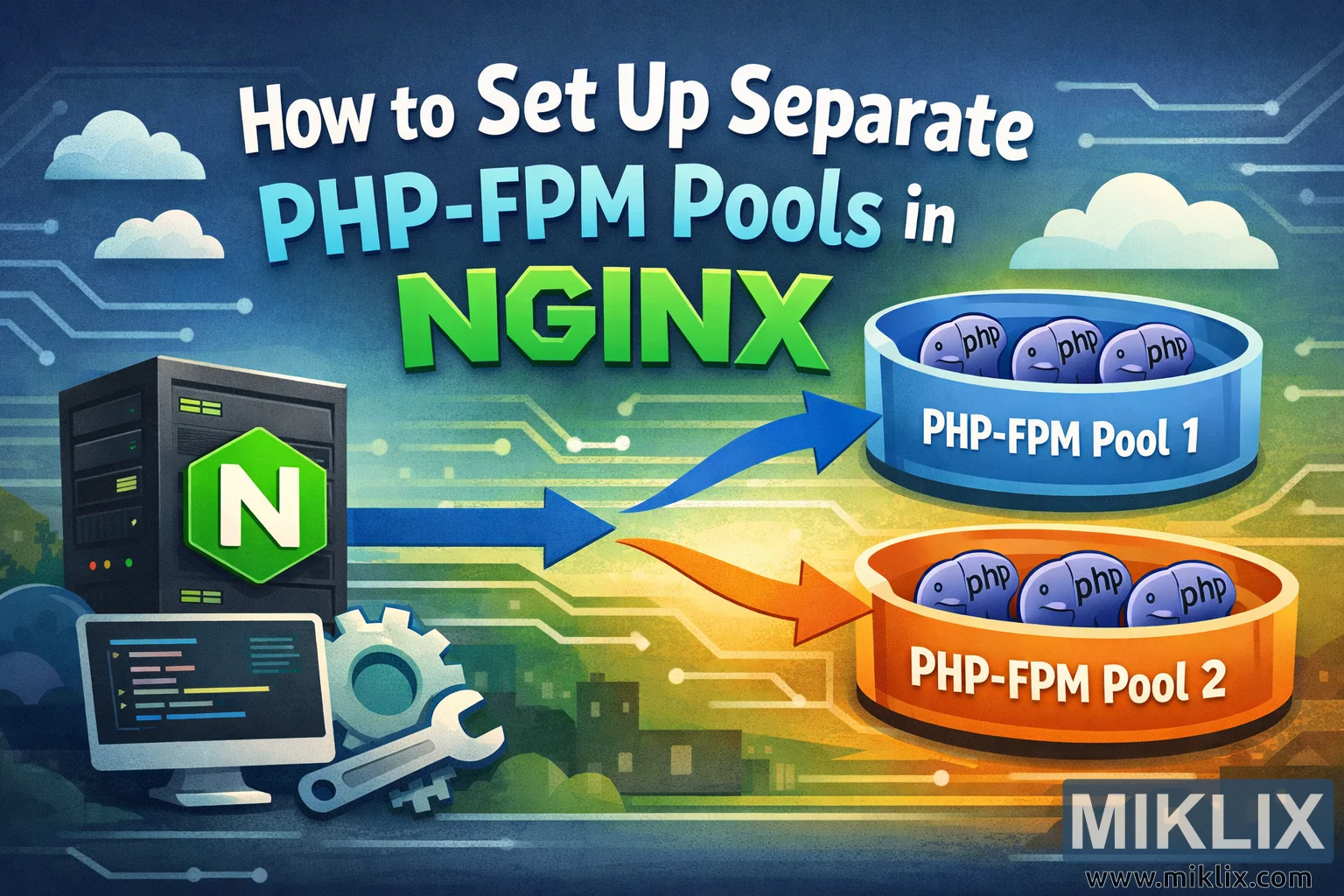
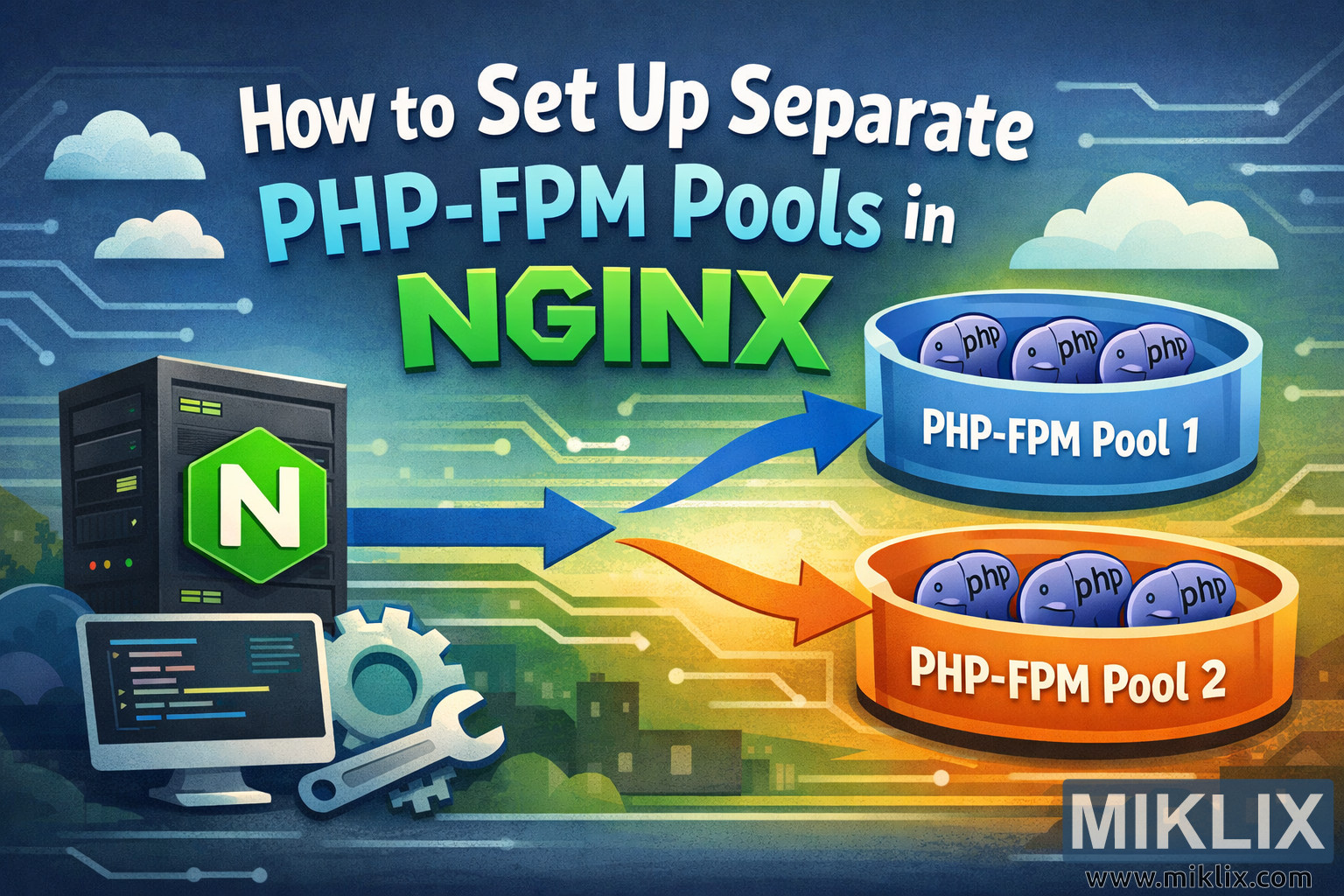
Banner image for a tutorial about configuring separate PHP-FPM pools in NGINX, with a server icon sending requests to two distinct PHP process groups.
Available versions of this image
The image files available for download below are less compressed and higher resolution - and as a result of that, higher quality - than the images embedded in articles and pages on this website, which are more optimized for file size in order to reduce bandwidth consumption.
Regular size (1,536 x 1,024)
Large size (3,072 x 2,048)
Very large size (4,608 x 3,072)
Extra large size (6,144 x 4,096)
Comically large size (1,048,576 x 699,051)
- Still uploading... ;-)
Image description
The image is a wide, landscape-oriented banner designed to introduce a technical blog post titled "How to Set Up Separate PHP-FPM Pools in NGINX." The overall style is friendly and illustrative rather than literal, making it suitable as a header graphic that communicates the concept without relying on real configuration details. The background uses a soft gradient that shifts from cool blue tones on the left to warmer green and yellow hues on the right, overlaid with faint circuit-board patterns to suggest server infrastructure and networking.
At the top center, the headline text is arranged in multiple lines with playful, bold typography. The words "How to Set Up Separate" appear in light, rounded letters, followed by "PHP-FPM Pools" in a larger, bright cyan font. Below that, "NGINX" is displayed in an oversized, vivid green typeface, acting as the visual anchor of the composition. Small cloud icons float near the title, reinforcing the idea of web services and hosting.
On the left side of the illustration stands a stylized server rack. The server is dark gray with subtle indicator lights, and on its front is a bright green hexagon badge containing a white letter "N," symbolizing NGINX. In front of the server is a flat computer monitor showing abstract code lines, along with a large wrench and gear icon. These elements imply configuration, tuning, and system administration work without showing any real commands.
From the server, two thick, curved arrows extend toward the right side of the image. The upper arrow is blue and the lower arrow is orange, visually separating two different processing paths. These arrows lead into two large cylindrical containers that represent separate PHP-FPM pools. Each container is drawn like an open tub, one in shades of blue labeled "PHP-FPM Pool 1" and the other in shades of orange labeled "PHP-FPM Pool 2." Inside each pool are several small, rounded cartoon characters with "php" written on them, each with simple faces. These mascots represent individual PHP worker processes and add a light, approachable tone to the technical topic.
The right side of the background shows faint silhouettes of buildings and more circuit patterns, suggesting a broader system environment. Overall, the image communicates the idea that a single NGINX server can route requests into multiple independent PHP-FPM pools, with color-coded paths and containers making the concept immediately understandable at a glance.
The image is related to: How to Set Up Separate PHP-FPM Pools in NGINX