
Image: Windows Technical Guides and System Configuration
Published: January 19, 2026 at 4:11:50 PM UTC
Last updated: January 19, 2026 at 4:12:15 PM UTC
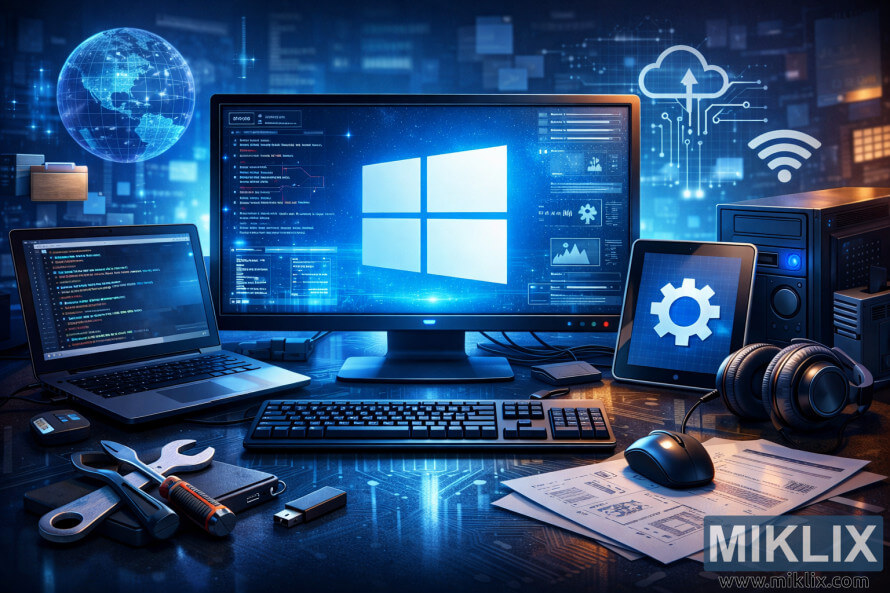
Illustration representing Windows technical guides with system configuration screens, code, cloud icons, and professional IT workspace elements.
Available versions of this image
The image files available for download below are less compressed and higher resolution - and as a result of that, higher quality - than the images embedded in articles and pages on this website, which are more optimized for file size in order to reduce bandwidth consumption.
Regular size (1,536 x 1,024)
Large size (3,072 x 2,048)
Very large size (4,608 x 3,072)
Extra large size (6,144 x 4,096)
Comically large size (1,048,576 x 699,051)
- Still uploading... ;-)
Image description
The image presents a wide, landscape-oriented digital illustration designed as a category header for a blog focused on Windows technical guides. At the center of the composition is a large desktop monitor displaying a glowing Windows logo against a deep blue, futuristic interface. Surrounding the logo are translucent system panels showing lines of code, performance metrics, configuration menus, charts, and diagnostic information, evoking the look of advanced system administration and troubleshooting dashboards. The interface elements are layered and semi-transparent, reinforcing a sense of depth and technical complexity.
The central monitor sits on a modern desk surface with subtle circuit-like patterns, suggesting digital infrastructure and computing foundations. To the left, an open laptop displays a dark-themed code editor filled with structured lines of code, reinforcing themes of scripting, automation, and advanced configuration. Nearby, a small external storage device and a USB flash drive emphasize data management, backups, and system tools commonly used in Windows environments.
On the right side of the desk, a tablet displays a large settings gear icon, symbolizing system configuration, optimization, and administrative control. Next to it, a pair of over-ear headphones and a wired mouse add realism to the workspace while suggesting long technical sessions, learning, and focused problem-solving. A compact desktop tower or server unit stands nearby, reinforcing ideas of hardware integration, system builds, and local infrastructure.
Scattered across the desk are printed technical documents and diagrams, hinting at system architecture plans, installation guides, or troubleshooting notes. A screwdriver and wrench lie in the foreground, subtly blending physical hardware maintenance with software-level expertise. These tools visually connect hands-on technical work with digital problem-solving.
In the background, floating icons and holographic symbols represent cloud computing, networking, wireless connectivity, and global data flow. A stylized globe made of digital grid lines appears to the left, symbolizing worldwide connectivity, enterprise systems, and modern IT ecosystems. The overall color palette is dominated by cool blues and whites, with soft glows and light reflections that convey a clean, professional, and forward-looking aesthetic.
Overall, the image communicates a clear focus on Windows-based technical knowledge, including system administration, configuration guides, performance tuning, troubleshooting, and infrastructure management. It is well-suited as a visual introduction for a blog category dedicated to Windows tutorials, how-to articles, and in-depth technical documentation, combining clarity, professionalism, and a modern technology-driven atmosphere.
The image is related to: Windows