
Image: Visual Guide to Wilson’s Maze Generation Algorithm
Published: January 10, 2026 at 8:14:11 PM UTC
Last updated: January 10, 2026 at 8:14:33 PM UTC
Educational infographic explaining Wilson’s maze generation algorithm with clear steps from empty grid to completed maze path.
Available versions of this image
The image files available for download below are less compressed and higher resolution - and as a result of that, higher quality - than the images embedded in articles and pages on this website, which are more optimized for file size in order to reduce bandwidth consumption.
Regular size (1,536 x 1,024)

Large size (3,072 x 2,048)
Very large size (4,608 x 3,072)
Extra large size (6,144 x 4,096)
Comically large size (1,048,576 x 699,051)
- Still uploading... ;-)
Image description
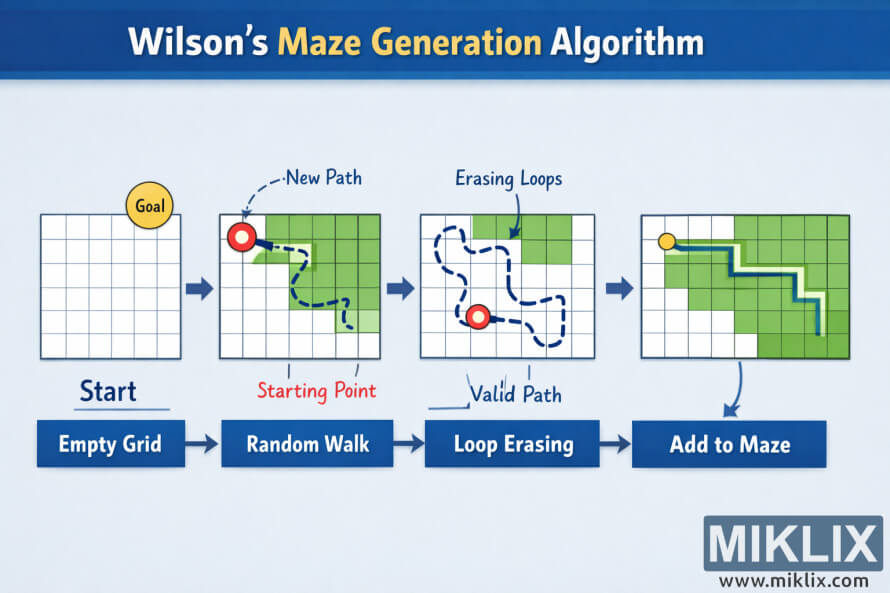
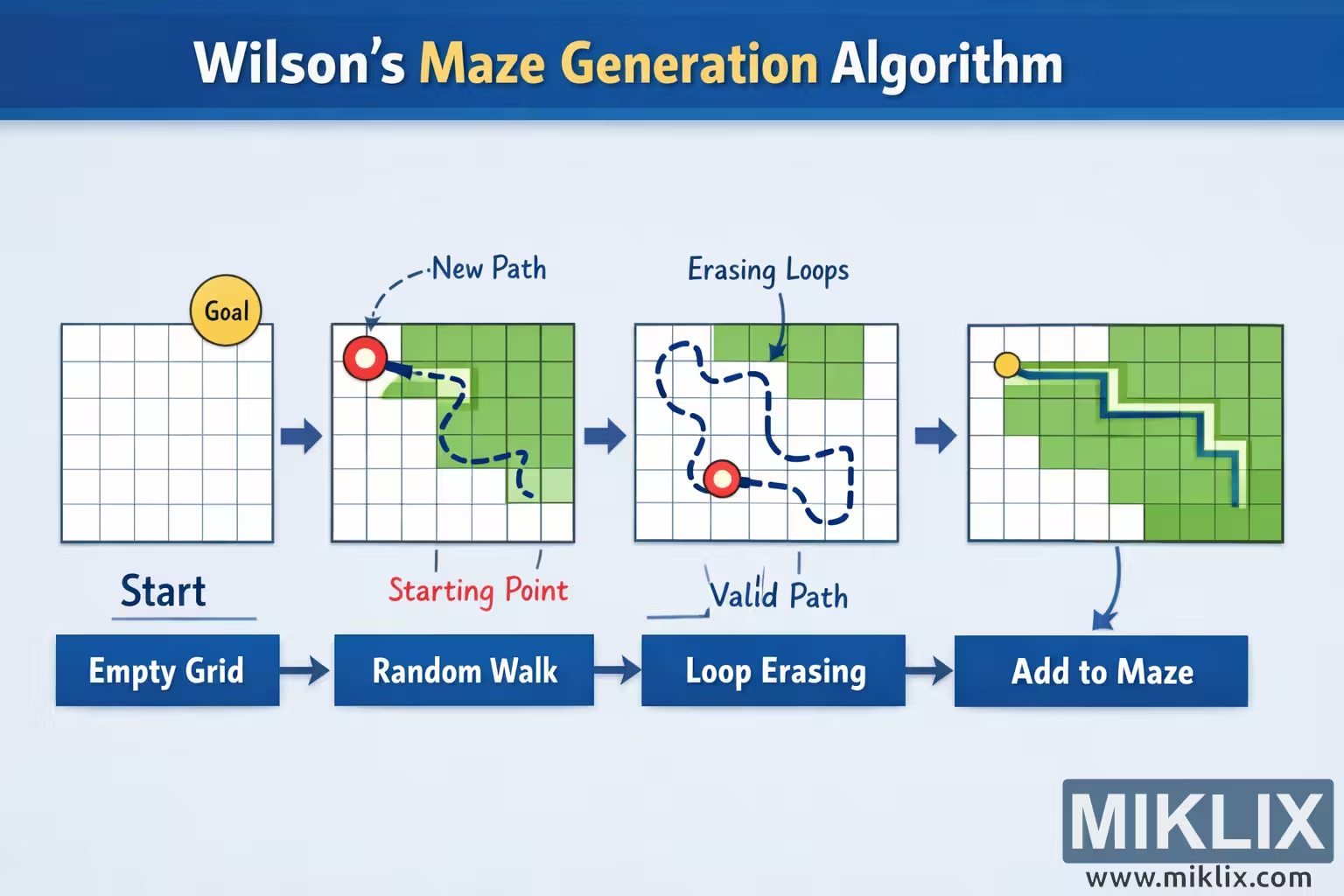
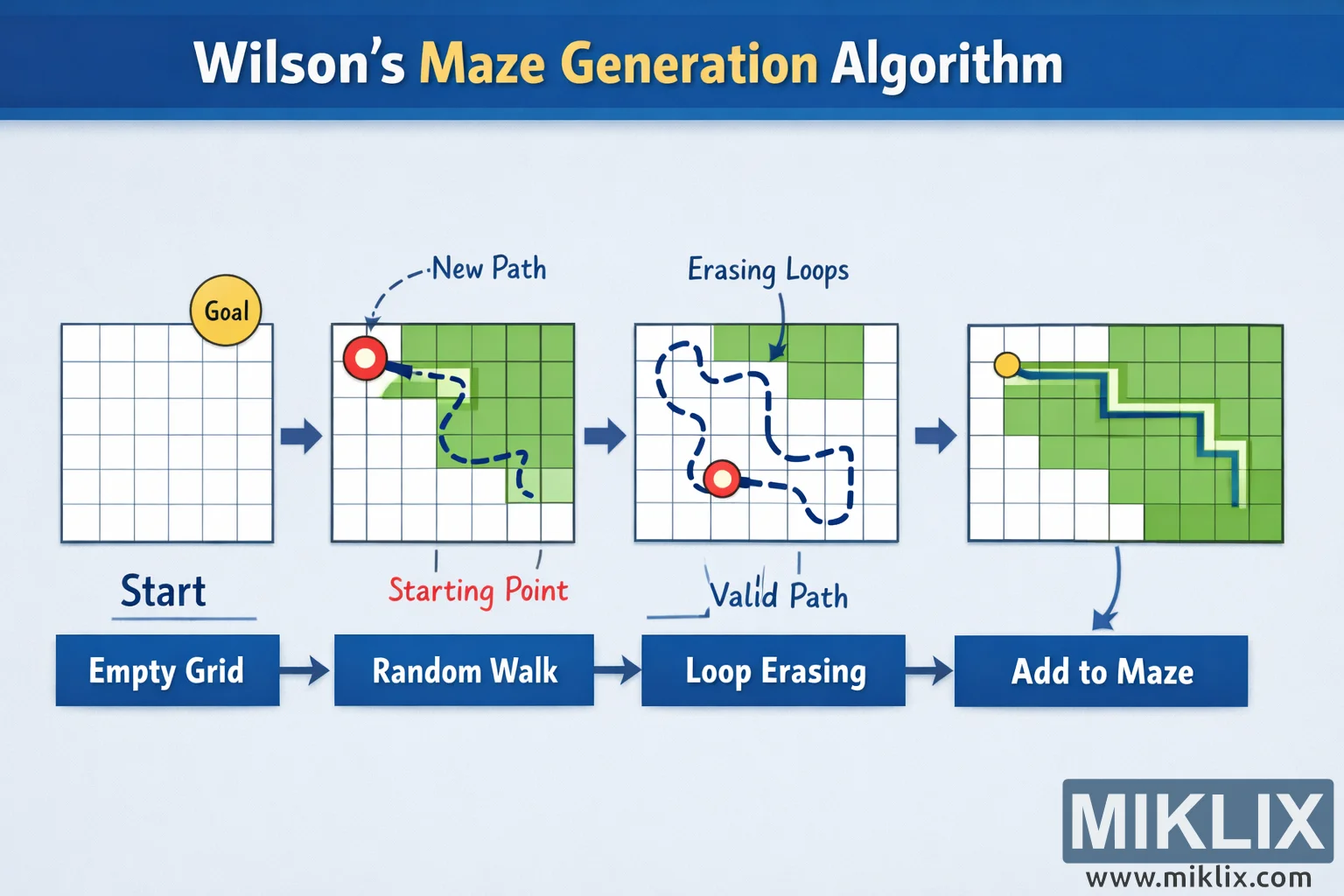
The image is a wide, landscape-oriented educational infographic with a clean, modern design. A large blue banner across the top contains the headline “Wilson’s Maze Generation Algorithm,” making it immediately clear which technique is being visualized. Below the headline, the content is arranged horizontally into four square panels, each representing a major phase of the algorithm. The panels are connected by large right-pointing arrows, guiding the reader from left to right and reinforcing the idea of a step-by-step process.
The first panel is labeled “Empty Grid” with the word “Start” beneath it. It shows a simple white grid with thin blue lines, representing a blank maze before any passages have been carved. Near the top of this grid, a small yellow circular marker labeled “Goal” indicates a cell that is already part of the maze, establishing a reference point without implying any specific technical details.
The second panel is labeled “Random Walk.” A red circular marker labeled “Starting Point” appears on the grid, showing where a new exploration begins. From this marker, a dashed, winding blue path travels across the grid in a loose, unpredictable way, visually representing a random walk. A translucent green area spreads behind parts of this path, suggesting regions that are being visited or considered during the walk. A handwritten-style annotation reading “New Path” points to the dashed line, clarifying that this wandering route is being created dynamically.
The third panel is labeled “Loop Erasing.” Here, the dashed blue path is shown with visible bends and overlaps, but some portions are visually simplified to suggest that loops are being removed. A small arrow and the text “Erasing Loops” point toward a curved section of the path, while another note reading “Valid Path” highlights the remaining simplified route. The red starting marker is still visible, reinforcing continuity from the previous step.
The fourth and final panel is labeled “Add to Maze.” In this panel, the dashed line is replaced by a solid, brightly colored corridor that connects from the existing yellow goal marker into the grid. The surrounding cells that have been incorporated into the maze are shaded green, clearly distinguishing carved passages from untouched areas. The path is drawn as a bold, clean channel, conveying that it is now a permanent part of the maze structure.
Overall, the illustration avoids dense technical symbols and instead relies on simple grids, colored markers, and friendly annotations. The consistent layout, arrows, and clear labels make the algorithm easy to understand at a glance, even for viewers with little prior knowledge of maze generation.
The image is related to: Wilson's Algorithm Maze Generator