
Image: SHA-384 Hash Algorithm — Visual Overview
Published: January 10, 2026 at 7:37:22 PM UTC
Last updated: January 10, 2026 at 7:38:50 PM UTC
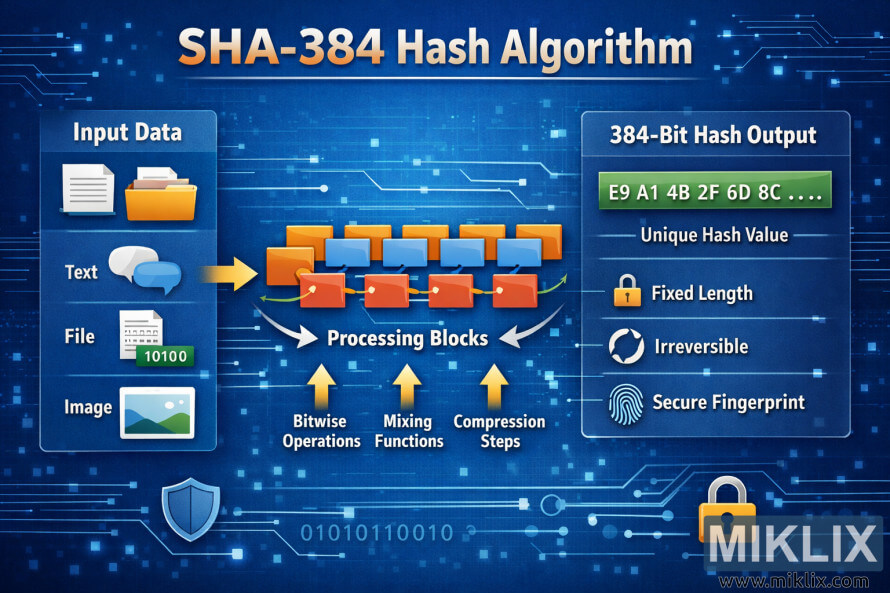
Clear infographic explaining the SHA-384 hash algorithm, from input data through processing blocks to a fixed-length 384-bit output with security properties.
Available versions of this image
The image files available for download below are less compressed and higher resolution - and as a result of that, higher quality - than the images embedded in articles and pages on this website, which are more optimized for file size in order to reduce bandwidth consumption.
Regular size (1,536 x 1,024)
Large size (3,072 x 2,048)
Very large size (4,608 x 3,072)
Extra large size (6,144 x 4,096)
Comically large size (1,048,576 x 699,051)
- Still uploading... ;-)
Image description
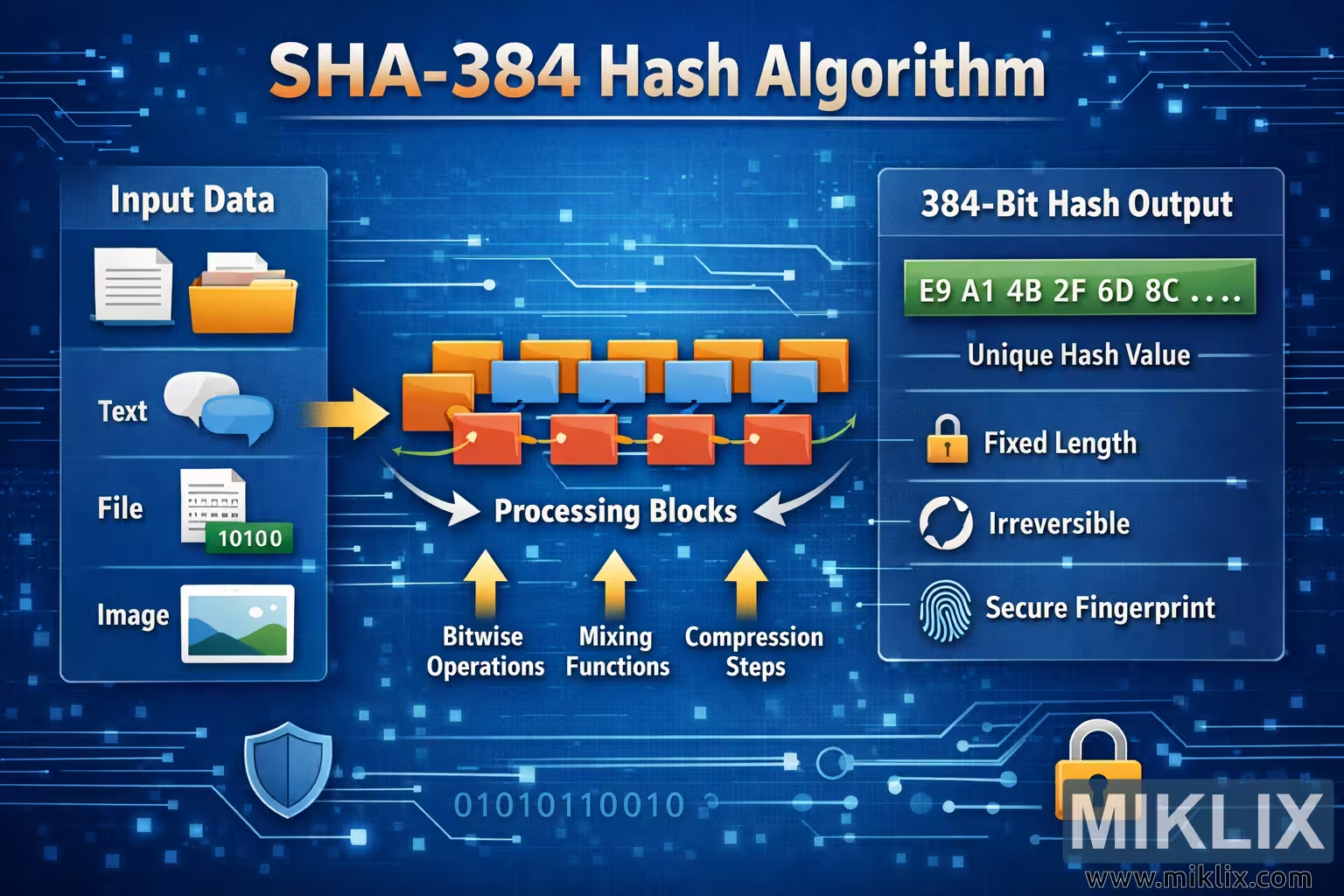
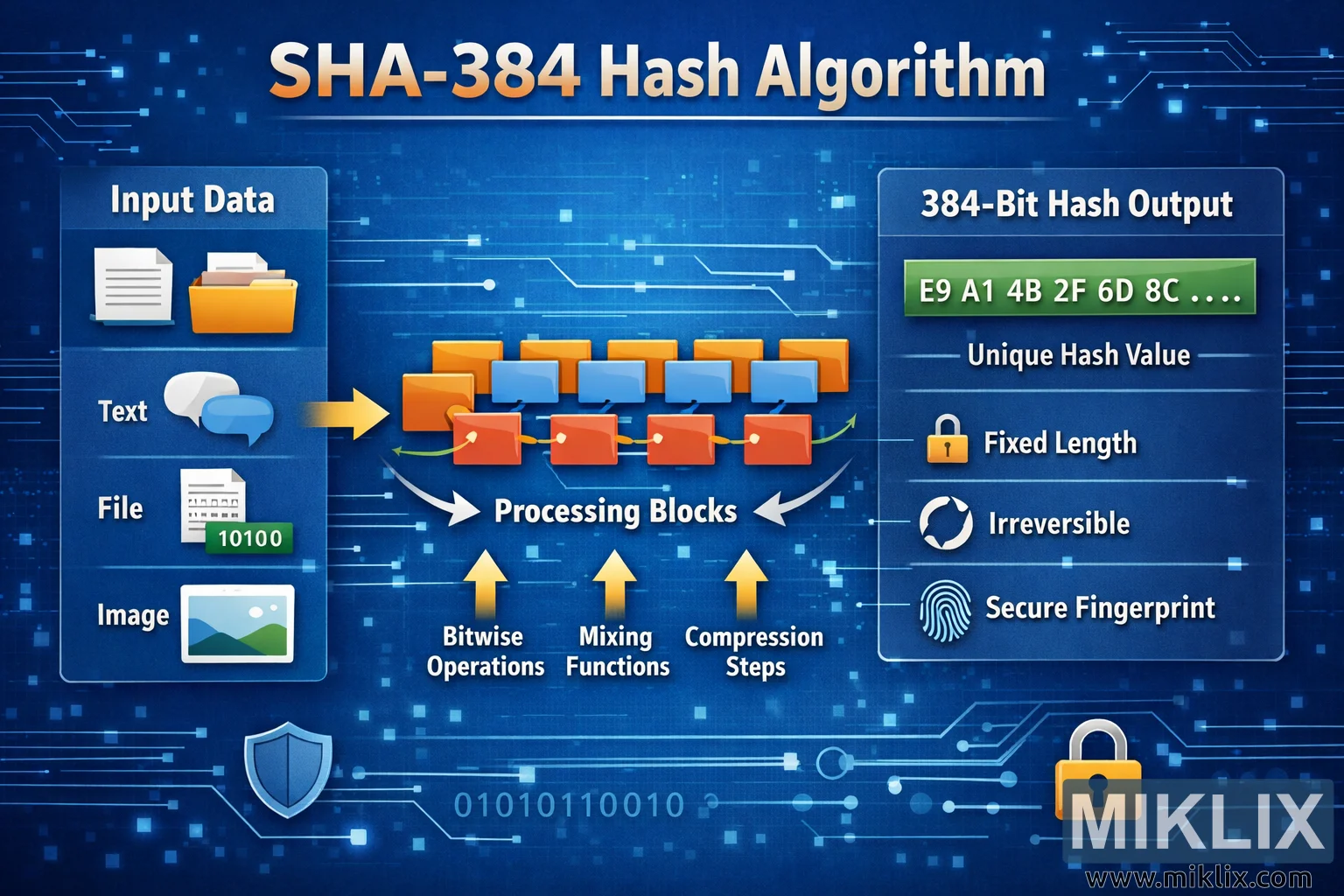
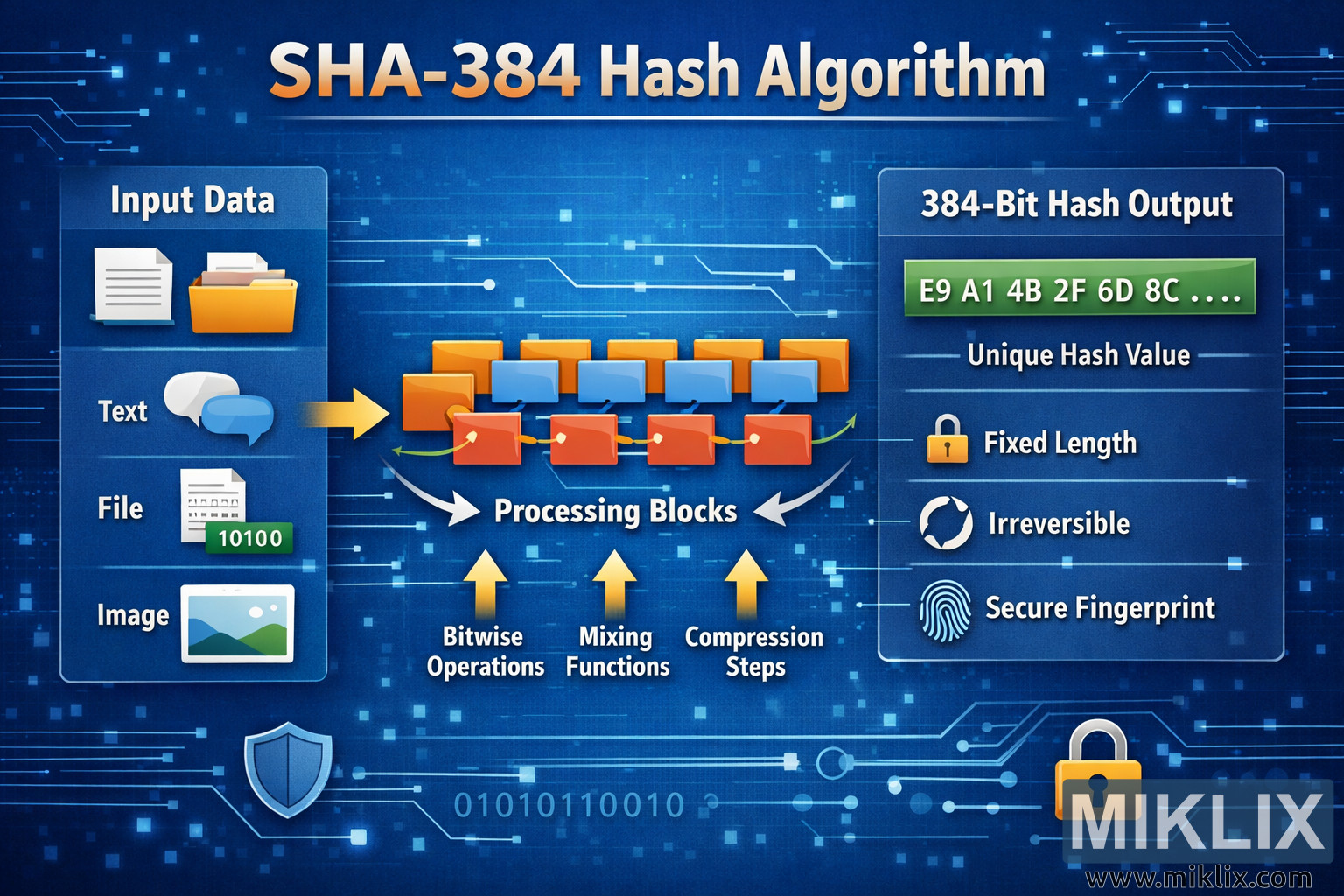
The image is a wide, landscape-oriented infographic with a modern blue technology background filled with subtle circuit lines, glowing nodes, and binary patterns. At the very top, a large headline in white and orange text reads \"SHA-384 Hash Algorithm\", making it immediately clear which cryptographic function is being visualized. The overall layout is divided into three main columns that guide the viewer from left to right.
On the left side is a rounded rectangular panel titled \"Input Data\". Inside this panel are three vertically stacked sections, each with a clear icon and label. The first section shows a document and chat bubble icon labeled \"Text\", representing written input. The second section shows a file icon with a small binary-style tag, labeled \"File\", indicating that arbitrary digital files can be hashed. The third section shows a small landscape image icon labeled \"Image\", showing that images and other media types are also valid inputs. A bright yellow arrow points from this input panel toward the center of the infographic, visually communicating the flow of data into the algorithm.
The center area is labeled \"Processing Blocks\" and depicts a stylized chain of rectangular blocks arranged in rows. Orange and blue blocks are connected by curved arrows, forming a pipeline that suggests multiple internal stages. Beneath this chain are three upward-pointing arrows with captions: \"Bitwise Operations\", \"Mixing Functions\", and \"Compression Steps\". These labels intentionally stay high-level and generic, avoiding overly specific or potentially inaccurate implementation details while still conveying the idea that the input is transformed and mixed in several rounds.
On the right side is another rounded rectangular panel titled \"384-Bit Hash Output\". At the top of this panel is a long green bar displaying a shortened example of hexadecimal characters such as \"E9 A1 4B 2F 6D 8C ....\", clearly indicating that the result is a fixed-length hash value. Below this bar are three icon-and-text pairs that describe the properties of the output. A small lock icon appears next to the words \"Fixed Length\", a circular arrow icon appears next to \"Irreversible\", and a fingerprint icon appears next to \"Secure Fingerprint\". These features summarize the key characteristics of a cryptographic hash without delving into mathematical specifics.
Additional decorative elements, such as shield and padlock icons near the bottom corners, reinforce the theme of security. The entire color scheme uses blues for the background, oranges and yellows for flow and emphasis, and green for the final hash output, making the flow of information intuitive and easy to follow. Overall, the infographic presents SHA-384 as a process that takes many forms of input data, runs them through abstract processing blocks, and produces a consistent, secure 384-bit hash value.
The image is related to: SHA-384 Hash Code Calculator