
Image: High-Level Visualization of the Tiger-128/4 Hash Process
Published: January 9, 2026 at 10:56:13 PM UTC
Last updated: January 9, 2026 at 10:56:30 PM UTC
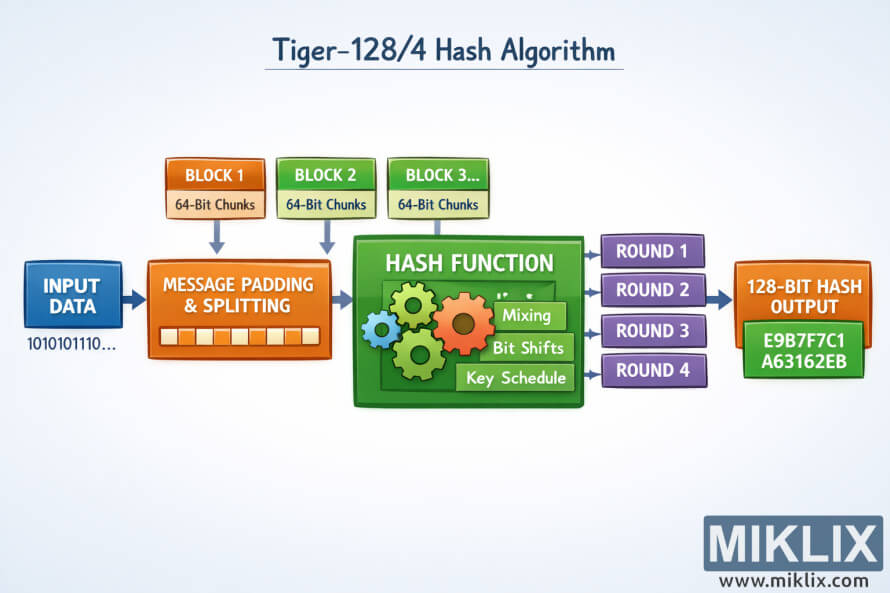
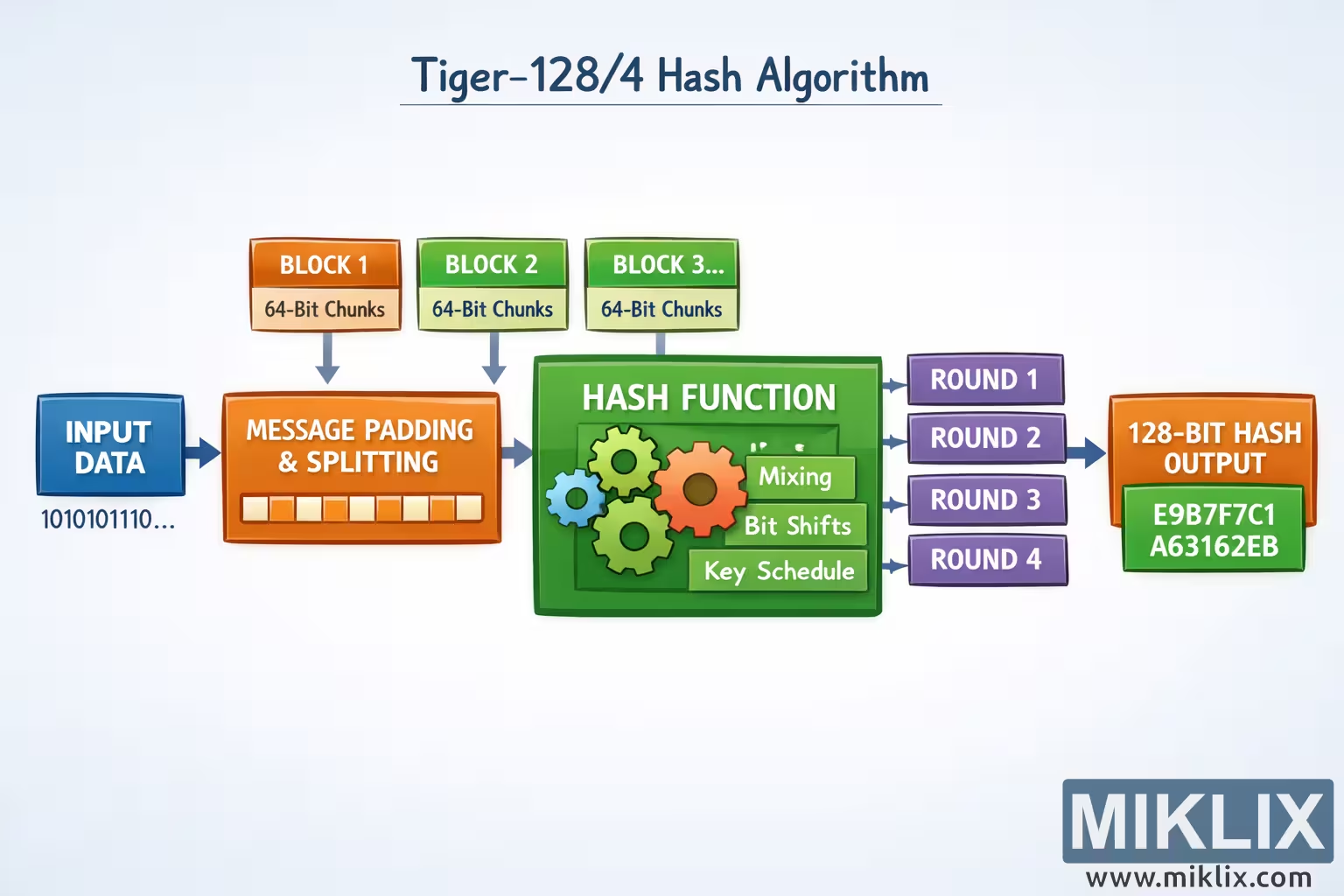
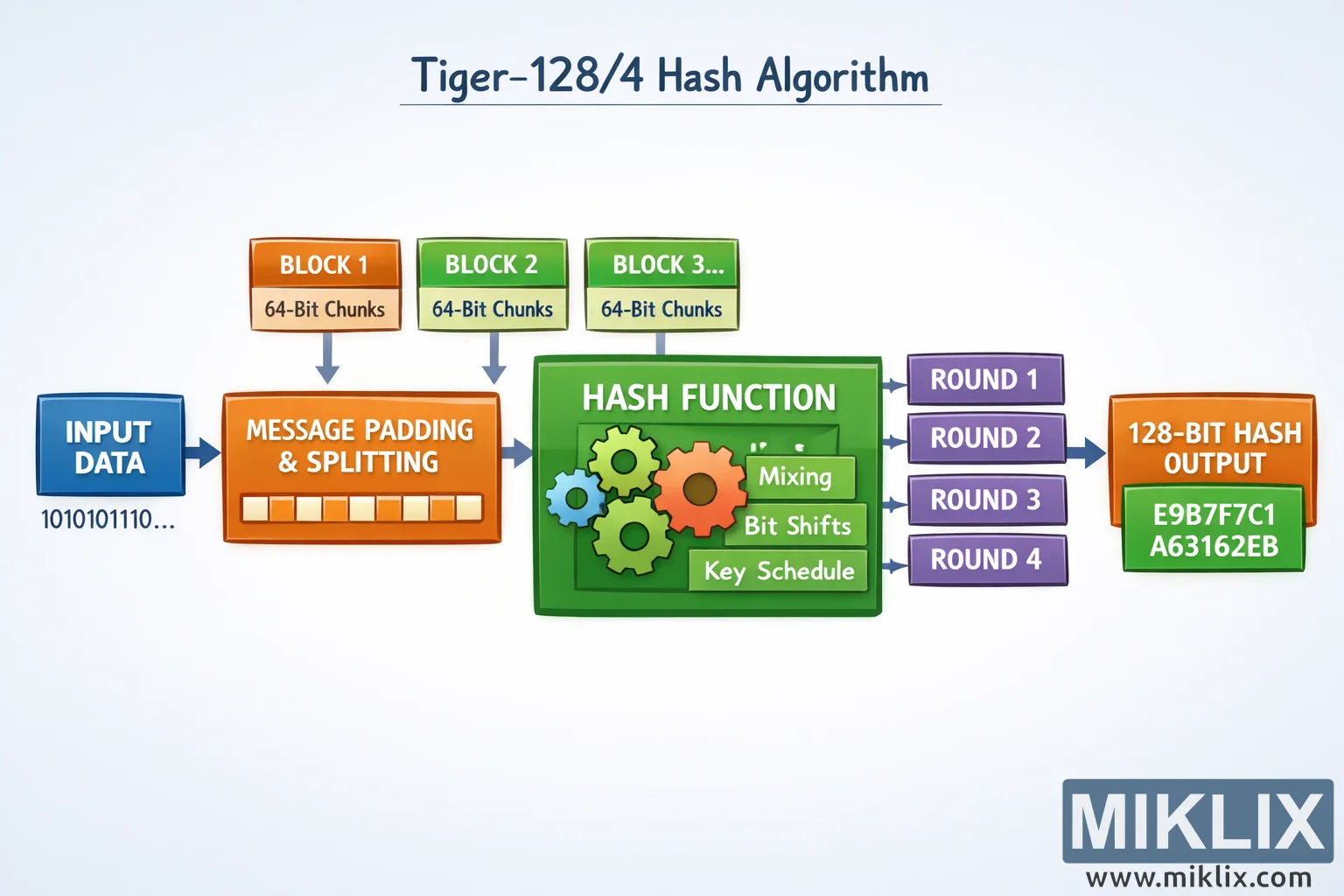
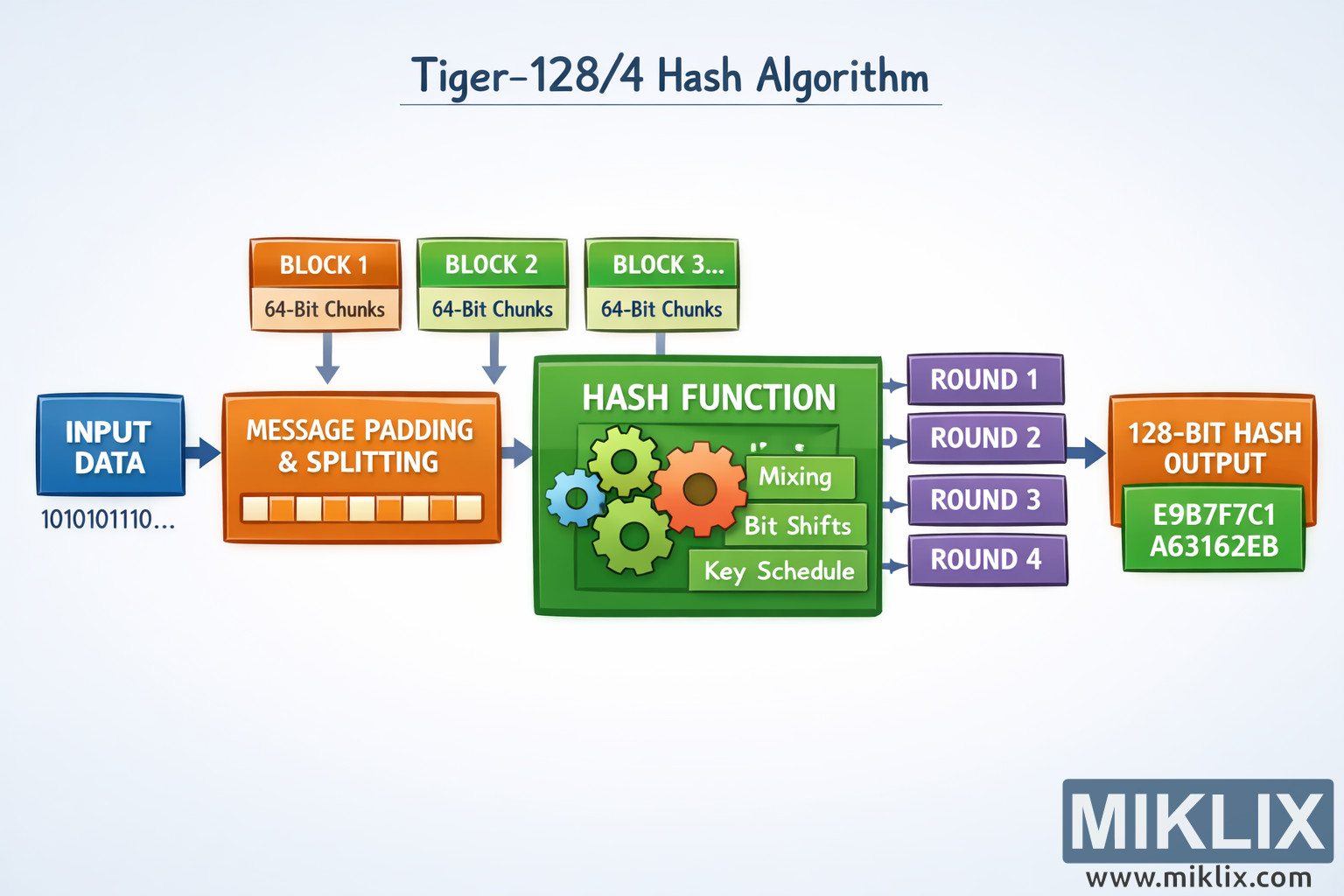
A clean, easy-to-understand infographic illustrating the high-level flow of the Tiger-128/4 cryptographic hash algorithm, designed for learners without low-level technical detail.
Available versions of this image
The image files available for download below are less compressed and higher resolution - and as a result of that, higher quality - than the images embedded in articles and pages on this website, which are more optimized for file size in order to reduce bandwidth consumption.
Regular size (1,536 x 1,024)
Large size (3,072 x 2,048)
Very large size (4,608 x 3,072)
Extra large size (6,144 x 4,096)
Comically large size (1,048,576 x 699,051)
- Still uploading... ;-)
Image description
The image is a wide, landscape-oriented educational infographic that explains the Tiger-128/4 hash algorithm at a conceptual level, without relying on precise implementation parameters. On the far left, a rounded rectangle labeled "Input Data" contains abstract icons representing text, numbers, and files, indicating that any digital data can be processed. A large arrow flows rightward into a central processing area, establishing a clear left-to-right narrative.
The central region is the heart of the diagram. It is drawn as a large container titled "Hash Processing Core" with subtle background shading to distinguish it from the input and output sections. Inside this container are several smaller boxes arranged horizontally, each representing a generic processing stage. These are labeled with broad, friendly terms such as "Pre-processing", "Mixing", "Rounds", and "Compression". No numeric constants or strict algorithmic details are shown, ensuring the visualization stays accurate at a high level.
Between these inner boxes, curved arrows loop slightly, visually suggesting repeated transformation and internal state updates. Near the "Rounds" box, a small circular arrow icon implies iteration, hinting that the algorithm performs several passes over the data. Color usage is restrained: soft blues and greys dominate, while arrows are slightly darker to make the flow easy to follow.
Below the central boxes, faint explanatory captions appear in plain language. For example, under "Mixing" a short note reads that the data is "combined and shuffled for diffusion", and under "Compression" another note explains that the internal state is "condensed toward a fixed-size result". These annotations are intentionally non-technical, focusing on learning rather than exact mechanics.
On the right side of the diagram, the arrows converge into a final bold box labeled "Tiger-128/4 Hash Output". Inside this box is a stylized string of hexadecimal-like characters, evenly spaced and partially masked, to indicate a fixed-length hash value without committing to a specific length or format. A small lock or shield icon is placed beside the output to visually reinforce the security and integrity theme.
The overall composition uses generous spacing, rounded shapes, and clear typography to keep the image approachable. The background is light and uncluttered, allowing the flow from left to right to be immediately understandable. The result is a high-level, conceptually accurate visualization that teaches the idea of how Tiger-128/4 transforms arbitrary input into a secure hash, without exposing fragile or potentially incorrect technical details.
The image is related to: Tiger-128/4 Hash Code Calculator