
Image: Tiger-192/3 Hash Algorithm Overview
Published: January 9, 2026 at 10:59:52 PM UTC
Last updated: January 9, 2026 at 11:00:27 PM UTC
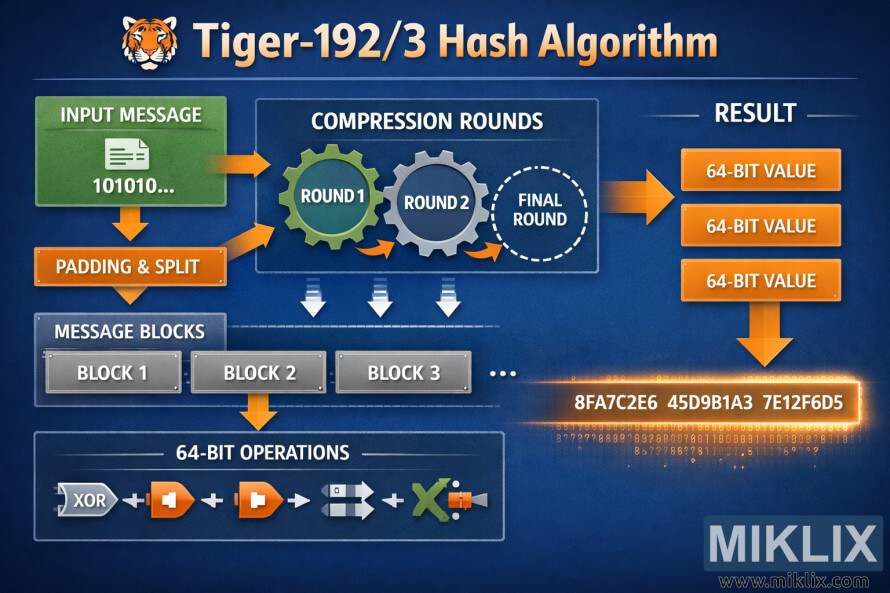
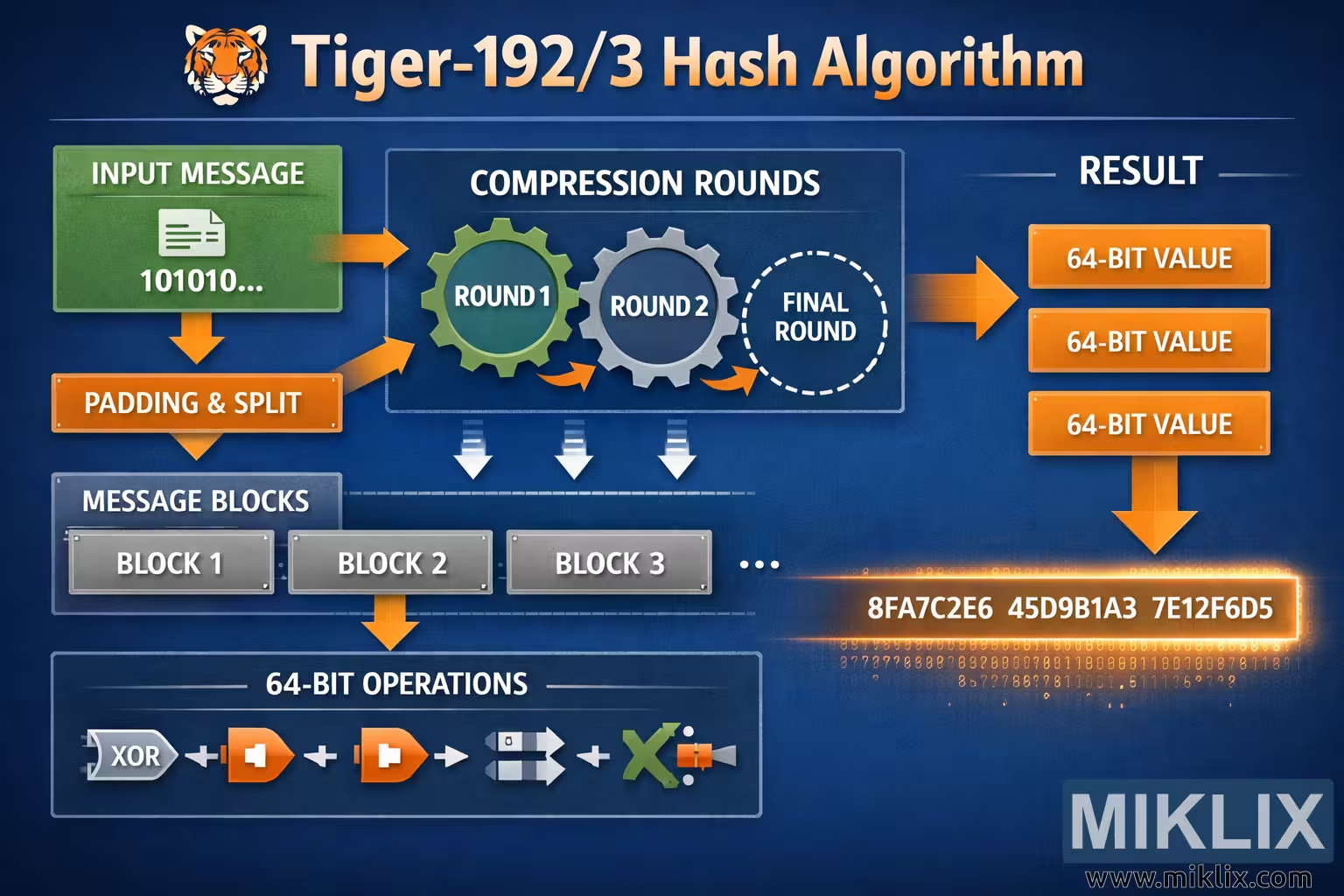
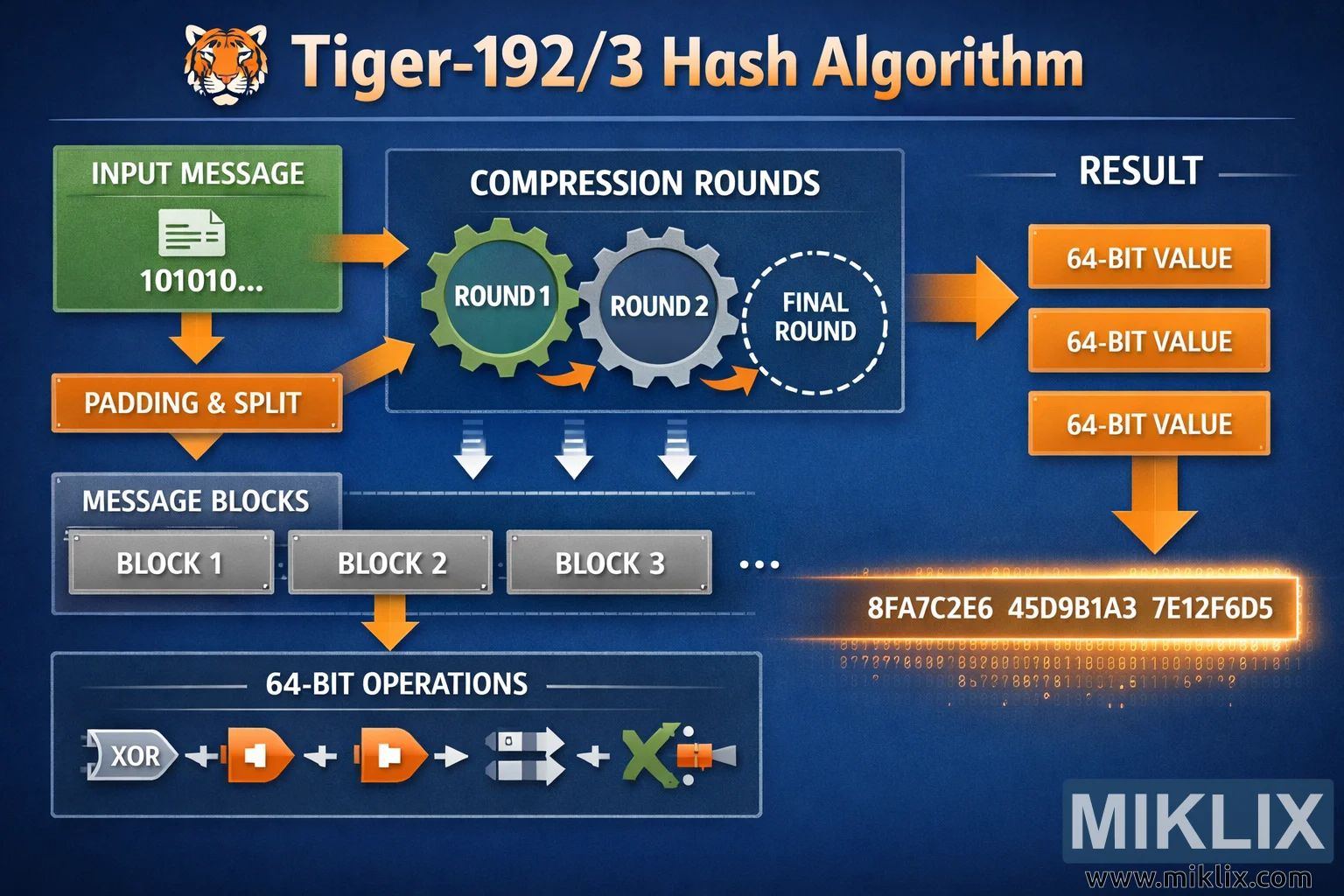
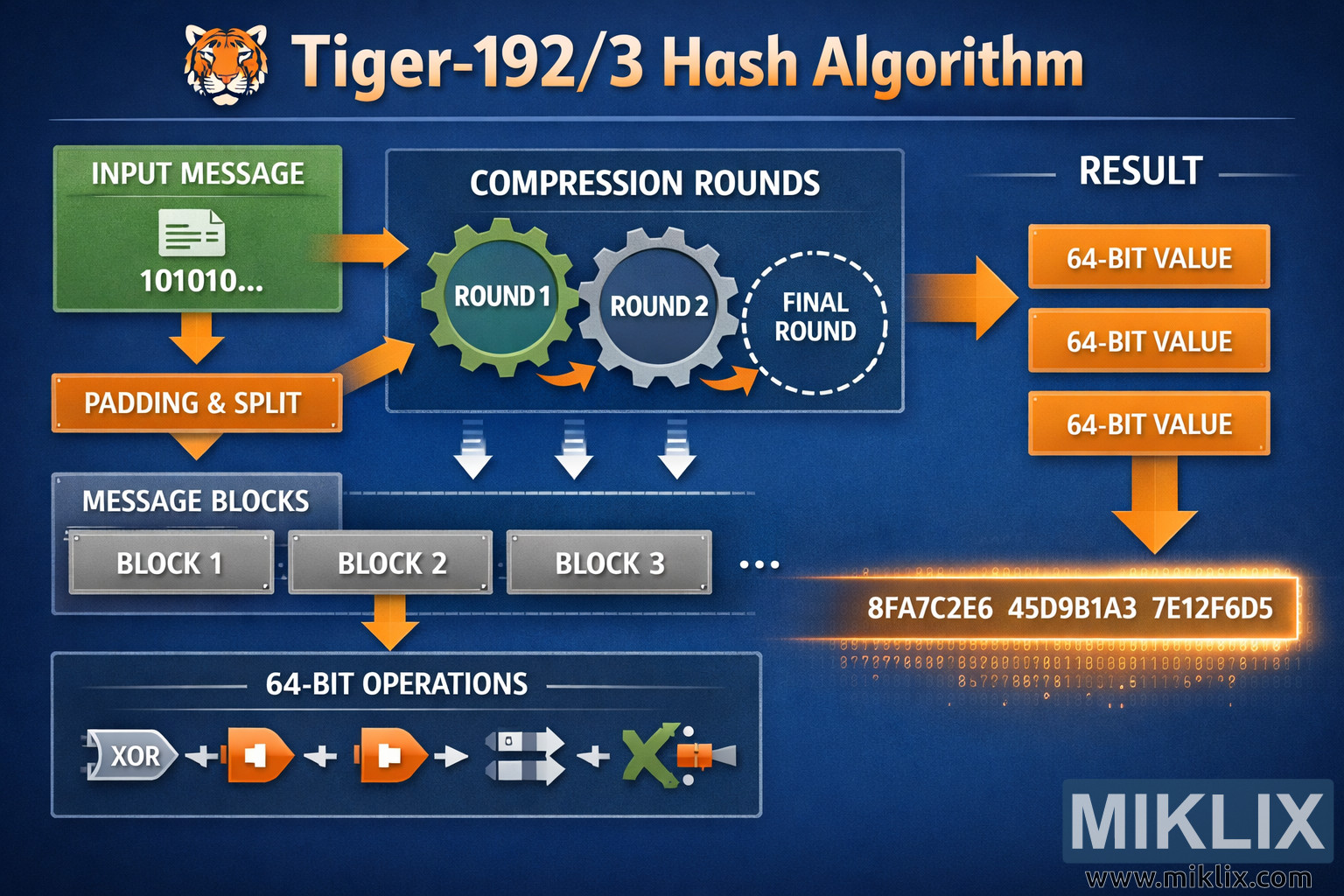
Educational infographic explaining the structure of the Tiger-192/3 hash algorithm, illustrating input processing, compression rounds, and the final 192-bit output.
Available versions of this image
The image files available for download below are less compressed and higher resolution - and as a result of that, higher quality - than the images embedded in articles and pages on this website, which are more optimized for file size in order to reduce bandwidth consumption.
Regular size (1,536 x 1,024)
Large size (3,072 x 2,048)
Very large size (4,608 x 3,072)
Extra large size (6,144 x 4,096)
Comically large size (1,048,576 x 699,051)
- Still uploading... ;-)
Image description
The image is a wide, landscape-oriented infographic titled "Tiger-192/3 Hash Algorithm" displayed across the top in large, glowing letters, accompanied by a stylized tiger head icon. The overall color scheme is dark blue with subtle gradients, giving the visual a technical, modern appearance. From left to right, the diagram presents the high-level flow of a cryptographic hash function without delving into risky implementation details.
On the far left, a green panel labeled "Input Message" shows a generic document icon and a short string of binary digits to indicate that arbitrary data can be processed. An orange arrow leads downward to a box labeled "Padding & Split," which represents the preprocessing stage where the message is prepared for hashing. From there, the data is shown entering a horizontal row of gray boxes labeled "Block 1," "Block 2," "Block 3," followed by ellipses to suggest that any number of blocks may be created depending on message length.
Above the blocks, a larger framed area titled "Compression Rounds" contains three prominent gear icons labeled "Round 1," "Round 2," and "Final Round." Curved arrows between the gears imply an iterative, sequential process applied to each block. Small downward arrows from this framed area point toward the row of message blocks, visually reinforcing the idea that each block is processed through the same set of rounds.
At the bottom left, a panel titled "64-bit Operations" shows a row of abstract symbols representing typical low-level arithmetic and logical transformations. The symbols are intentionally generic — for example, a simple "XOR" label and a few boxy icons — to communicate the nature of bit-level mixing without locking the diagram to a precise or potentially misleading formula.
On the right side of the image, a section labeled "Result" displays three vertically stacked orange boxes, each marked "64-bit value." These boxes are grouped to visually indicate that the final output is composed of three parts. A large arrow points from the compression area to these result boxes, highlighting the culmination of the process. Beneath them, a glowing rectangular strip contains an example hexadecimal-style string broken into three segments, illustrating how the three 64-bit values can be represented together as a single 192-bit hash output.
Overall, the layout uses clean arrows, clear headings, and consistent iconography to guide the viewer through the concept of transforming an input message into a fixed-length digest. The diagram emphasizes clarity and educational value rather than strict algorithmic fidelity, making it suitable for high-level explanations of how a hash algorithm like Tiger-192/3 is structured.
The image is related to: Tiger-192/3 Hash Code Calculator